CRM Software in Nepal (2026): 8 Options Compared by Price in NPR, Local Support & Fit
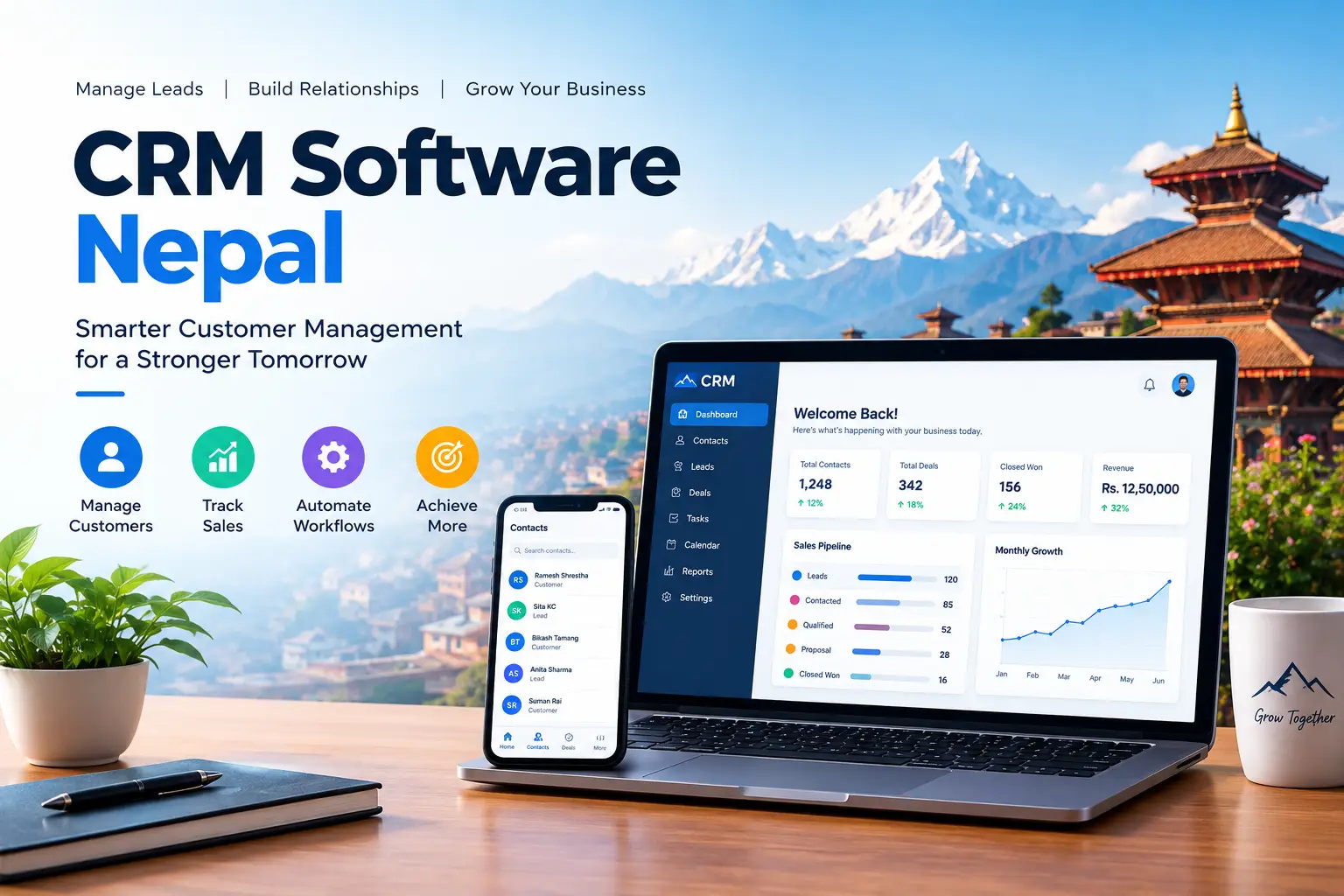
CRM Software in Nepal (2026): 8 Options Compared by Price in NPR, Local Support & Fit
Updated October 2026 · Prices checked against vendor pages and pricing trackers in 2026 · Independent guide, no vendor sponsorship
Search “CRM software Nepal” and you will notice something odd: most of the pages telling you which CRM is “best” are written by a company that sells one. That is not useful when you are about to spend a lakh or more a year on a system your whole sales team will live in.
This guide is different. It compares 8 CRM options available to Nepali businesses – three built in Nepal and five global platforms – on the things that actually decide whether a CRM works here: the real cost in NPR, whether you can pay for it with a Nepali dollar card, Nepali-language and Bikram Sambat support, local payment gateways, IRD billing fit, and what Nepal’s privacy law says about storing customer data.
Key takeaways
- Cheapest to start: Odoo CRM (free as a single app), Zoho CRM (free for up to 3 users), HubSpot’s free CRM and Bitrix24’s free plan.
- Best NPR billing and local support: Nepali-built tools like Pace CRM, Thulo CRM and Delta Sales CRM – no dollar card needed.
- Hidden Nepal cost: a 5-user Zoho CRM Standard plan costs about $840 a year – already above the standard $500 dollar-card limit.
- A CRM is not billing software. You still need an IRD-approved billing or accounting system for invoices.
- Privacy: Nepal’s Individual Privacy Act, 2075 requires consent and purpose limits for customer data – build this into your CRM forms from day one.
In this guide
- What CRM software is – and whether you need one
- How a CRM works: the lead-to-customer pipeline
- 8 CRM options in Nepal compared
- Real first-year cost in NPR (5-user team)
- Paying for a foreign CRM from Nepal
- Nepal-specific features most lists ignore
- Customer data and Nepal’s privacy law
- Best CRM by business type
- How to choose in 7 steps
- FAQs
What Is CRM Software – and Does Your Nepali Business Need One?
CRM (customer relationship management) software is a shared, searchable record of every lead and customer: who they are, what they asked about, what you quoted, who is following up and what happens next. Instead of living in one salesperson’s phone, a notebook and a dozen Viber or WhatsApp chats, the whole history lives in one system the team and the owner can see.
That said, not every business needs one on day one. A tea shop or a small kirana store with walk-in customers usually needs good IRD-approved billing software far more than a CRM. Use the quick check below.
✓ You likely need a CRM if…
- Two or more people handle leads and you cannot see who followed up.
- Sales take days or weeks (quotes, site visits, negotiation).
- Leads come from Facebook, your website, calls and walk-ins at once.
- Customers return – renewals, AMC contracts, repeat orders.
✗ You can probably wait if…
- You are a solo owner with a short customer list.
- Most sales are instant, one-time, over the counter.
- A shared Google Sheet still works without dropped follow-ups.
- Your bigger problem is billing, stock or VAT – fix that first.
How a CRM Works: The Lead-to-Customer Pipeline
Every CRM, local or global, is built around a pipeline. A lead enters, moves through stages, and either becomes a customer or is marked lost – with every call, message and quote logged along the way.
Website form, Facebook lead ad, call, walk-in
Budget, need, timeline, decision-maker
Tasks, reminders, Viber/email/SMS
Proposal, negotiation, approval
Invoice in billing software, renewals, support
Figure 1: The five stages a CRM tracks. Stage 5 hands off to your IRD-approved billing system.
CRM Software in Nepal: 8 Options Compared
Prices below are per user per month on annual billing unless stated, converted at roughly NPR 153 per US dollar (the Nepal Rastra Bank rate range in mid-2026). Exchange rates move daily, so treat NPR figures as estimates.
| CRM | Made in | Free option | Entry paid price | Pay in NPR? | Best for |
|---|---|---|---|---|---|
| Pace CRM | Nepal | Demo | Quote-based (listed from about $3) | Yes | SMEs wanting local setup help |
| Thulo CRM | Nepal | No | NPR 750/month (yearly) | Yes | Solo owners needing website + CRM |
| Delta Sales CRM | Nepal | No | $50–90/month or one-time licence | Yes | Field sales and lead assignment |
| Zoho CRM | India | Up to 3 users | $14 (about NPR 2,140) | Via local partners | Best value full-featured CRM |
| HubSpot CRM | USA | Free CRM | $20/seat list (about NPR 3,060) | No (dollar card) | Marketing-led teams |
| Bitrix24 | USA | Unlimited users | $49/month for 5 users | No (dollar card) | CRM + tasks + chat in one |
| Odoo CRM | Belgium | One app free | About $24.90 for all apps | Via local partners | Growing into a full ERP |
| Salesforce | USA | Trial only | $25 (Starter Suite) | Via partners | Banks, large enterprises |
1. Pace CRM (The Pace Infosys, Nepal)
A cloud CRM built in Nepal for SMEs, covering lead tracking, pipelines, automated follow-ups, email campaigns and KPI dashboards. Its listed clients include Maruti Cement, NMB Securities, Kumari Job and Hotel Asiatique. Pricing is quote-based; one software directory lists it from about $3 per user per month.
- Pros: local team, NPR billing, customisable workflows.
- Watch out: almost all “best CRM in Nepal” articles ranking today are published on Pace’s own blog – ask for a trial and two customer references rather than relying on those rankings.
2. Thulo CRM (Nepal)
Thulo bundles a sales CRM with a website builder, online selling, invoices, email/SMS campaigns and Nepali payment gateways (cards, eBanking and wallets). The Entrepreneur plan is NPR 750 per month billed yearly; Business Starter is NPR 1,500 per month plus NPR 375 per extra user, billed yearly.
- Pros: the cheapest fully NPR-priced option; one login for website and CRM.
- Watch out: less depth for complex B2B pipelines than Zoho or HubSpot.
3. Delta Sales CRM (Delta Tech, Nepal)
Focused on lead capture, lead status, assignment to salespeople and follow-ups, with Gmail integration so client email threads sit inside the CRM. Its public listing shows a one-time licence of roughly $200–800 or a subscription of $50–90 per month.
- Pros: one-time purchase option avoids recurring dollar payments.
- Watch out: confirm what “one-time” includes – updates, hosting and support are often extra.
4. Zoho CRM (and Bigin)
The value leader among global CRMs. Zoho CRM is free for up to 3 users; paid editions cost $14 (Standard), $23 (Professional), $40 (Enterprise) and $52 (Ultimate) per user per month on annual billing, or roughly $20–65 month to month. Bigin, Zoho’s simpler pipeline CRM, starts around $7. Zoho has implementation partners in Nepal, which helps with setup and local invoicing.
- Pros: deep automation, AI assistant (Zia), huge app ecosystem.
- Watch out: denser interface; storage, add-ons and partner setup fees add up.
5. HubSpot CRM
HubSpot’s free CRM is genuinely usable for contact, deal and task tracking. Sales Hub Starter is listed at $20 per seat per month (HubSpot often shows lower promotional annual prices), Professional at $100 per seat ($90 annually) and Enterprise at $150. Professional also carries a mandatory onboarding fee reported at $1,500.
- Pros: easiest interface; excellent if you also run email and Facebook marketing.
- Watch out: email sequences and real automation start at Professional, a big price jump for a Nepali SME.
6. Bitrix24
Bitrix24 combines CRM, task management, chat and video calls. Its free plan allows unlimited users; paid plans are priced per bundle of users rather than per seat, starting around $49 a month for 5 users on annual billing.
- Pros: flat bundle pricing is predictable for small teams.
- Watch out: going one user over a bundle forces an upgrade; the feature list can overwhelm new users.
7. Odoo CRM
Odoo’s “One App Free” plan lets you use a single app – such as CRM – with unlimited users at no licence cost. Add a second app (inventory, invoicing) and you move to Standard, around $24.90 per user per month in the US (regional prices differ). Several Odoo partners operate in Nepal for setup.
- Pros: free CRM today, clean upgrade path to a full ERP later.
- Watch out: customisation and data migration by partners is where Odoo costs grow.
8. Salesforce
The global enterprise standard, with a Starter Suite reported from $25 per user per month and far higher tiers for advanced features. In Nepal it suits banks, insurers and large groups that already work with an implementation partner – not a 5-person sales team.
Real First-Year Cost in NPR: A 5-User Sales Team
Per-user prices hide the real bill. Here is what a 5-person team would pay in licence fees for year one on each entry plan (annual billing, NPR 153 per dollar, excluding VAT, setup and add-ons).
Estimated year-one licence cost, 5 users (NPR)
Figure 2: Licence fees only. Free plans of HubSpot, Zoho (3 users) and Bitrix24 also cost NPR 0 with feature limits.
What the chart does not show: partner setup (often the largest one-time cost for Zoho, Odoo and Salesforce), data migration from Excel, SMS credits, extra storage, and staff training time. Budget at least the same again as one year’s licence for a properly configured rollout.
Paying for a Foreign CRM from Nepal: The Dollar Card Problem
This is the gap almost every competitor skips. Global CRMs bill in US dollars by card, and Nepal limits how many dollars you can spend online.
- Standard prepaid dollar card: capped at $500 a year. A 5-user Zoho Standard subscription ($840) or HubSpot Starter ($1,200 at list) already exceeds it. See our dollar card in Nepal guide for banks and fees.
- NRB IT prepaid card (2026): in April 2026 Nepal Rastra Bank allowed Class A and national-level Class B banks to issue IT prepaid cards for buying IT and communication services, with an annual limit of $3,000 ($5,000 for exporting IT firms). Ask your bank whether your business qualifies.
- Buy through a local partner: Zoho, Odoo and Salesforce partners in Nepal can often invoice in NPR, which avoids the card limit entirely and gives you a local VAT bill.
- Tax note: a foreign SaaS invoice carries no Nepali VAT you can claim. Ask your accountant how reverse-charge VAT on imported services applies to you – our Nepal VAT e-billing guide explains the wider rules.
Practical rule: if your team is larger than 3 users and you do not qualify for the IT prepaid card, either buy a global CRM through a Nepali partner or choose a Nepal-built CRM billed in rupees. Do not plan your sales system around a card that will hit its limit in month five.
Nepal-Specific Features Most “Best CRM” Lists Ignore
Generic international reviews judge CRMs on AI and integrations. In Nepal, these practical checks matter more:
| Feature | Why it matters in Nepal | What to ask the vendor |
|---|---|---|
| Nepali Unicode | Customer names and addresses are often typed in Devanagari. | Can I search and export Nepali text correctly? |
| Bikram Sambat dates | Fiscal year, renewals and festivals follow BS. | Can reports and reminders show BS dates? |
| Viber & WhatsApp | Most customer conversations happen there, not email. | Can chats be logged against a lead? |
| Local SMS gateway | Bulk SMS to NTC and Ncell numbers is still the highest-reach channel. | Which Nepali SMS provider is integrated, and at what rate? |
| eSewa, Khalti, Fonepay | Payment links close deals faster. | Can I send a payment link from the deal? |
| Billing & accounting sync | Invoices must come from IRD-approved software; Tally is widely used. | Does it sync won deals to my billing or Tally? |
| Mobile on weak data | Field sales outside the valley often work on patchy 4G. | Does the app work offline and sync later? |
On billing: a CRM tracks the sale, but the legal invoice must still be issued from software on the IRD-approved billing software list. If you are choosing both at once, compare the best accounting software in Nepal first and pick a CRM that can hand over won deals to it.
Customer Data and Nepal’s Privacy Law
A CRM is a database of personal information, so it falls under Nepal’s Individual Privacy Act, 2075 (2018), in force since Ashwin 2, 2075, and the Individual Privacy Regulation, 2077. In plain terms:
- Consent and notice: the person should know you are collecting their details and agree to it. Add a consent line to your website and Facebook lead forms.
- Purpose limit: data collected for one purpose should not be reused or shared for another without consent – so do not sell or swap lead lists.
- Data abroad is a grey area: lawyers note the Act is unclear on transfers of personal data outside Nepal. Cloud CRMs hosted overseas are widely used, but banks and financial institutions should also check Nepal Rastra Bank’s sector rules.
- Security basics: turn on two-factor login, give each salesperson only the records they need, and remove ex-employees on their last day.
This is general information, not legal advice. Regulated businesses should confirm requirements with a Nepali lawyer.
From experience: why spreadsheets break first
When I ran a student team making corporate cold calls for event sponsorship in Kathmandu, we tracked everything in one shared spreadsheet. It worked for the first week. Then two callers phoned the same company, a promised call-back slipped because it sat in someone’s personal notes, and nobody could tell which companies had actually said “send the proposal” versus “call next month”.
None of that needed an expensive tool – it needed one owner per lead, a next-action date on every row, and a pipeline view. That is the core of every CRM in this list. If a free plan gives you those three things, start there and upgrade only when you hit a real limit.
Best CRM by Business Type in Nepal
| Business type | Good starting CRM | Pair it with |
|---|---|---|
| Solo founder / freelancer | HubSpot Free, Zoho Free or Thulo Entrepreneur | Simple IRD billing app |
| B2B SME (5–20 sales staff) | Zoho CRM Standard, Pace CRM, Bitrix24 | Accounting software |
| Distributors & wholesalers | Odoo (CRM + stock) or Zoho Professional | Inventory management software |
| Hotels & travel agencies | HubSpot or Zoho for corporate and agent leads | Hotel management software |
| Pharma distributors & pharmacies | Pace CRM or Zoho for doctor and retailer visits | Pharmacy billing software |
| Education consultancies | Zoho, Pace CRM or HubSpot (student lead stages) | Email and SMS follow-up |
| Banks, insurers, large groups | Salesforce, Zoho Enterprise via certified partner | Core banking / ERP integration |
How to Choose CRM Software in Nepal: 7 Steps
Local CRM vs Global CRM at a glance
Nepal-built (Pace, Thulo, Delta)
- Billed in NPR with a local VAT invoice
- Support in Nepali, in your time zone
- Easier local payment and SMS integrations
- Smaller app ecosystems; check long-term roadmap
Global (Zoho, HubSpot, Bitrix24, Odoo, Salesforce)
- Generous free plans and deep features
- Thousands of integrations and tutorials
- Dollar billing and card limits
- Nepal-specific needs need partner work
If email campaigns are part of your follow-up, see our comparison of the best email marketing software. For more business tools, browse the Web, SEO & business software guides.
Frequently Asked Questions
Which is the best CRM software in Nepal?
There is no single best one. For most small teams, Zoho CRM offers the best value among global tools, HubSpot is the easiest free CRM, and Nepal-built options like Pace CRM and Thulo CRM are best if you want NPR billing and local support. Choose by team size, budget and how you will pay.
How much does CRM software cost in Nepal?
From free to over NPR 2 lakh a year. Nepali tools start around NPR 750 a month; Zoho CRM Standard is about NPR 2,140 per user per month and HubSpot Sales Starter about NPR 3,060 per seat at list price. A 5-user team typically spends NPR 30,000–1,85,000 a year on licences before setup costs.
Is there free CRM software for Nepali businesses?
Yes. HubSpot has a free CRM, Zoho CRM is free for up to 3 users, Bitrix24 has a free plan with unlimited users, and Odoo lets you use its CRM app alone for free. Free plans limit automation, storage or support.
Can I pay for Zoho or HubSpot from Nepal?
Yes, with a prepaid dollar card, but the standard card is capped at $500 a year. Nepal Rastra Bank’s 2026 IT prepaid card raises the limit to $3,000 for eligible IT and communication purchases. Buying through a Nepali partner who invoices in NPR is the other option.
Does a CRM replace IRD-approved billing software?
No. A CRM manages leads and relationships; tax invoices in Nepal must be issued through IRD-approved billing or accounting software. The best setup connects the two so won deals become invoices without retyping.
Is it legal to store Nepali customer data in a foreign cloud CRM?
The Individual Privacy Act, 2075 requires consent and purpose limits but is not clear on cross-border transfers, and cloud CRMs hosted abroad are widely used. Banks and other regulated institutions should check Nepal Rastra Bank rules and take legal advice.
Does a small business in Nepal really need a CRM?
Only when follow-ups start slipping. If two or more people handle leads, or sales take days of quoting and negotiation, a CRM pays for itself quickly. A solo shop with walk-in sales is usually better served by good billing software first.
Final Verdict
Start with the cheapest tool that gives every lead an owner, a next step and a stage. For most Nepali SMEs that means a free plan from Zoho, HubSpot or Odoo, or an NPR-billed local CRM like Pace or Thulo. Move up only when automation, reporting or team size demands it – and before you commit to a dollar-billed plan, check that your payment route can carry the full annual bill.