
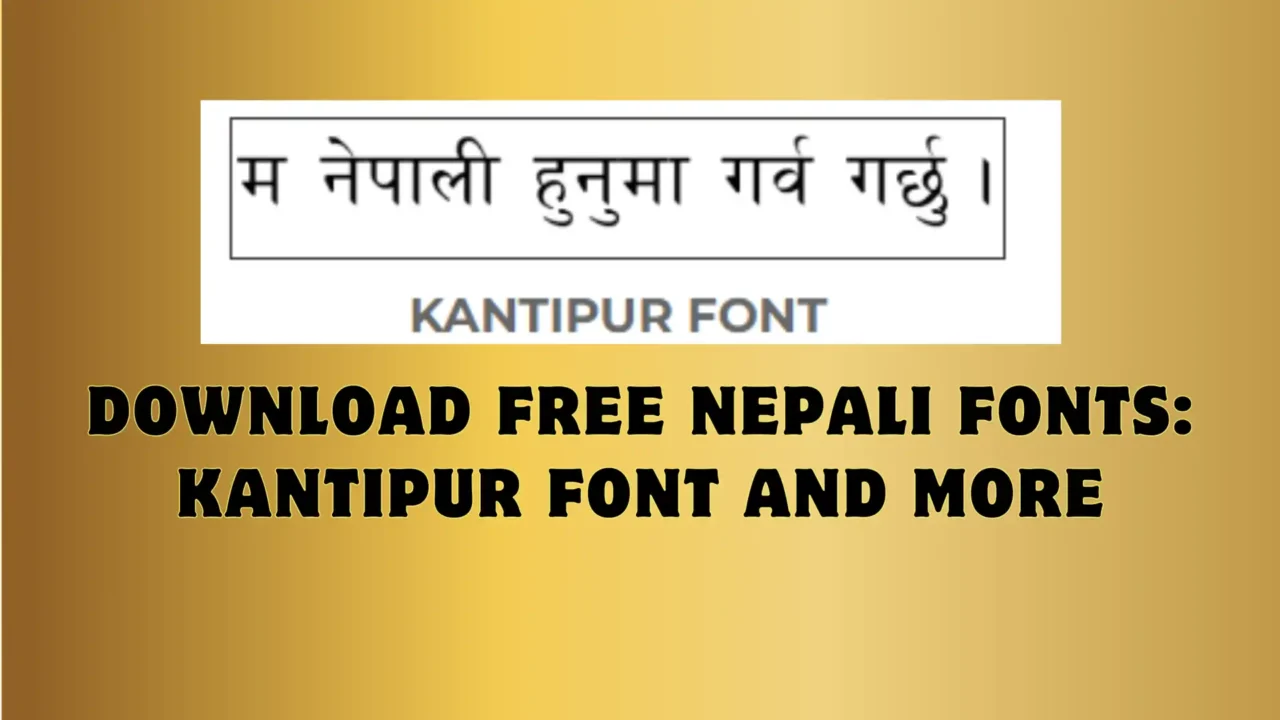
Kantipur Font Free Download for Windows, Mac & Linux
Kantipur is one of the most widely recognized Nepali Devanagari fonts, in the same classic family as Preeti and Kanchan. Here's how to get it, install it correctly on any OS, and understand how it actually works before you use it.
What is the Kantipur font?
Kantipur is a classic Nepali font for typing and designing in Devanagari script — the same visual style long associated with Kantipur Daily, one of Nepal's largest newspapers. It's simple, highly legible, and close in shape and clarity to the Preeti font, which is why the two are often confused or used side by side.
Like Preeti, Kanchan, and most of the fonts in this family, Kantipur is a legacy (non-Unicode) font: it works by remapping regular English keys to Devanagari characters, rather than using the Unicode Devanagari standard. That one fact explains almost every install or display problem people run into with it — see the comparison below before you install.
Character map preview
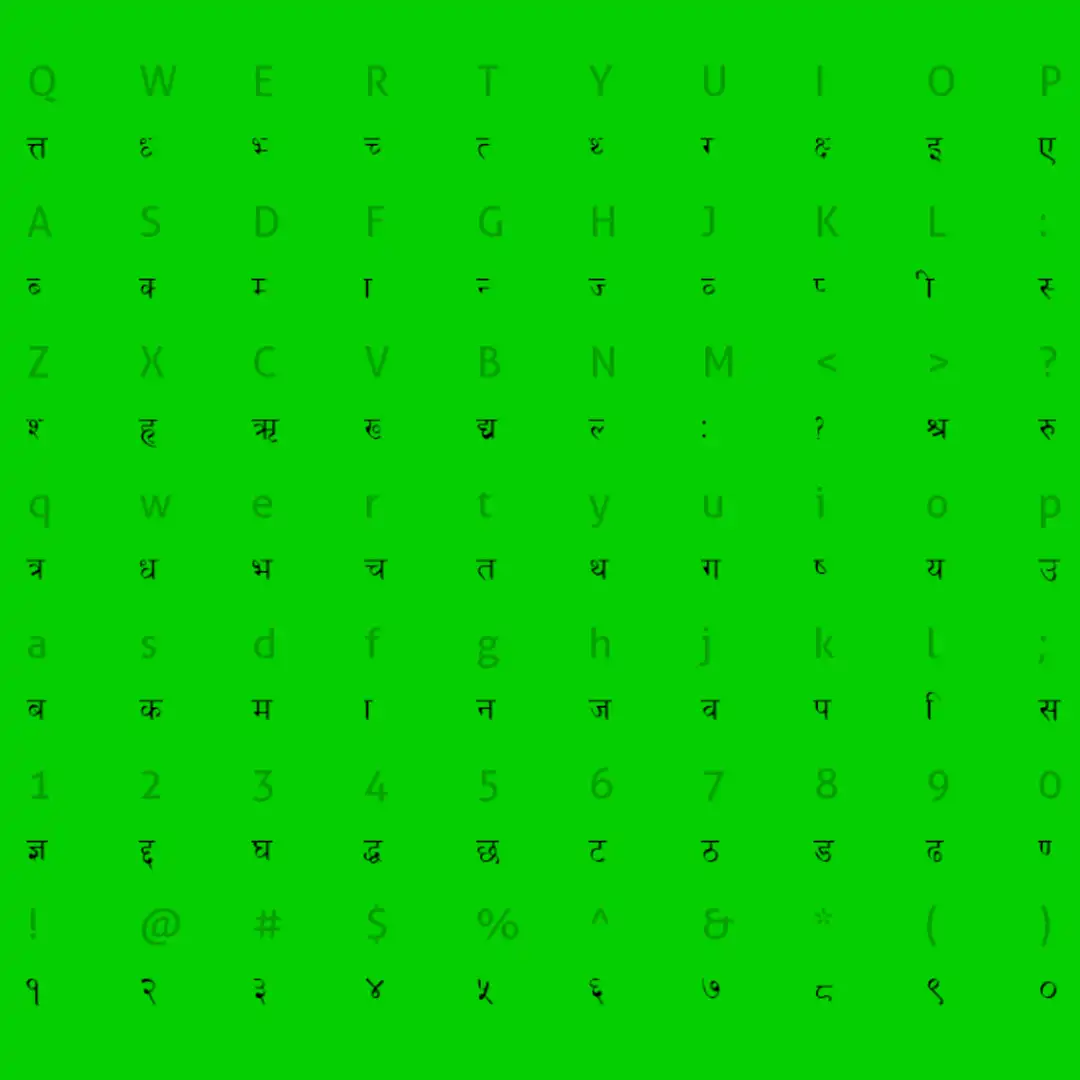
Every character and key mapping in the Kantipur font, at a glance.
Legacy font vs. Unicode — why it matters
⚠️ Legacy fonts like Kantipur
Only display correctly on a device that has the exact font installed. Paste the text into a website, WhatsApp, or someone else's computer without Kantipur installed, and it turns into boxes or random symbols.
✅ Unicode Devanagari fonts
Display correctly everywhere — browsers, phones, social media — without installing anything, because the text itself is standard Unicode, not a remapped font.
If you're typing something that needs to display correctly for other people (a social post, a web page, a WhatsApp message), convert it to Unicode first — our free Preeti/Kantipur-to-Unicode converter does this in one paste. If you're designing something locally (posters, print, Photoshop work) where you control the fonts used, Kantipur works exactly as intended.
How to install the Kantipur font
Windows
Extract the downloaded ZIP, then double-click the Kantipur font file inside it. Click Install at the top of the preview window — it's ready to use immediately in Word, Photoshop, and anywhere else. If it doesn't show up right away, restart the app (or your PC).
Mac
Double-click the font file to open it in Font Book, then click Install Font. It's immediately available in Pages, Keynote, Photoshop, and other apps.
Linux
Copy the font file into ~/.fonts (just for you) or /usr/share/fonts (for every user on the machine), then run fc-cache -f -v in a terminal to refresh the font cache.
Ready to get the font? It's part of our free Nepali fonts collection — look for the Kantipur Font card on the download page.
Go to the Font Download Page →Opens our Nepali Fonts hub, where Kantipur is one of several fonts you can grab for free.
Frequently asked questions
Is Kantipur a Unicode font?
No. Kantipur is a legacy (non-Unicode) Nepali font, in the same family as Preeti and Kanchan. Text typed in it only displays correctly on a device that has the font installed — paste it somewhere else and it can turn into boxes or symbols. For text that needs to display correctly everywhere, use a Unicode font instead, or run your text through a Preeti/Kantipur-to-Unicode converter first.
Why does my Kantipur text show up as boxes or question marks?
Almost always because the font isn't installed on the device you're viewing it on, or the app you're using doesn't support legacy Nepali fonts. Reinstall the font, restart the app, and make sure you're not trying to view it on a device where Kantipur was never installed in the first place.
What's the difference between Kantipur and Preeti fonts?
Visually they're close — both are classic Devanagari fonts with a similar clean, newspaper-style look. The practical difference is mostly about habit and keyboard layout: many typists learn one specific layout and stick with it. If you already know the Preeti layout, see our Preeti font and keyboard layout guide.
Can I use the Kantipur font commercially?
For personal documents, school work, or informal design, it's fine. For anything commercial — books, branding, products for sale — verify the font's license with its original source before publishing, since legacy Nepali fonts circulated online rarely come with clear, traceable licensing. If you need a font with an unambiguous open license, look for a Unicode alternative with published licensing terms instead.