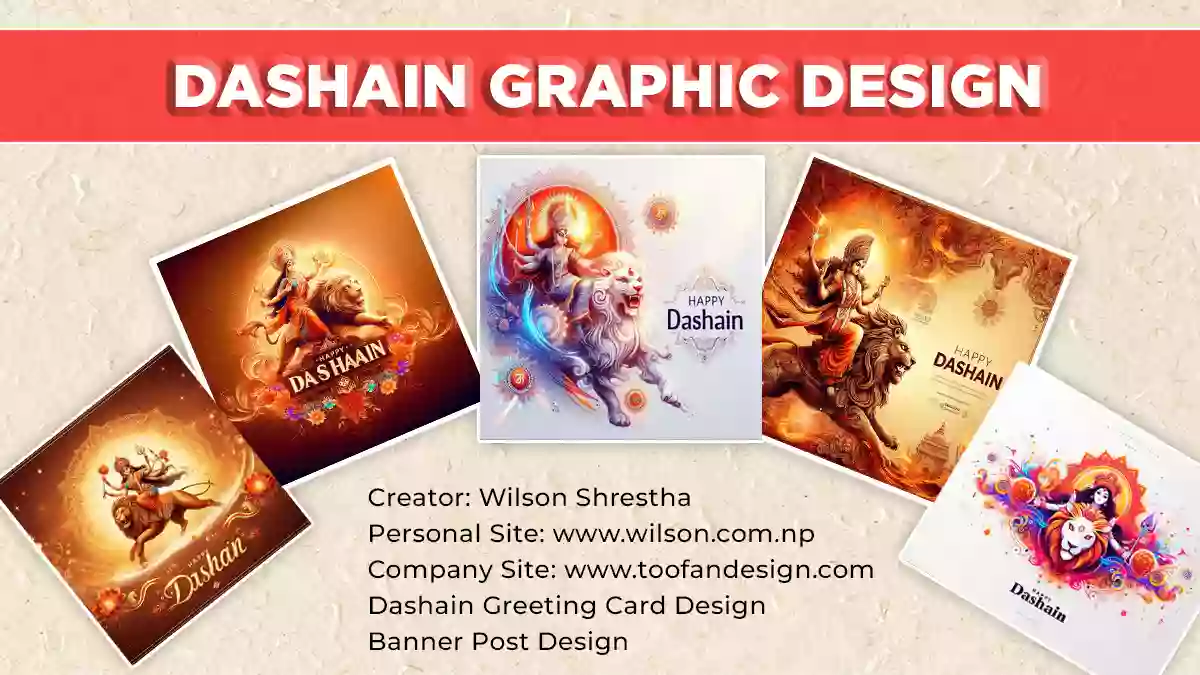
Dashain Greeting Card Design 2083: Free Download

Dashain Greeting Card Design 2083 — Free Download (HD Cards, Print Sizes & Nepali Wishes)

Six original Dashain greeting card designs for 2083 BS, drawn by hand in Kathmandu and released free for personal and commercial use. One click per card — no signup, no watermark, no “premium” upsell.
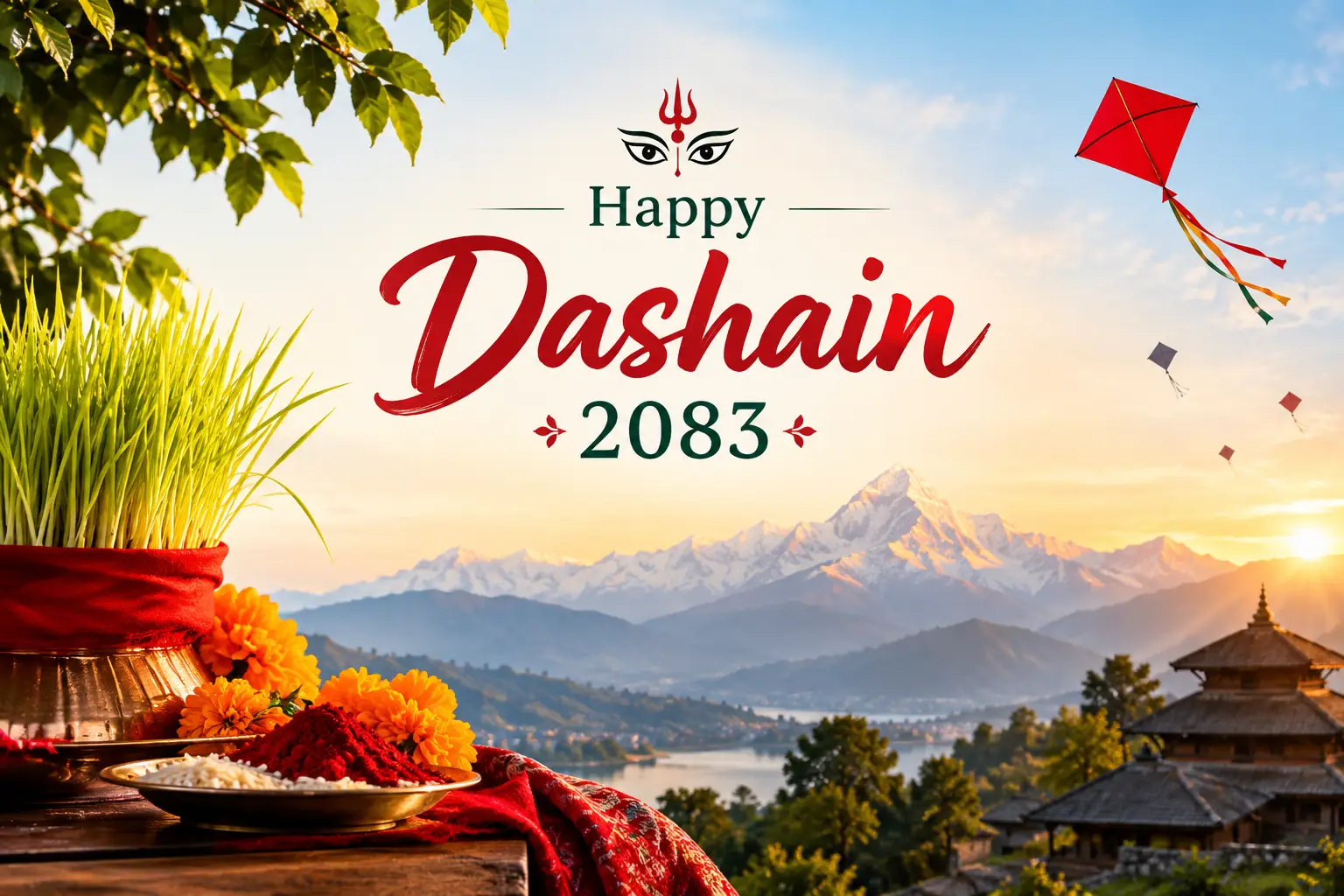
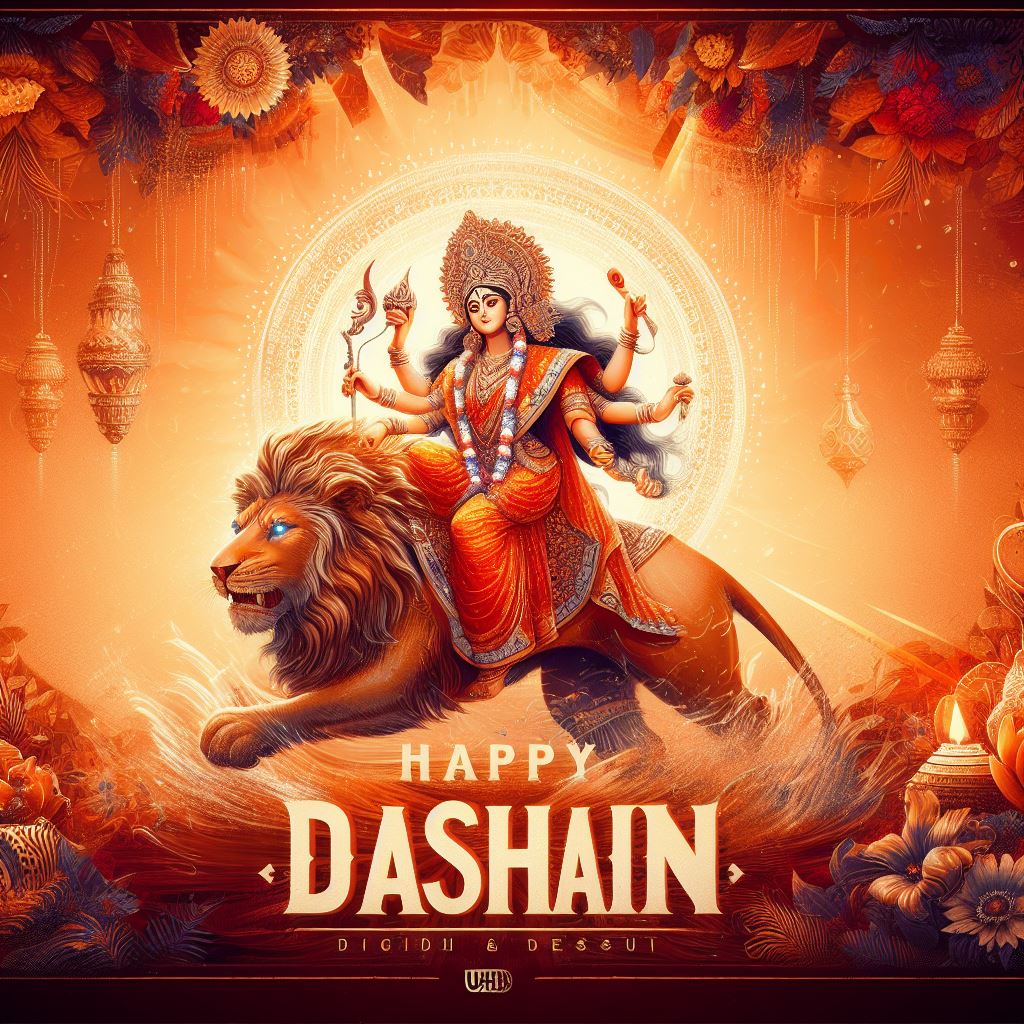
Happy Dashain 2083 greeting card design with Goddess Durga, jamara and kites — free HD download

Quick answer: scroll to the card gallery and hit the red download button under any design. Each file is a high-resolution WebP you can post straight to Facebook, Instagram, Viber or WhatsApp, or hand to a local press for printing.

  • Cost: free — personal and commercial use (shops, schools, consultancies, offices)
  • Attribution: not required (a credit link is always appreciated, never demanded)
  • Included: print-size cards, social-media-size posts, and Nepali शुभकामना text you can copy
  • Dashain 2083: Ghatasthapana 11 October 2026 · Vijaya Dashami (Tika) 21 October 2026

Nobody in the top results tells you what size to export for a Nepali print shop, nobody pairs the cards with the actual 2083 dates, and nobody gives you the Nepali text to write on them. This page fixes all three. If you also want my older catalogue of festival artwork, the Dashain greeting card, banner and post design collection has more of my Durga illustrations, and there is a matching set for the next festival in the Tihar greeting card and banner design post.

Dashain 2083 key dates (so your card goes out on time)

A greeting card posted two days late gets scrolled past. Here is the calendar for Bikram Sambat 2083, so you know when to schedule your post or send the print job.

DayNepali date (2083 BS)English dateWhat to post
Ghatasthapana (Day 1)Ashwin 25Sunday, 11 Oct 2026Festival-opening card, jamara imagery
Phulpati (Day 7)Ashoj 31Saturday, 17 Oct 2026Travel/homecoming themed post
Maha Ashtami (Day 8)Kartik 1Sunday, 18 Oct 2026Durga Bhawani artwork
Maha Navami (Day 9)Kartik 3Tuesday, 20 Oct 2026Business/office closure notice
Vijaya Dashami / TikaKartik 4Wednesday, 21 Oct 2026Main greeting card — peak sharing day
Kojagrat Purnima (Day 15)Kartik 8Sunday, 25 Oct 2026Closing / thank-you post

The auspicious tika time for Vijaya Dashami 2083 is fixed by the Nepal Panchanga Nirnayak Samiti and is announced shortly before the day — check a Nepali patro for the exact sait. Practical scheduling tip from running client accounts for several Dashains: publish your main card the evening before Tika, around 7–9 PM, when everyone is already home and on their phones. Morning-of posts get buried under the flood.

Dashain greeting card design 2083 — free download gallery

Every card below is my own artwork. I hold full rights and I am releasing them free for both personal and commercial use — put your shop's logo on them, print them, send them to clients. The only thing I ask is that you do not resell the files themselves as stock.

In a hurry? Grab the whole set at once — six files, roughly a few seconds.
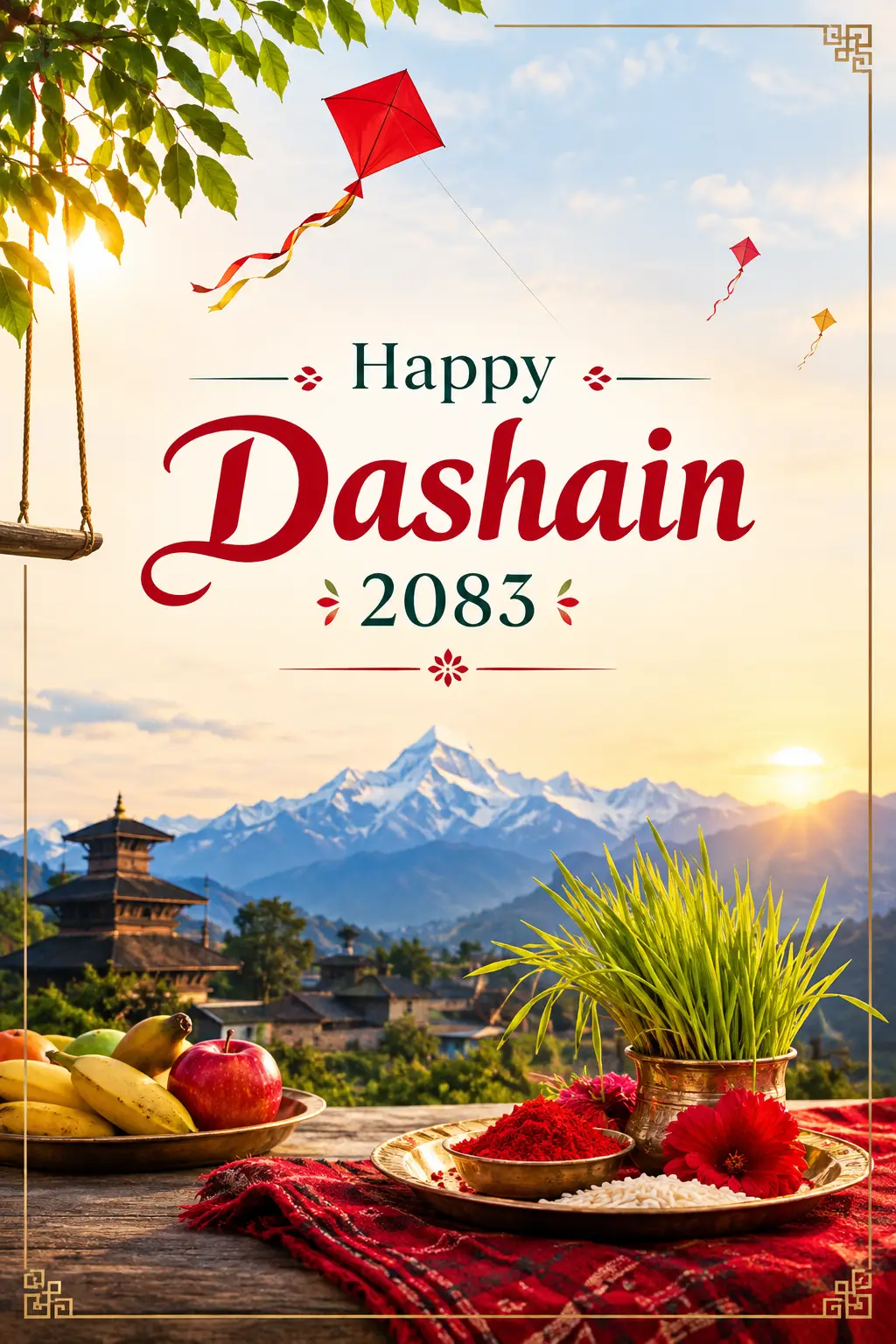
Dashain greeting card design 2083 free download in card paper size, print ready with Nepali shubhakamana text

1. Dashain 2083 card — print paper size

  • Print ready
  • Portrait
  • WebP

Laid out at standard greeting-card proportions with a safe margin around the text, so a press can trim it without eating your wording. This is the one to hand over at the print shop.

Download this card
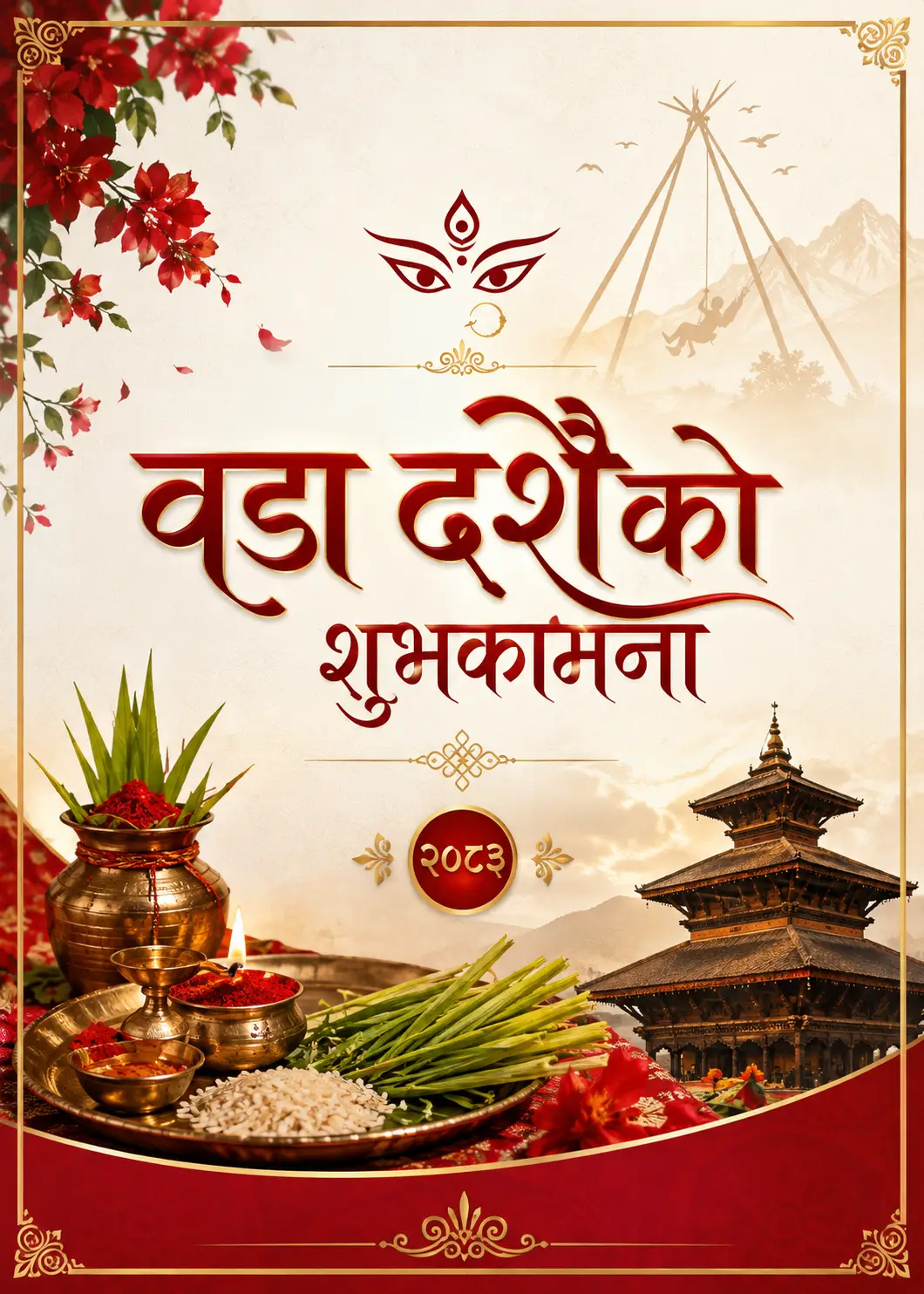
Bada Dashain greeting card design 2083 free download in card paper size with Durga and jamara motif

2. Bada Dashain 2083 card — print paper size

  • Print ready
  • Traditional
  • WebP

The more traditional of the two print layouts — heavier red and gold, Durga Bhawani as the focal point. This is what most Nepali families and older clients expect a Dashain card to look like.

Download this card
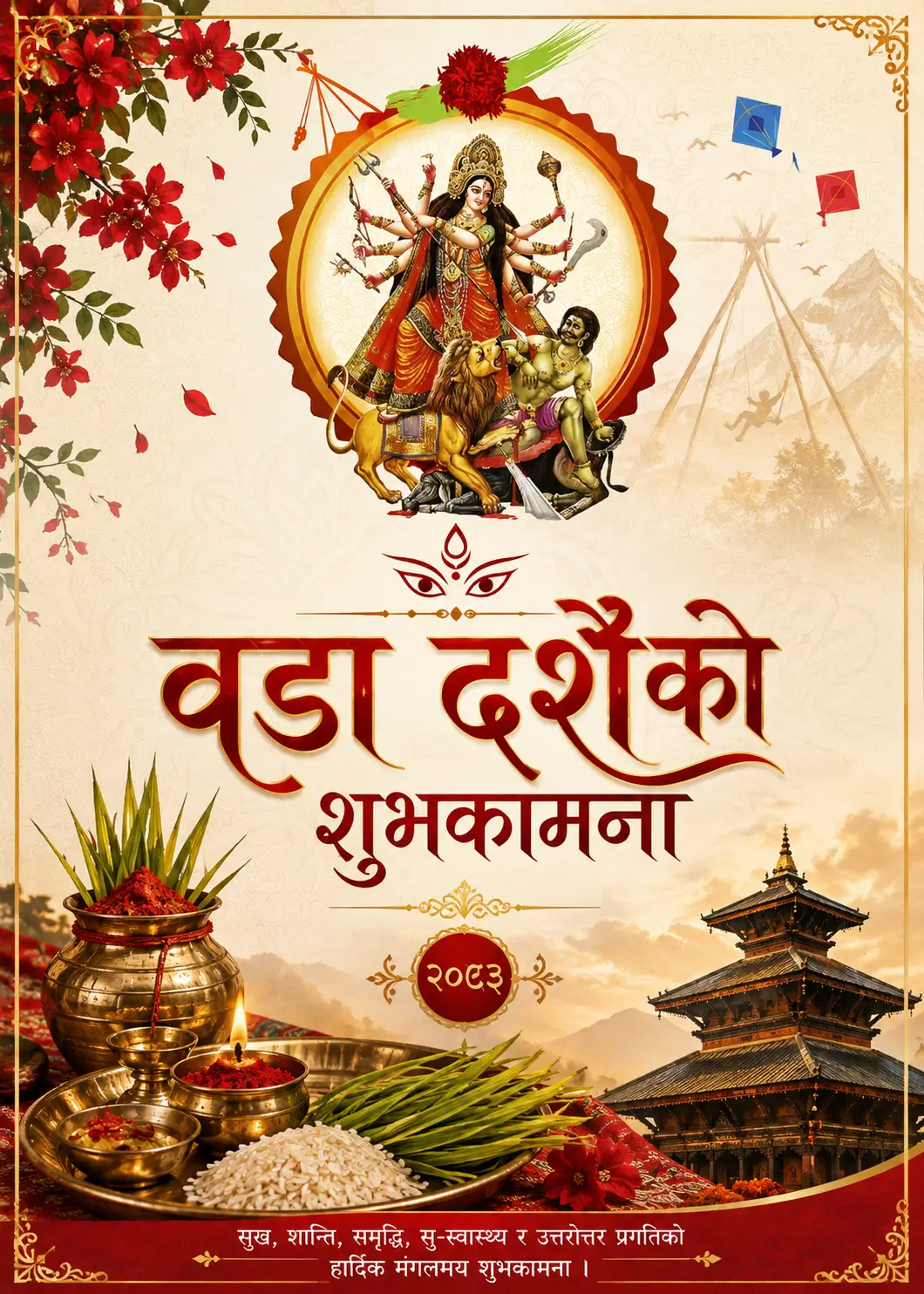
Happy Dashain 2083 greeting card design with festive Nepali elements, free HD download

3. Happy Dashain 2083 — festive illustration card

  • All purpose
  • Colourful
  • WebP

A lighter, brighter take with the full spread of Dashain motifs — kites, swing (ping), jamara and tika. Works equally well printed or posted, and it reads clearly at small thumbnail size.

Download this card
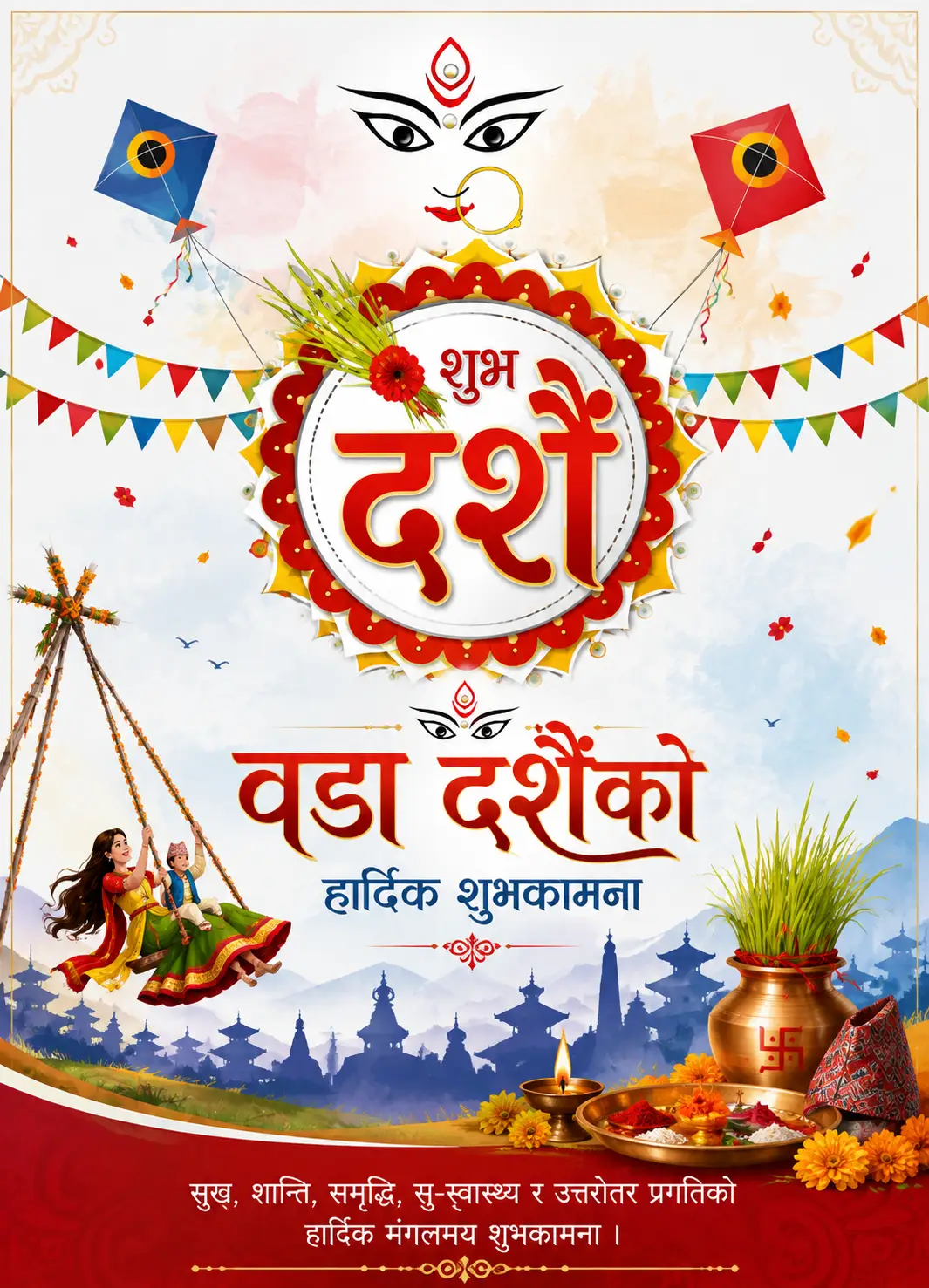
Bada Dashain ko shuvakamana greeting card design in Nepali with Goddess Durga, free download

4. “Bada Dashain ko Shuvakamana” — Nepali text card

  • Nepali script
  • Formal
  • WebP

Full Nepali wording already typeset on the artwork, so you do not need a Nepali font installed to send a proper greeting. The most-used card of the set among offices and consultancies.

Download this card
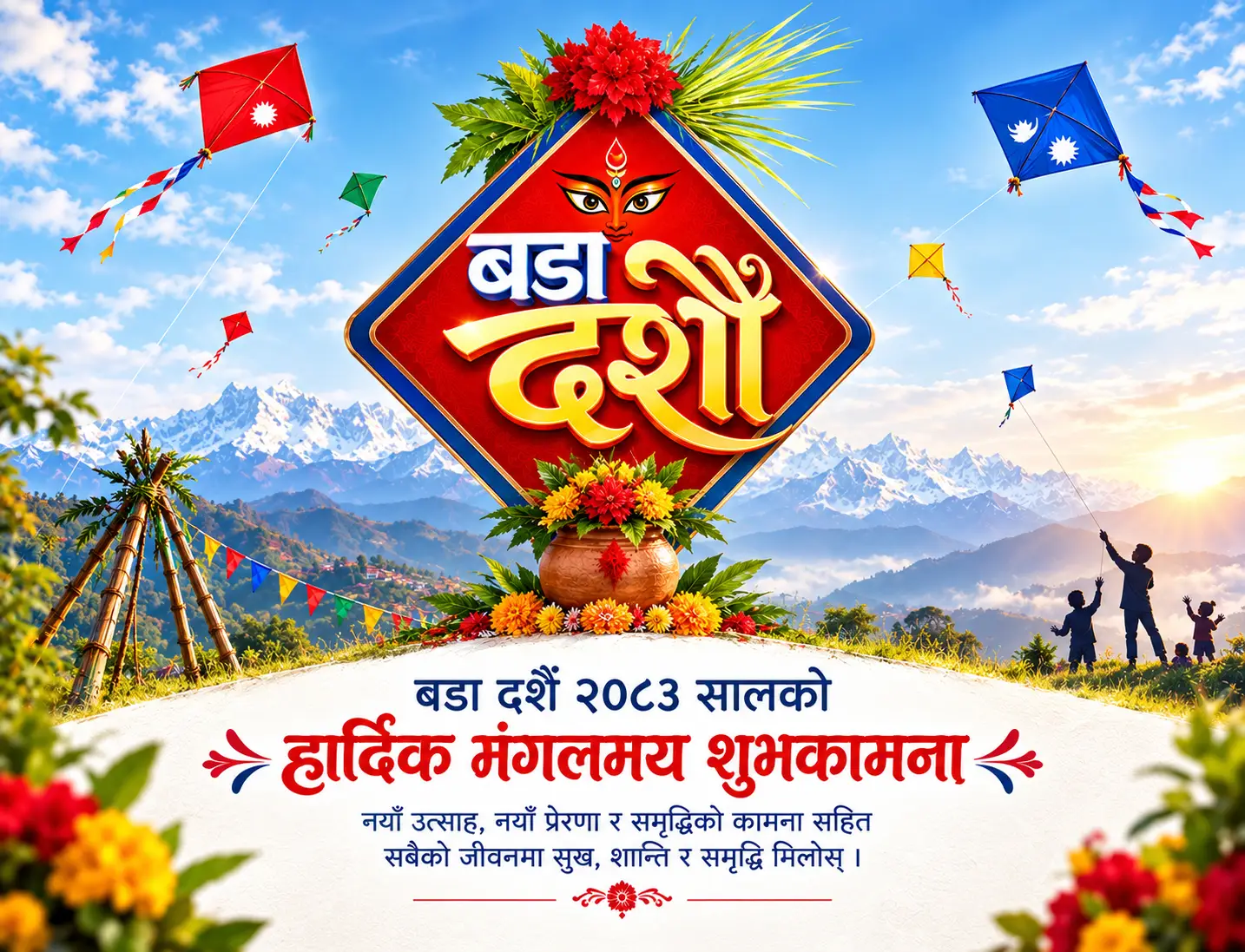
Bada Dashain greeting card design 2083 with red and gold traditional Nepali festival theme

5. Bada Dashain greeting card — classic layout

  • Clean space
  • Logo friendly
  • WebP

Deliberately left with clear space in the lower third. If you are a shop or school, this is the one to drop your logo and phone number into without covering any artwork.

Download this card
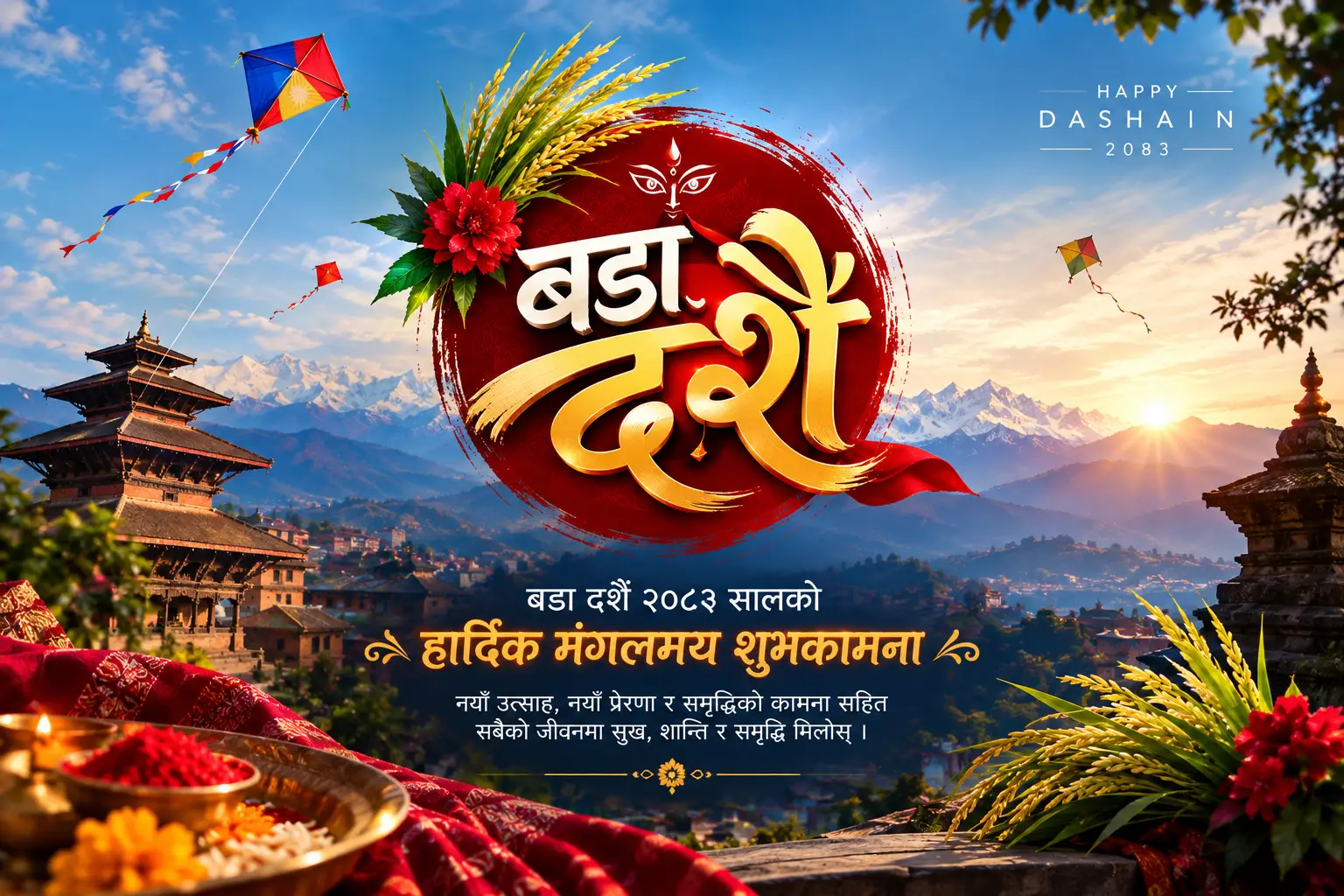
Bada Dashain greeting card design 2083 for social media post — Facebook and Instagram size free download

6. Dashain 2083 — social media post size

  • Square
  • Facebook / Instagram
  • WebP

Cropped for the feed rather than for paper. Nothing important sits near the edges, so Facebook's preview crop and Instagram's grid thumbnail will not slice off your message.

Download this card

Card paper sizes: what to give your print shop

This is the part every other result skips, and it is the part that costs people money. I have had cards come back from a press in New Road with the bottom line of text guillotined off, purely because the file was exported at trim size with no bleed. Use this table instead.

FormatTrim sizeExport at 300 DPIBest for
A6 (most common card)105 × 148 mm1240 × 1748 pxHand-out cards, desk cards
A6 + 3 mm bleed111 × 154 mm1311 × 1819 pxFull-colour edge-to-edge printing
A5 (folded or flat)148 × 210 mm1748 × 2480 pxCorporate cards, longer messages
5 × 7 inch127 × 178 mm1500 × 2100 pxPhoto-lab printing
Social square—1080 × 1080 pxFacebook & Instagram feed
Story / status—1080 × 1920 pxInstagram & WhatsApp status, Viber

Three rules that will save you a reprint:

  • Add 3 mm bleed on every edge. Backgrounds must run past the cut line or you get a thin white sliver down one side.
  • Keep text 5 mm inside the trim. Guillotines drift, especially on long runs. Anything closer to the edge is gambling.
  • Convert to CMYK before printing. The deep Dashain red on your screen is RGB. In CMYK it shifts duller — better to see that on your monitor than on 500 printed cards.

For paper, 250–300 GSM art card is the sweet spot in Nepal: stiff enough to stand on a desk, cheap enough for bulk. Matte lamination hides fingerprints better than gloss, which matters when a card is passed around a whole family at Tika.

Nepali Dashain wishes you can copy and paste

If you want to write your own message alongside the card, here are the standard formal and warm phrasings in Unicode Nepali — tap Copy and paste straight into Facebook, Viber or WhatsApp.

विजया दशमीको हार्दिक मंगलमय शुभकामना !
बडा दशैंको हार्दिक शुभकामना तथा सुखद भविष्यको शुभेच्छा !
यस पावन दशैंले तपाईंको जीवनमा सुख, शान्ति र समृद्धि ल्याओस् !
Wishing you and your family a joyous Bada Dashain 2083 !

One small thing I learned the hard way: if you type in Preeti font and paste it online, most people will see gibberish. Always convert Preeti to Unicode before posting to social media — printed material is the only place Preeti still belongs.

How to use these cards (step by step)

  1. Pick your use case first. Printing? Take the two card-paper-size files. Posting? Take the social media file.
  2. Click the download button under that card. The file saves directly to your device — on mobile it lands in Downloads or your gallery.
  3. Add your branding if you are a business. Canva, Photopea or even PowerPoint will do it: drop your logo into the clear lower third of card 5.
  4. Convert for print if you are going to a press — resize to the table above, set CMYK, add 3 mm bleed, export as PDF.
  5. Schedule your post for the evening before Tika, 21 October 2026, and pair it with one of the Nepali wishes above.

Frequently asked questions

Are these Dashain greeting cards really free for commercial use?

Yes. I designed them and I hold the rights. You can use them for a business page, a printed shop card, a school notice or a client greeting at no cost. The only restriction is that you may not redistribute or resell the files themselves as stock artwork.

What size should a Dashain greeting card be for printing?

A6 (105 × 148 mm) is the standard and most economical choice, exported at 1240 × 1748 px for 300 DPI, or 1311 × 1819 px once you add a 3 mm bleed. A5 works when you need room for a longer corporate message.

When is Dashain 2083 Tika?

Vijaya Dashami, the main Tika day of Dashain 2083, falls on Wednesday 21 October 2026 (Kartik 4, 2083 BS). The festival opens with Ghatasthapana on 11 October 2026 and closes with Kojagrat Purnima on 25 October 2026.

Why are the files in WebP format?

WebP keeps the artwork sharp at a fraction of the file size, so the page loads fast on mobile data. Every modern phone, browser, Canva and Photoshop opens WebP. If your print shop insists on JPG or PNG, any free online converter handles it in one step — or message me and I will send the original.

Can I add my company logo and phone number to these cards?

Absolutely, and card 5 was laid out specifically for that — the lower third is intentionally kept clear so your branding does not cover any illustration.

Do you have Tihar cards as well?

Yes — Tihar follows about two weeks after Dashain, and the matching set is in my Tihar greeting card and banner design collection.

A note from the designer

I have been designing festival graphics in Kathmandu for over five years — for schools, education consultancies, bike showrooms and small shops. Every Dashain the same thing happens: a client messages on Ashwin 20 asking for a card by tomorrow, and ends up pulling a watermarked Dussehra template off a stock site because there is nothing Nepali and free available at short notice.

That is the whole reason this page exists. The cards are the ones I actually drew for real clients, cleaned up and released. If you need something customised — your brand colours, your logo, a specific size for a hoarding board — that is what I do for a living, and you can reach me through the site.

If any of these helped you, the kindest thing you can do is share the page rather than just the image, so the next person searching at 11 PM on the night before Tika finds it too. शुभ दशैं !

Wilson Shrestha — Graphic Designer & Web Developer, Kathmandu

Five-plus years designing print and social media graphics for Nepali businesses, and the developer behind wilson.com.np. All artwork on this page is original work, released free to the Nepali community for Dashain 2083.

Chhath Puja Design | Graphic, Poster, Banner

Chhath Puja Design Graphic, Poster, Banner

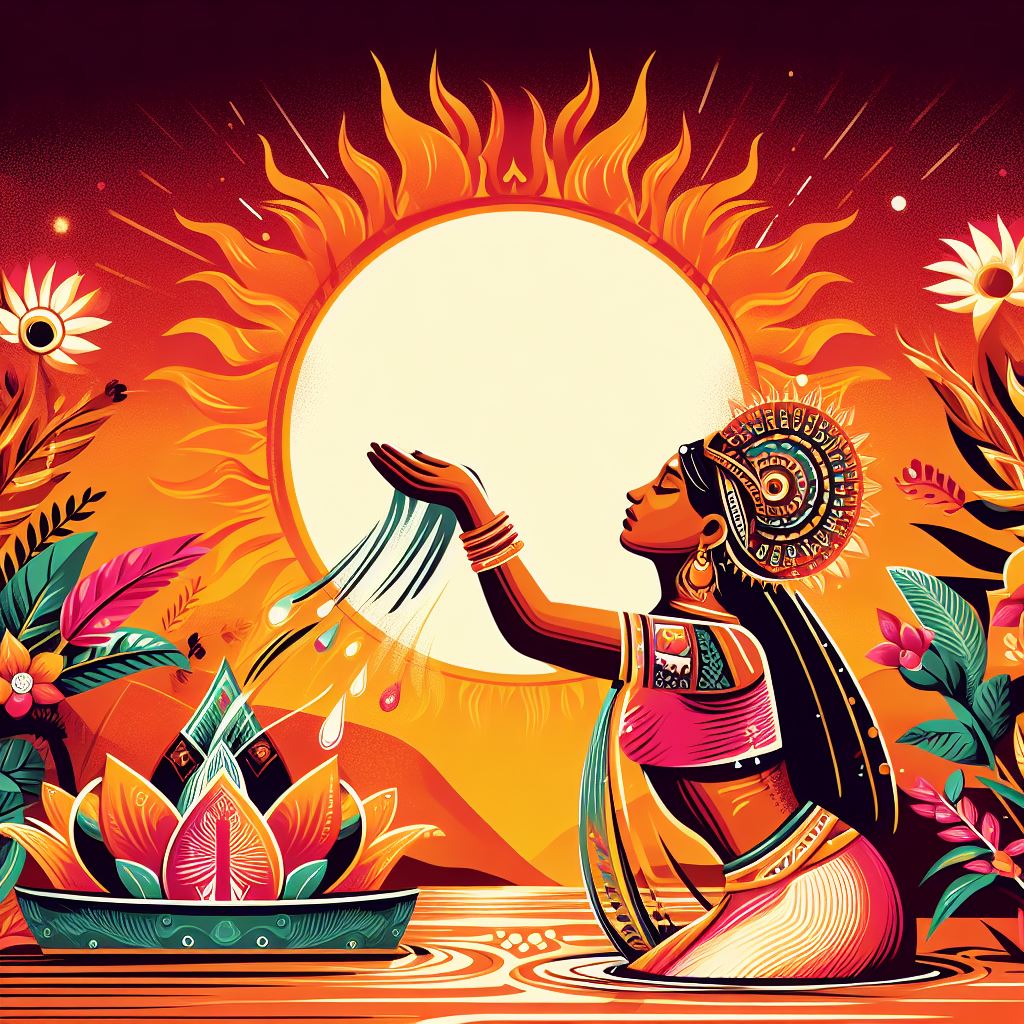
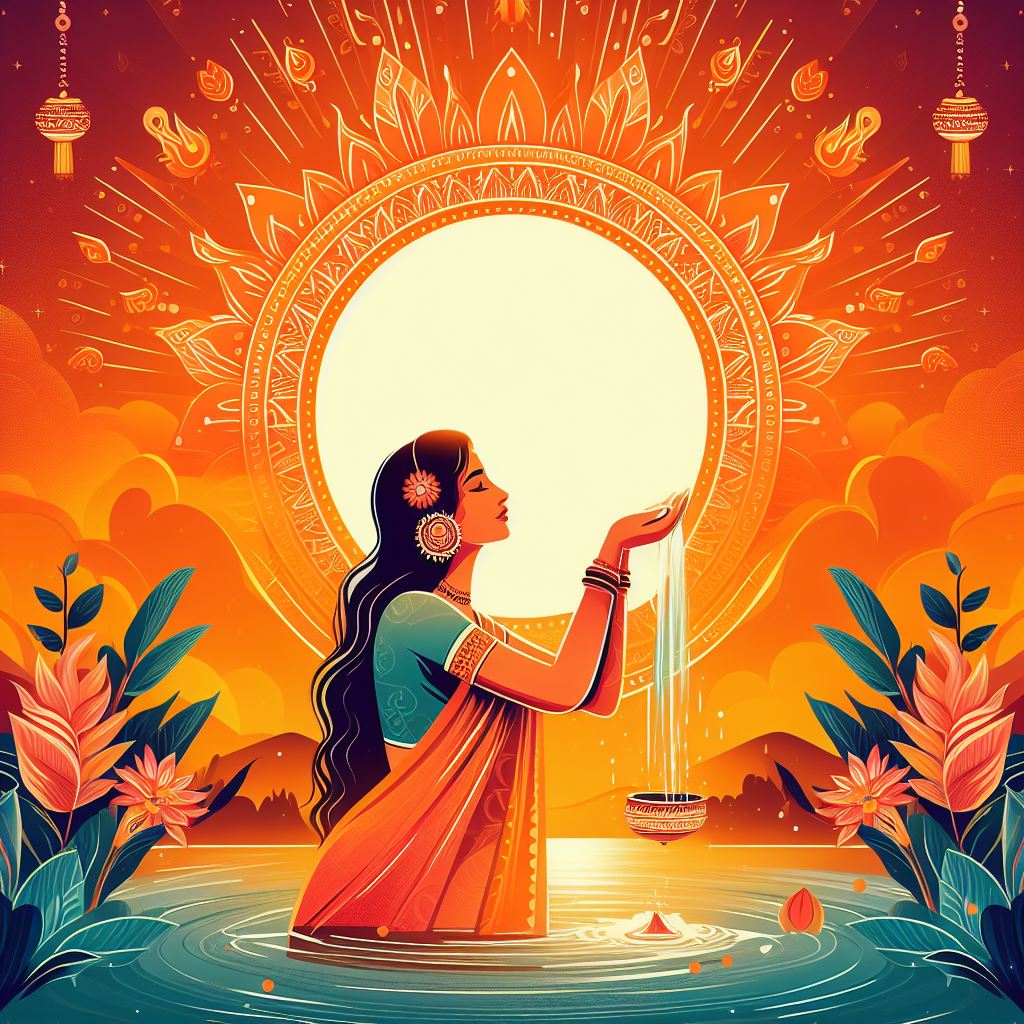
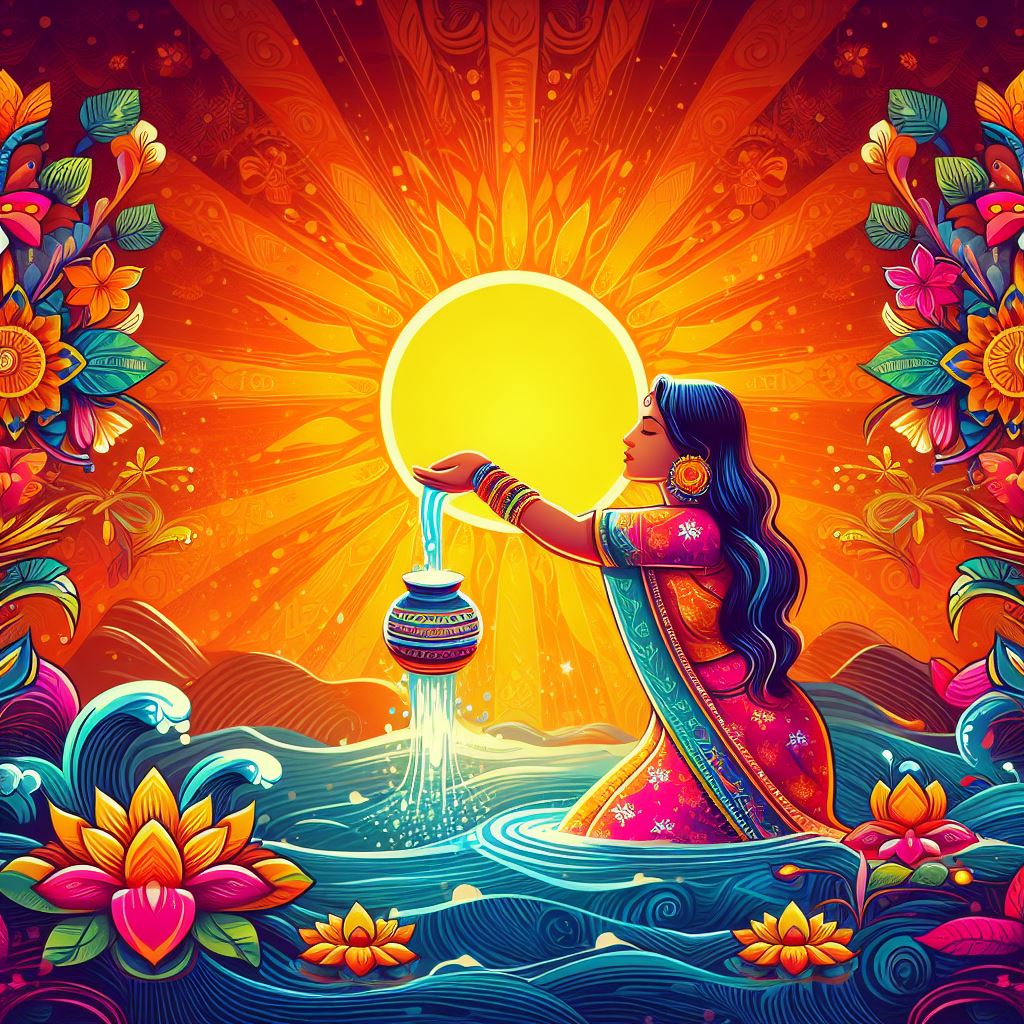
Chhath is a Hindu festival dedicated to the worship of the sun god, and chhathi maiya, who is considered as a sister of the Sun God. In Nepal, it is mostly celebrated in the Terai Region. In this festival, people go to the bank of the river and perform rituals during sunrise and sunset.

I am Wilson Shrestha, people know me for my digital designs and also through my company ToofanDesign.com where we provide Graphic design services all over Nepal and the world. Here I have uploaded some of the graphic designs about Chhath Puja Design which you can you in Banner design, Poster design, greeting card designs, and many more. You can use it for personal and commercial purposes as well. We created all the designs available here and all designs in this post are non-copyrights (free to use).

Here are Chhath Puja Design for Banner and Greetings

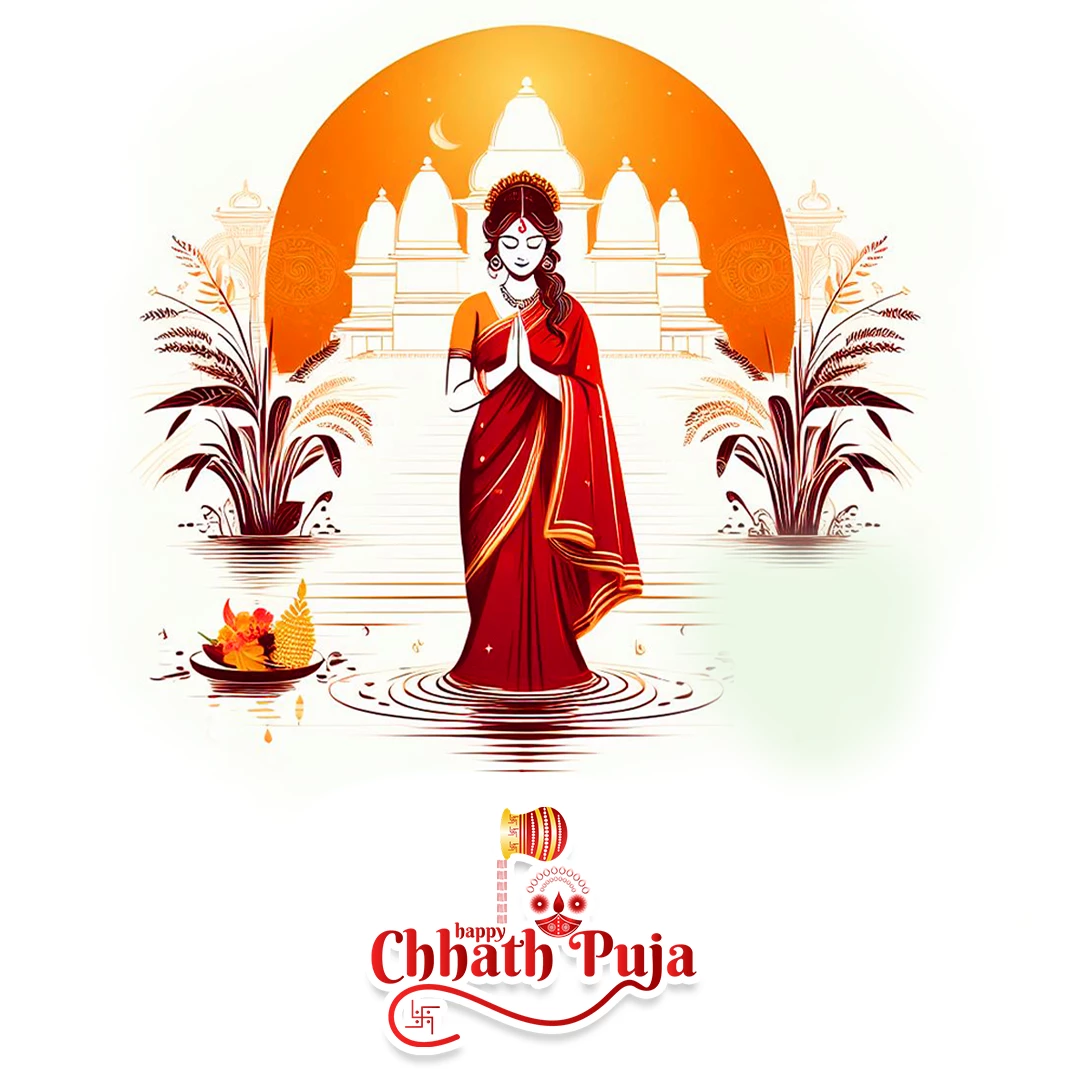
Happy Chhath Puja Banner Design 02

Beautiful Happy Chhath puja banner design with written text. In the background there is a temple and the woman is standing and praying on the river.

Happy Chhath Puja Banner Design 01

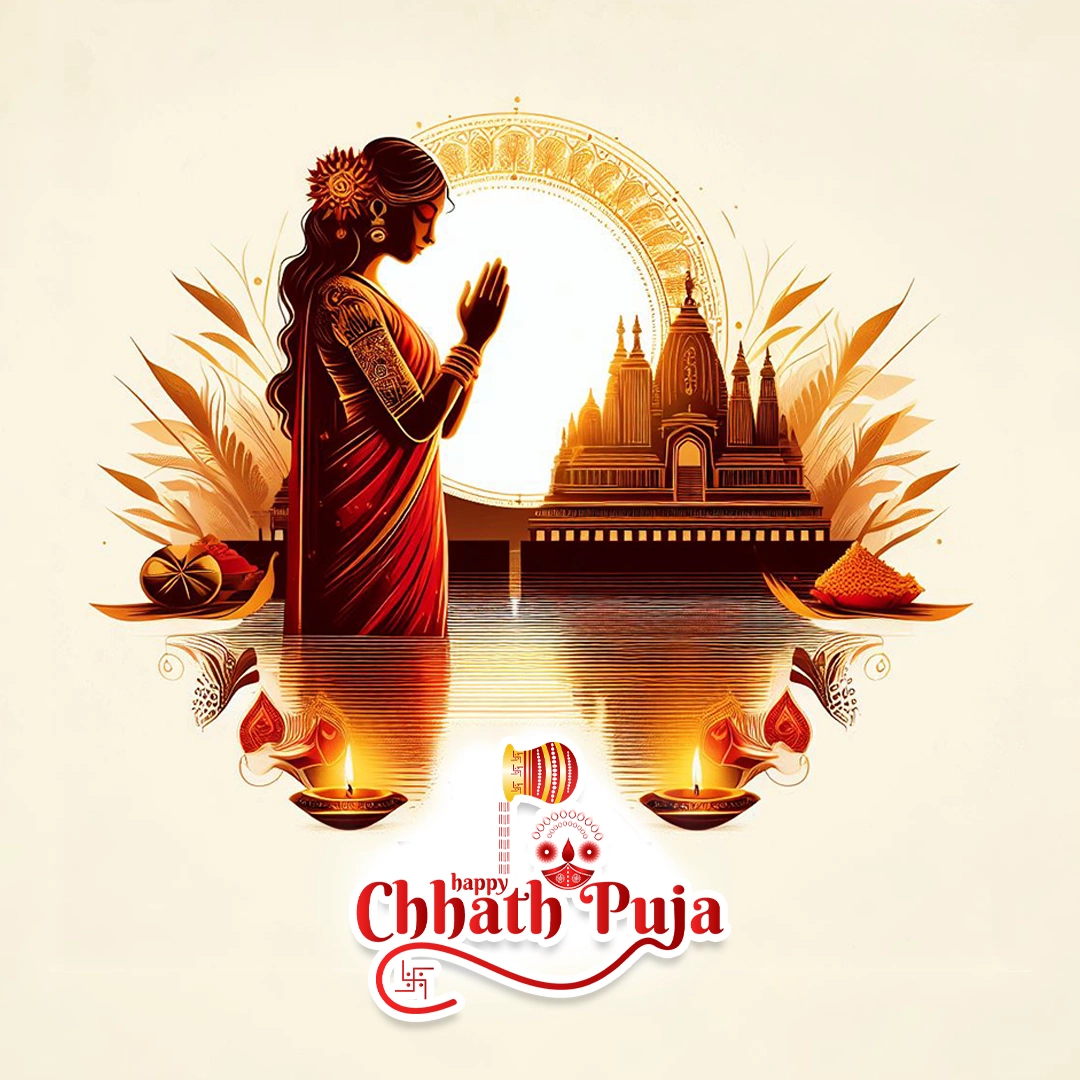
Hindu Woman wearing a red Sari and standing on the river, doing Chhath Puja. Behind her background, there is a Temple and sun.

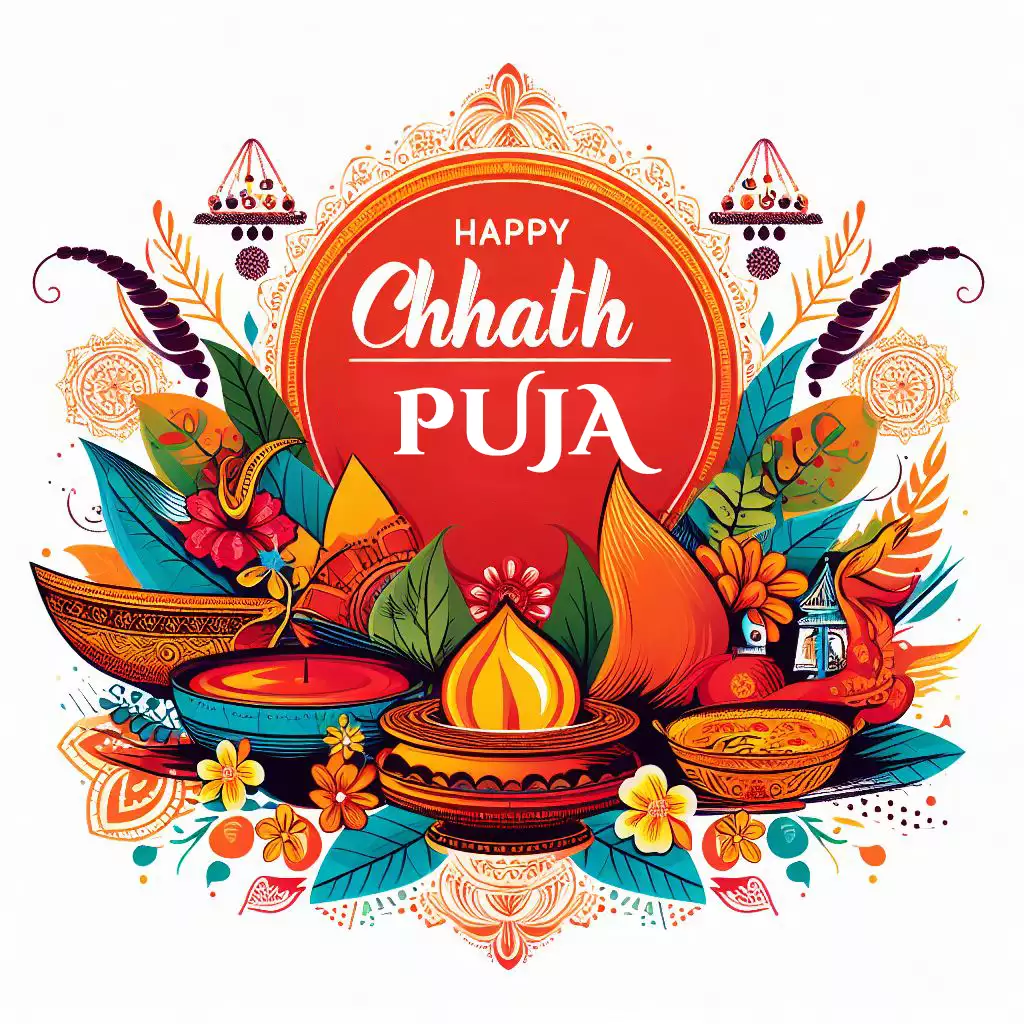
Happy Chhath Puja text written and graphic elements used in Chhath Puja

The written text of Happy Chhath Puja, with graphic elements of the Chhath festival. Vibrant color with vector-style art.

Chhath Puja Design with the combiantion of orange color and cyan color. It is looking vibrant color combination. Graphic design for Chhath puja for Banner and social media post

Chhath Puja Design with the combination of orange color and cyan color. It looks looking a vibrant color combination. Graphic design for Chhath Puja for Banner and social media posts. The art style is vector and you can see beautiful patterns on her sari and around the surroundings.

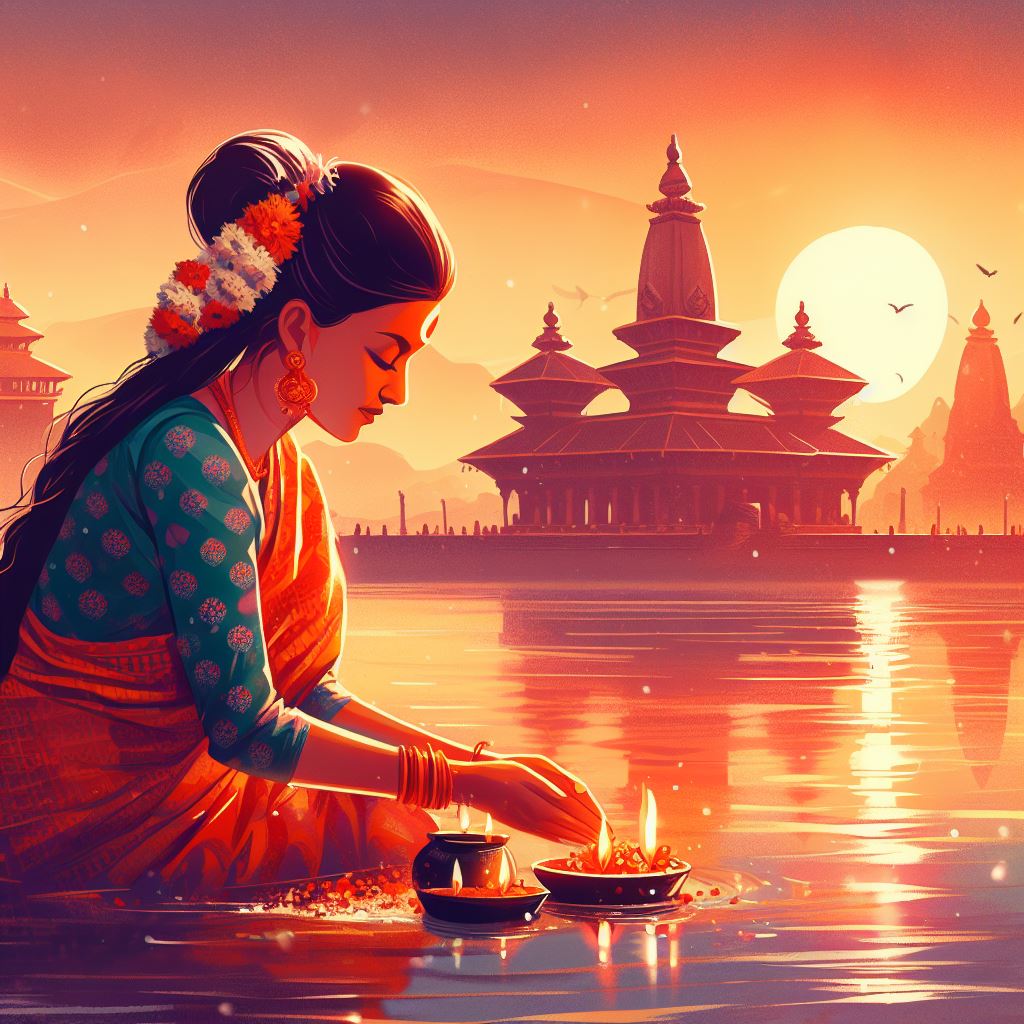
woman doing chhath puja in water before sunrise

A Hindu Woman doing Chhath rituals in the morning before the sun rises. Digital art with temple and sun images in the background. The orange environment gives a warm feeling of the sunrise in the festival.

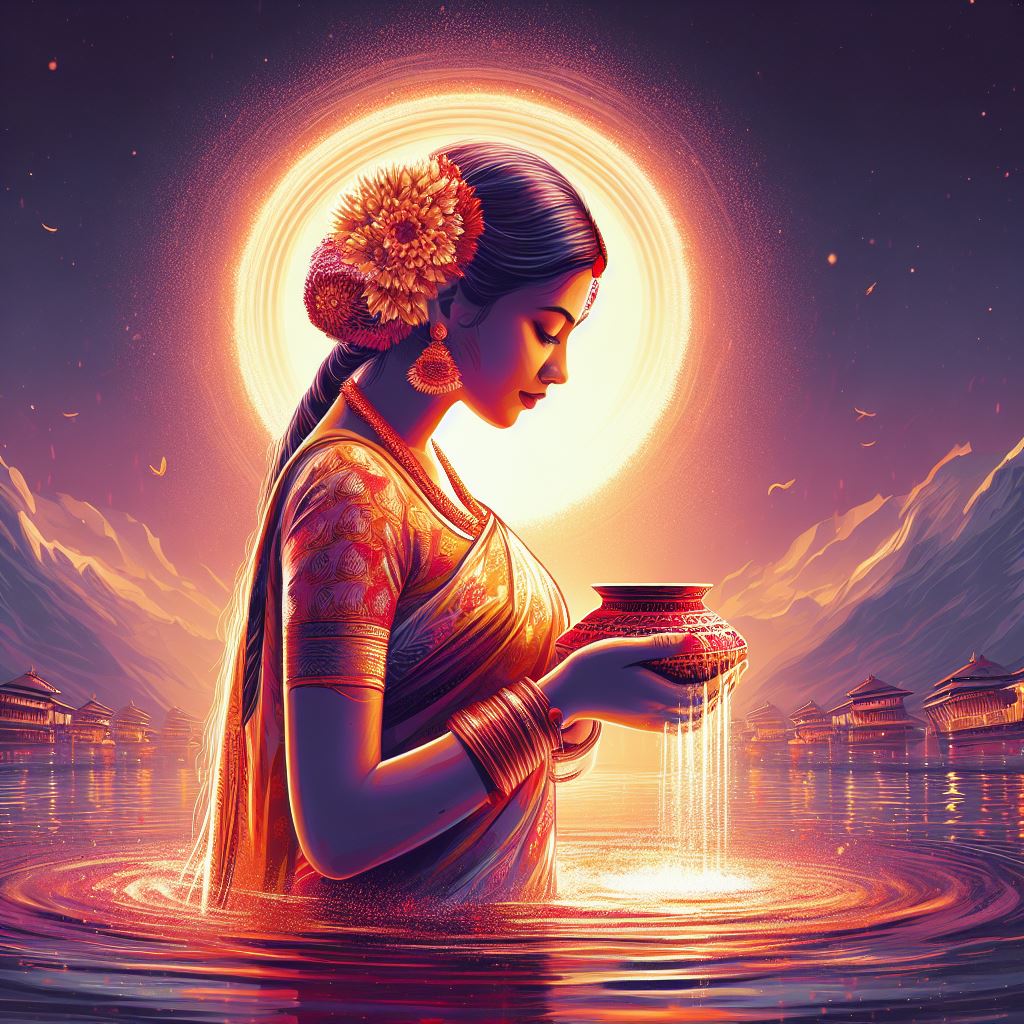
woman in water doing chhath puja rituals

Image of a woman in the evening doing rituals of Chhath puja. A woman wearing a beautiful traditional red sari dress. The background has a night view of the sun in the center. This is the Chhath ritual done before the sun sets.

Chhath Puja Design in river, god sun, women praying

Chhath Puja is designed in the river, a woman praying to the god sun. Vibrant color, orange color is mostly used. and green to give a natural feeling. The woman is dressed traditionally.

Chhath Puja Design in river, god sun, women praying

Chhath Puja is celebrated in front of the sun god. pouring down the water from her hand. The woman is wearing a traditional orange and green sari. Orange color is used most in this design and green to get that natural look.

Chhath Puja Design in river, god sun, women praying pouring pot in between

The bright morning sun in the background. woman wearing a bright red sari and pouring water from her hand into the river. The beautiful feel of water with floating flowers.

Chhath Puja Design simple and elegant art with vibrant color combination.

Chhath Puja Design is simple and elegant art with vibrant color combinations. The sun is rising and the woman is praying to the sun god in front of the temple and into the water. Women wearing a beautiful green sari for a cultural look. This image shows the beauty of a woman and other cultures.

Here I have listed some of my best designs. If you want more of the designs like this you can comment me down below, I will be happy to help you. Thank you for your time.

Also, check out my Digital Designs

Chhath Puja Design Graphic, Poster, Banner

Chhath Puja Design | Graphic, Poster, Banner

Chhath is a Hindu festival dedicated to the worship of the sun god, and chhathi maiya, who is considered as a sister of the Sun God. In Nepal, it is mostly celebrated in the Terai Region. In this festival, people go to the bank of the river and perform rituals during...
Tihar Greeting Card Design Banner Post Design

Tihar Greeting Card Design | Banner Post Design

Here are various Happy Tihar Greeting Card Design | Banner Post Design. I am a graphic designer and I have been working in this field for more than 5 years. I have uploaded all the designs here for free. You can use it for personal and commercial purposes as well....
Dashain greeting card design and social media graphic design post

Dashain Greeting Card Design | Banner Post Design

Hi, this is Wilson Shrestha a Digital Creator and Graphic Designer from Kathmandu Nepal. I own a graphic design company in Nepal called ToofanDesign.comI have been in this field for more than 5 years. Since this time I have been creating designs for, Education...
3D Texture Guide

3D Texture Guide | Substance Painter

Disclaimer: The information provided in this post is based on research conducted from various online sources and may not be 100% accurate or applicable to all situations. It is intended to provide general guidelines and tips for 3D texturing and should not be relied...
10 tips for mastering blender 3D

10 Tips for Mastering Blender 3D Model

Blender is a 3D Modeling open-source software that is free to use for everyone. It is used in various industries like game development, animation, architecture, and Product design.10 Tips for Mastering Blender 3D Model Understand the Interface Learn Keyboard Shortcuts...
blender 3d for game development tutorials

How to Use Blender 3D for Game Development

If you're searching for an efficient and free tool for game development, Blender 3D is worth exploring. This open-source 3D creation suite can be utilized in many ways - including game creation. In this article, we'll walk you through the process of using Blender 3D...
blender vs maya a full complete comparison

Blender 3D vs Maya: Which One is Better for 3D Modeling?

3D modeling is an integral part of modern life, used in everything from films and video games to architecture and product design. However, with so many software options available it can be hard to decide which one best meets your requirements. Blender 3D and Maya are...
Create Realistic Textures in Blender 3D A Step-by-Step Guide

Create Realistic Textures in Blender 3D: A Step-by-Step Guide

Creating realistic texture can be challenging as it requires attention to detail and an understanding of materials and lighting. Without proper techniques, the texture may appear flat or unrealistic. Here I will explain a step-by-step tutorial to help you create an...
is blender good for 2d animation

Is Blender the Future of 2D Animation?

2D animation is a type of illustration that involves creating movement within two dimensions. It has been an iconic medium for storytelling, advertising, and entertainment for decades - from classic Disney cartoons to contemporary anime - showing that its applications...

Tihar Greeting Card Design | Banner Post Design

Tihar Greeting Card Design Banner Post Design

Here are various Happy Tihar Greeting Card Design | Banner Post Design. I am a graphic designer and I have been working in this field for more than 5 years. I have uploaded all the designs here for free. You can use it for personal and commercial purposes as well.

Tihar is the Hindu Festival of Nepal. It is also known as the Festival of Light or Dipawali. It usually takes place in the month of October or November, depending on the lunar calendar.

If you are searching for a Tihar Greeting card Design or Banner post design then this is the right place. I have shared the Happy Tihar post design which will be more helpful for you to get inspiration.

I am going to share my experience of how I celebrate my Tihar Festival. My Festival’s first day starts with Kaag Tihar. On that Day, in the morning I will worship Crow (bird). I will provide food for them. On the second day, I worship street dogs because I don’t have a pet dog at my house. I give them good and delicious food and provide them to wear mala on their neck and tika on the forehead. The third day is Laxmi puja, on this day I worship the goddess Laxmi and eat good food and delicious sweets. Forth day is maha puja, on this day I will worship myself and appreciate my life. On the fifth day, I celebrate bhai tika, where my sister worships me and we exchange gifts. These days I still provide Graphic Design Services to my beautiful customer through ToofanDesign.com

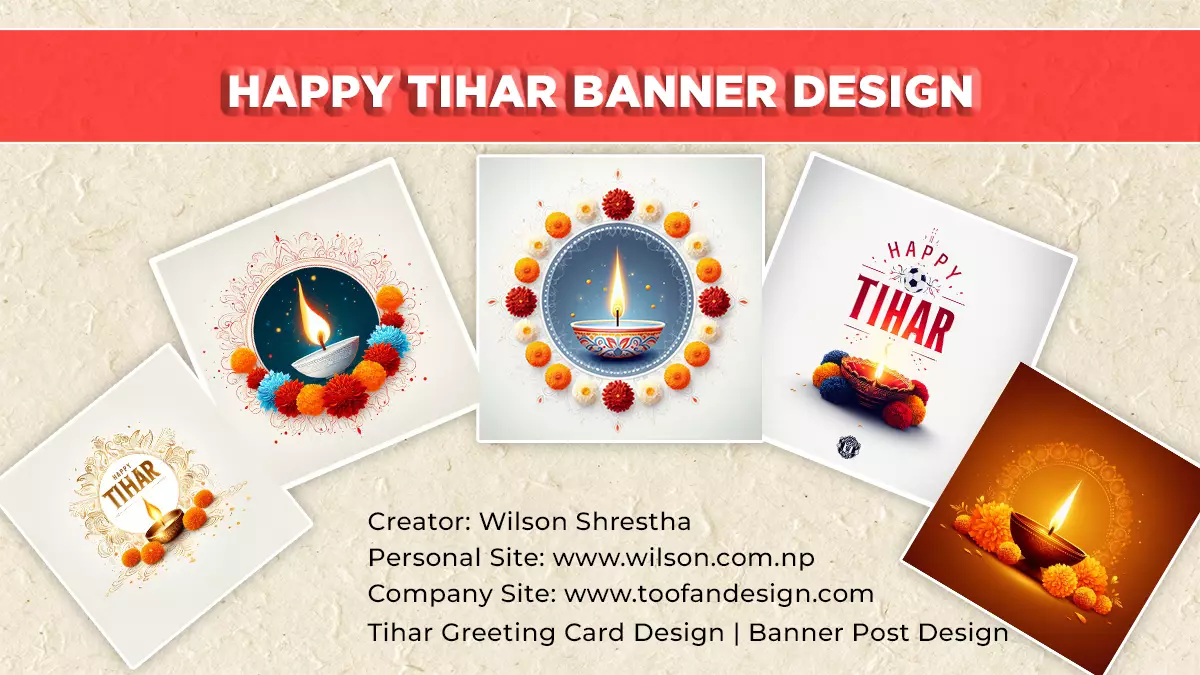
This is the image of Dio of Tihar. we used this image for our banner design to get a feeling of the Tihar festival. We as a Nepalese use dio on this occasion to lighten our houses. It is used on special days of the Tihar festival. In the image, Dio is in a circle frame and surrounded circularly by colorful marigold flowers with a white background.

Dio with orange lighting. Surrounded by orange marigold flowers. Orange elegant background and simple Happy Tihar graphic design.

Tihar poster design for walls and greeting cards graphic design. I like this design because it is elegant and eyes chatching. I like its white base dio. white background.U shape coloful marigold flowers alined.

Another my best Happy Tihar graphic desing for football club. Dio at center, surrounded with colorful marigold flower. soccer ball in between Happy Tihar text.

Happy Tihar greeting card graphic design

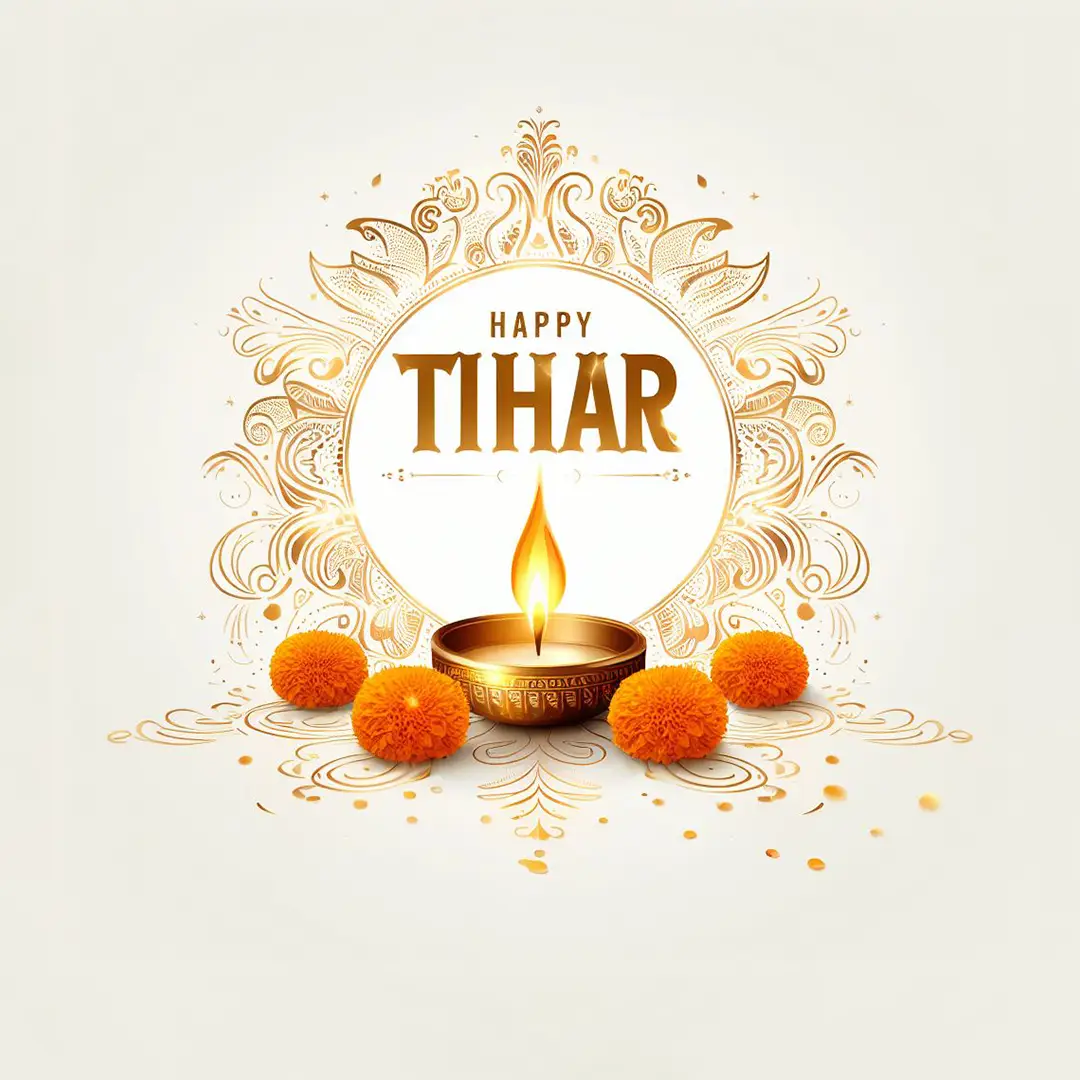
White background Happy Tihar banner design. Golden metal dio at center. surrounded by four beautiful marigold flowers.

Happy Tihar Goddess Laxmi greeting card design

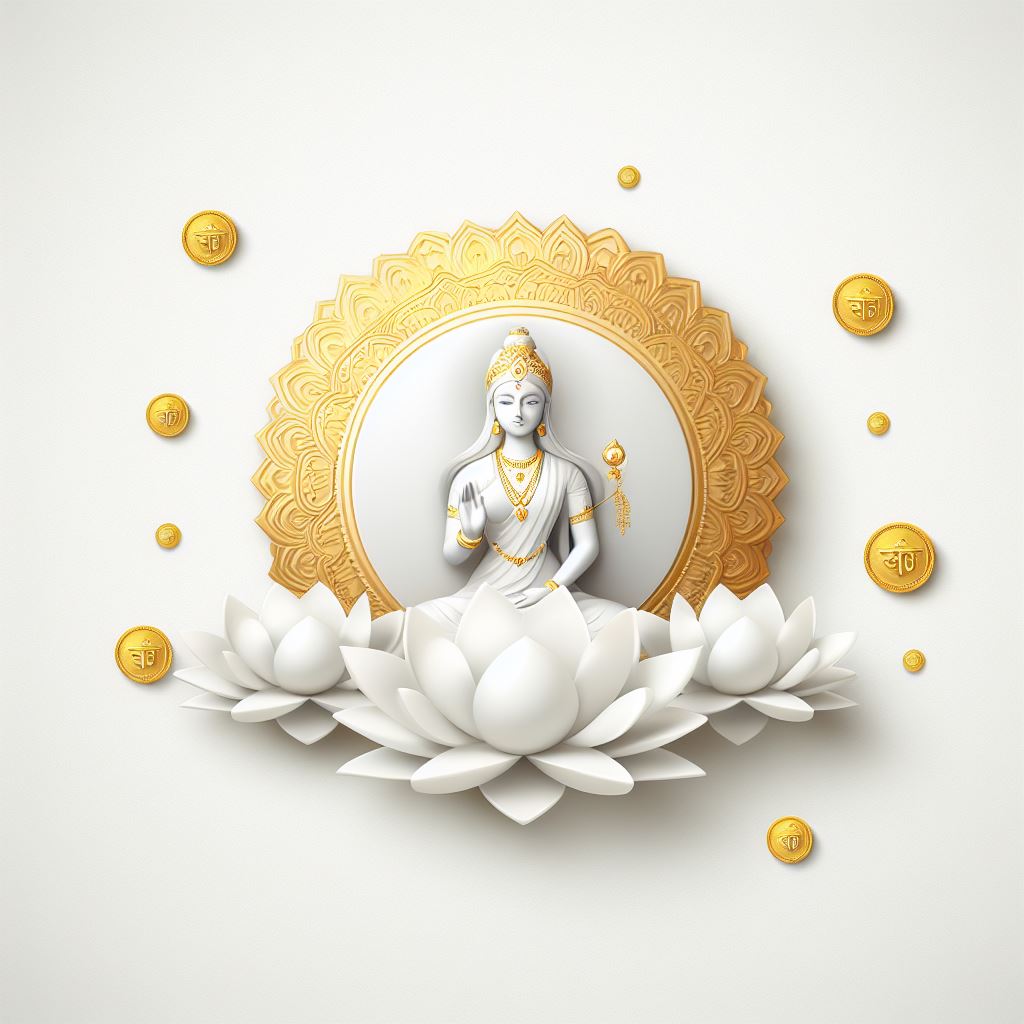
Beautiful and elegant art of Goddess Laxmi at center of the golden frame and white lotus at bottom. Coins flying on white background. 

Happy Tihar Goddess Laxmi greeting card design

Goddess Laxmi at grey background. Happy Tihar in golden text. White lotus and its flying petels. And some sattered gold coins.

Happy Tihar greeting card graphic design

Beautiful White laxmi with white background. also gold coins on background. white lotus on bottom. White structure of Goddes laxmi.

Happy Tihar Graphic design goddess Laxmi

White background, Beautiful Goddes Laxmi art at center, lotus on buttom, spared placed gold coins. Best design for greeting cards and Graphic design.

Happy Bhaitika Tihar graphic design

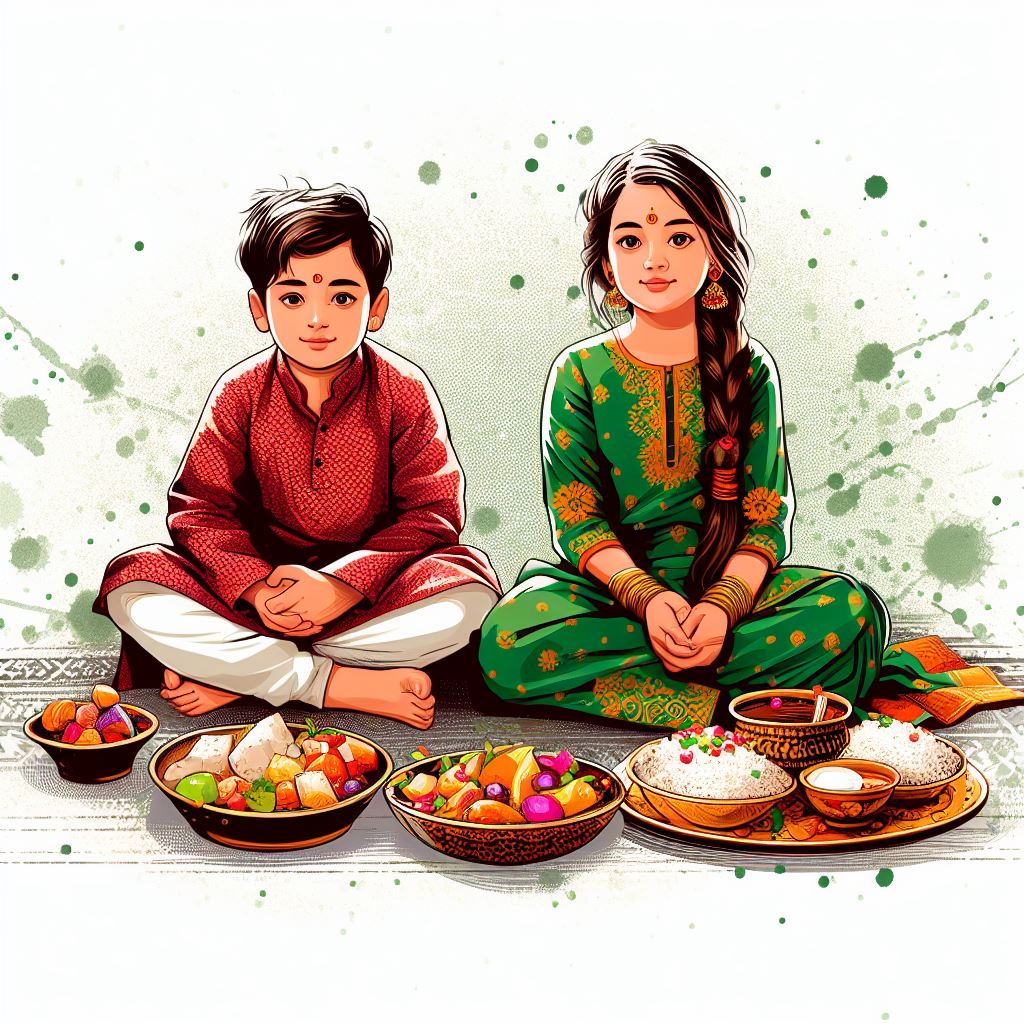
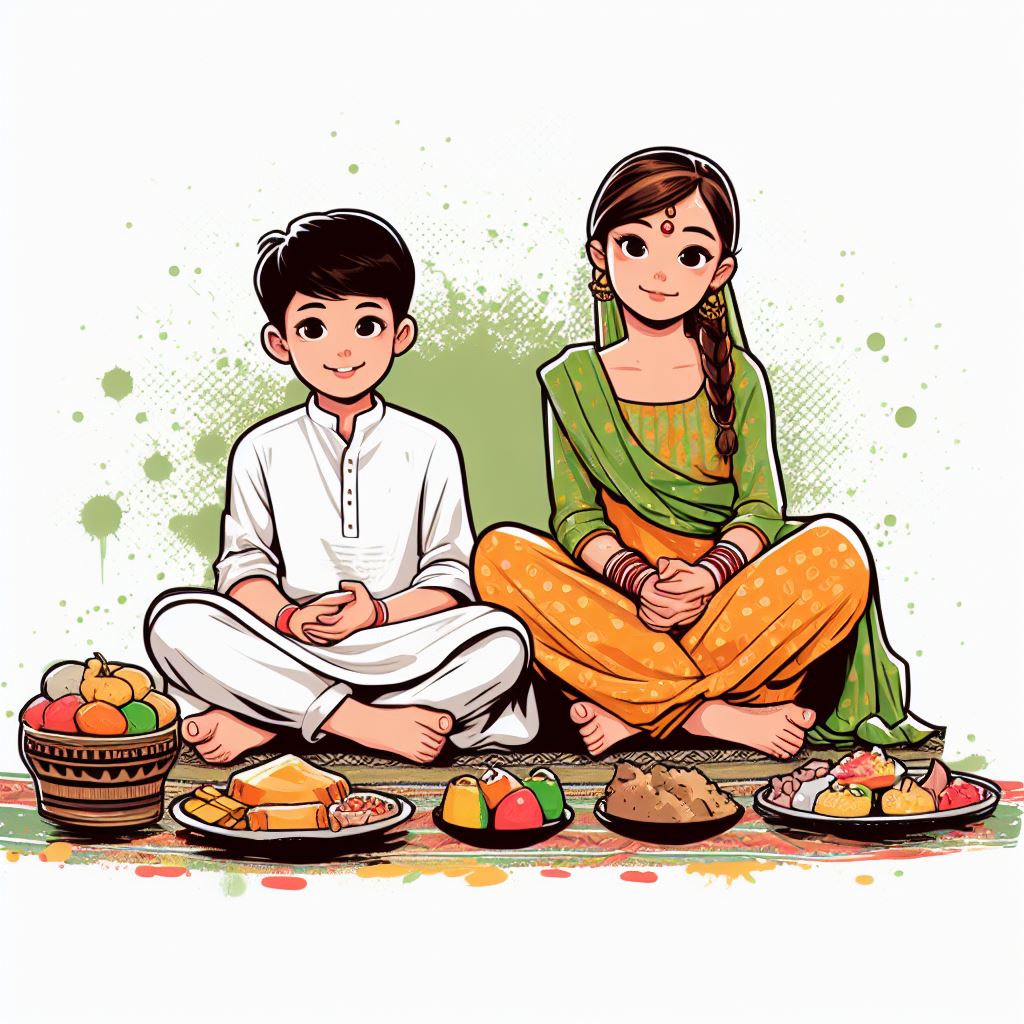
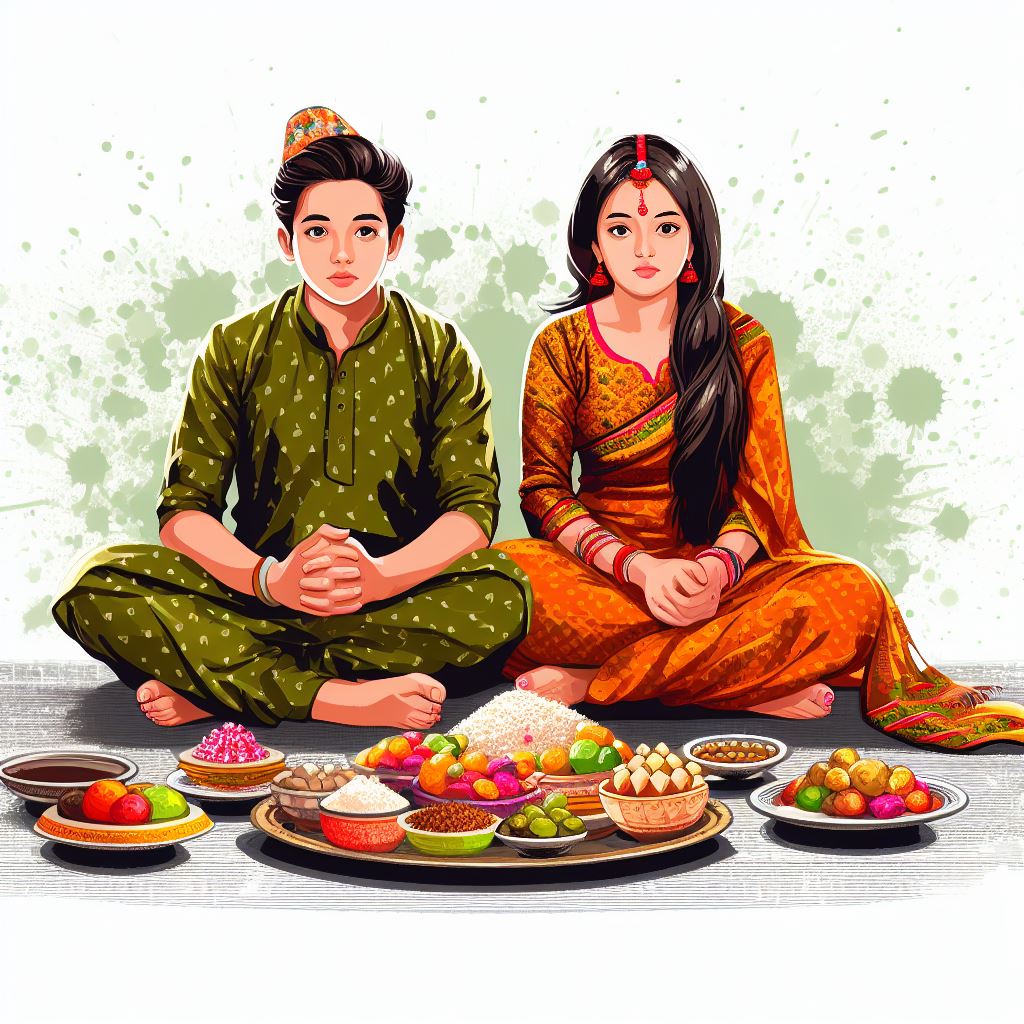
Brother and sister digital art for Bhaitika for Tihar Graphic Design. Younger Boy and elder sister wearing Nepali Dress Kurtha Surwal with green splash background.

Happy Bhaitika Tihar graphic design social media post

Digital art for Bhaitika of brother and sister wearing Nepali Daura Suruwal Dress. Foods, fruits, and sweets in front of them and posing for a photograph.

Happy Bhaitika Tihar graphic design digital art

digital art piece featuring brother and sister sitting on the floor in traditional Nepali clothing with a spread of food in front of them. The boy should be sitting cross-legged. The woman should be dressed in a kurtha surwal, sitting with her legs folded under her. The spread of food should include a large bowl of fruit, a plate of sweets, and a tray of snacks. Use a white background with a green splatter pattern

Hope you like these designs. If you want to request more designs, you can comment me down below.

Chhath Puja Design Graphic, Poster, Banner

Chhath Puja Design | Graphic, Poster, Banner

Chhath is a Hindu festival dedicated to the worship of the sun god, and chhathi maiya, who is considered as a sister of the Sun God. In Nepal, it is mostly celebrated in the Terai Region. In this festival, people go to the bank of the river and perform rituals during...
Tihar Greeting Card Design Banner Post Design

Tihar Greeting Card Design | Banner Post Design

Here are various Happy Tihar Greeting Card Design | Banner Post Design. I am a graphic designer and I have been working in this field for more than 5 years. I have uploaded all the designs here for free. You can use it for personal and commercial purposes as well....
Dashain greeting card design and social media graphic design post

Dashain Greeting Card Design | Banner Post Design

Hi, this is Wilson Shrestha a Digital Creator and Graphic Designer from Kathmandu Nepal. I own a graphic design company in Nepal called ToofanDesign.comI have been in this field for more than 5 years. Since this time I have been creating designs for, Education...
3D Texture Guide

3D Texture Guide | Substance Painter

Disclaimer: The information provided in this post is based on research conducted from various online sources and may not be 100% accurate or applicable to all situations. It is intended to provide general guidelines and tips for 3D texturing and should not be relied...
10 tips for mastering blender 3D

10 Tips for Mastering Blender 3D Model

Blender is a 3D Modeling open-source software that is free to use for everyone. It is used in various industries like game development, animation, architecture, and Product design.10 Tips for Mastering Blender 3D Model Understand the Interface Learn Keyboard Shortcuts...
blender 3d for game development tutorials

How to Use Blender 3D for Game Development

If you're searching for an efficient and free tool for game development, Blender 3D is worth exploring. This open-source 3D creation suite can be utilized in many ways - including game creation. In this article, we'll walk you through the process of using Blender 3D...
blender vs maya a full complete comparison

Blender 3D vs Maya: Which One is Better for 3D Modeling?

3D modeling is an integral part of modern life, used in everything from films and video games to architecture and product design. However, with so many software options available it can be hard to decide which one best meets your requirements. Blender 3D and Maya are...
Create Realistic Textures in Blender 3D A Step-by-Step Guide

Create Realistic Textures in Blender 3D: A Step-by-Step Guide

Creating realistic texture can be challenging as it requires attention to detail and an understanding of materials and lighting. Without proper techniques, the texture may appear flat or unrealistic. Here I will explain a step-by-step tutorial to help you create an...
is blender good for 2d animation

Is Blender the Future of 2D Animation?

2D animation is a type of illustration that involves creating movement within two dimensions. It has been an iconic medium for storytelling, advertising, and entertainment for decades - from classic Disney cartoons to contemporary anime - showing that its applications...

Dashain Greeting Card Design | Banner Post Design

Dashain greeting card design and social media graphic design post

Hi, this is Wilson Shrestha a Digital Creator and Graphic Designer from Kathmandu Nepal. I own a graphic design company in Nepal called ToofanDesign.com
I have been in this field for more than 5 years. Since this time I have been creating designs for, Education Consultancy, Schools, Colleges, Institutes, Bike Showrooms, and repair centers.

Here I am going to post my creations for Dashain greeting card design, social media post,s and banner designs.

I have all the rights for this design so you can download and use it for personal and commercial purposes as well.
If you want to create any designs you can contact me Through Toofandesign.com or call me at 9843398340.

I am going to explain something about the Dashain festival in Nepal. It is the biggest festival in Nepal which is also known as “Bada Dashain”. As a Nepali, we will get 6 days of public holidays in Nepal. 

According to mythology, Goddess Durga was created by the combined energies of gods, including Brahma, Vishnu, Shiva, and others, to kill the demon Mahishasura. Durga is a warrior goddess with multiple arms, each holding different weapons. She rides in a lion, which is a symbol of strength, courage, and power.

Before the beginning of Dashain, we celebrate Navaratri which is remembered as the victory of Durga over Mahishasura. It is a nine-night festival, and each night is dedicated to one of Durga’s different forms. For your kind information, Durga has nine forms so it is also know as Nawa durga.

Happy Dashain social media poster design of Durga bhawani
Dashain Greeting card design

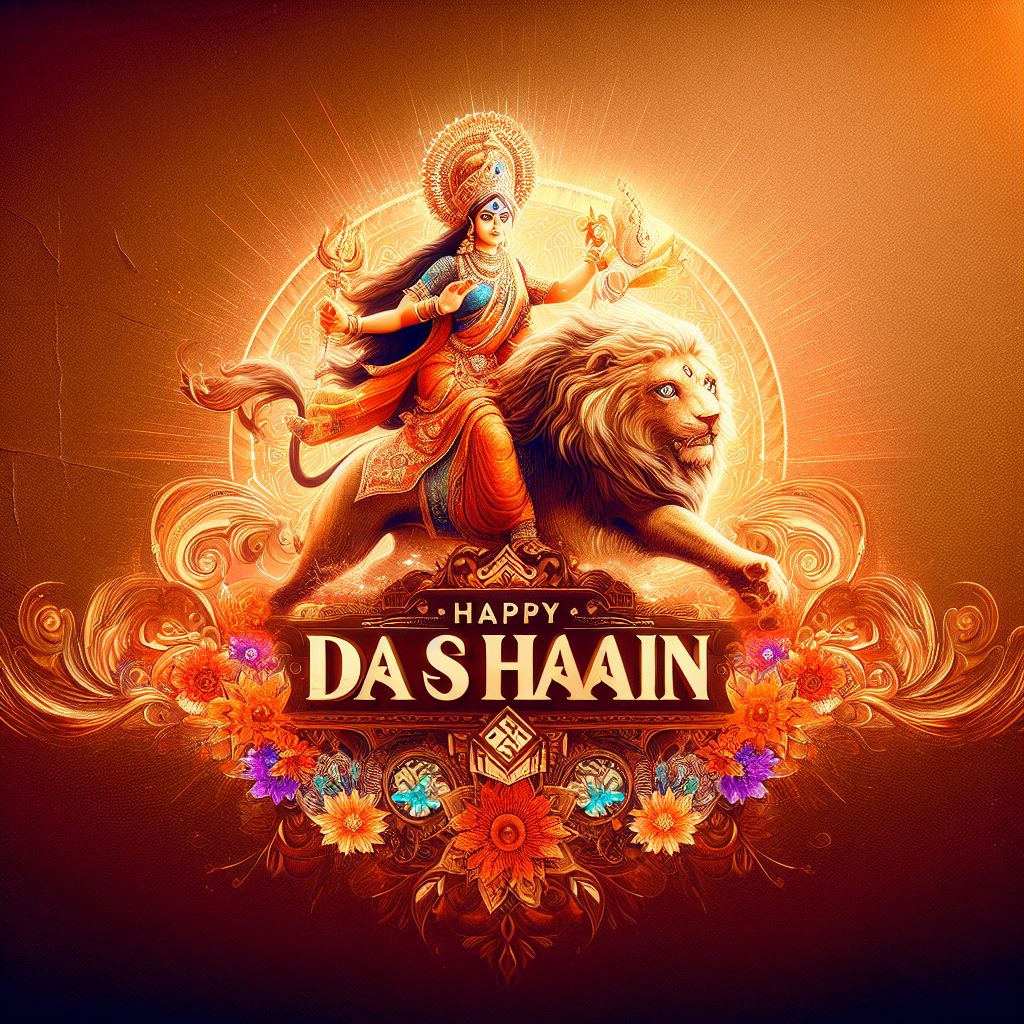
Here are some of the Dashain Greeting Card Design with Goddess Durga riding a lion with vibrant color details in digital art.

Dashain Greeting card design

In this design, here are some extra elements like Durga’s face illustration on the cloud, with kite images. A girl swings and beautifully written Shuva Dashain in Nepali.

Dashain greeting card banner design

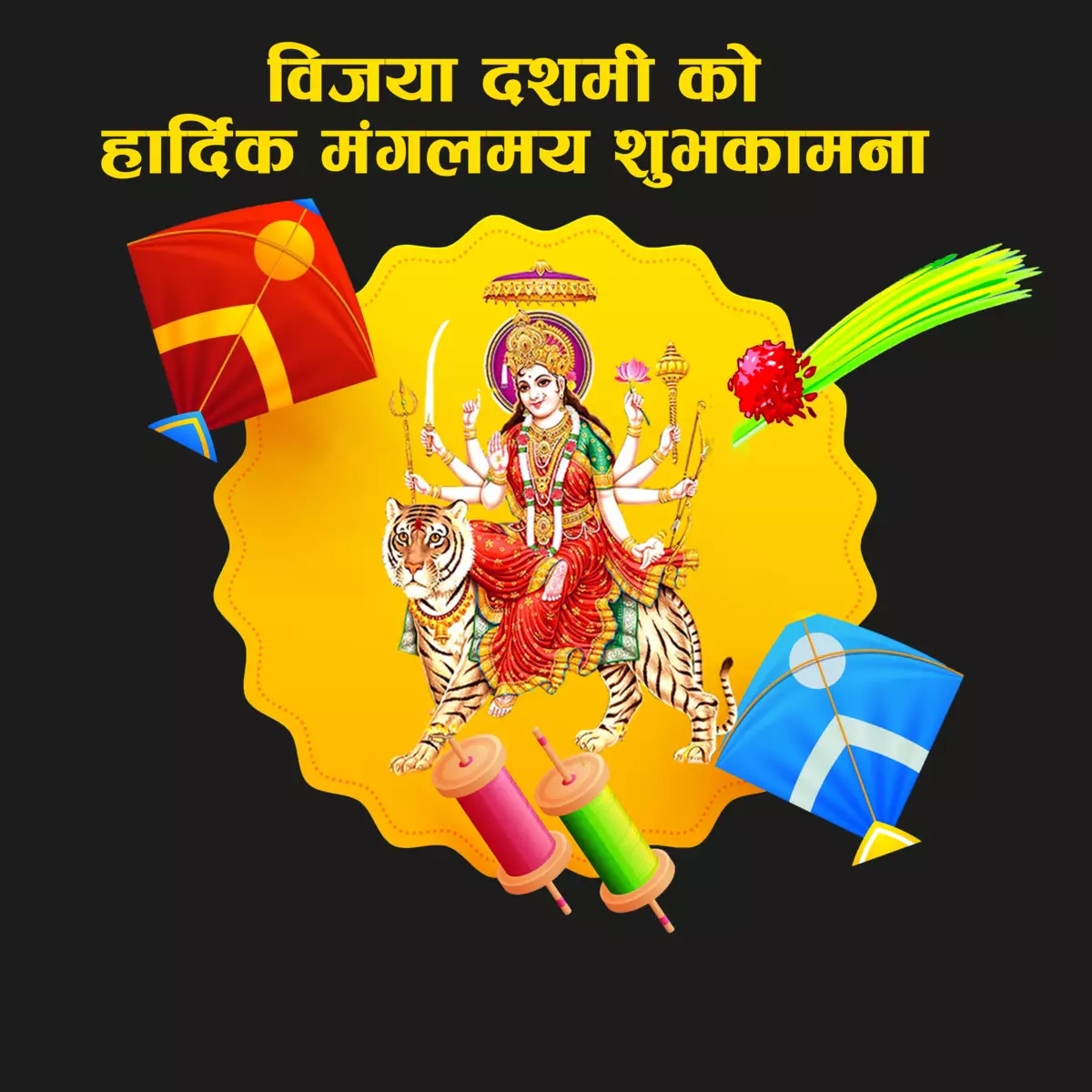
Written text “Bijaya Dashami ko hardik mangalmaye shuvakamana” image of Bhagawati riding on a tiger.

Dashain Greeting Card and social media banner design

Written text “Bijaya Dashami ko hardik mangalmaye shuvakamana” image of Bhagawati riding on a tiger and also Dashain elements like kites Jamara.

I have created this post to share my social media graphic designs on the internet. Hope this will help your designs as well. If you want more graphics, you can comment me down. I will be happy to help. Thank you for your time.

3D Texture Guide | Substance Painter

3D Texture Guide

Disclaimer: The information provided in this post is based on research conducted from various online sources and may not be 100% accurate or applicable to all situations. It is intended to provide general guidelines and tips for 3D texturing and should not be relied upon as professional or expert advice. Readers are encouraged to conduct their own research and experimentation and consult with field professionals if necessary. The author and publisher of this post are not responsible for any damages or losses that may result from the use or misuse of the information provided herein.
This information is collected only for personal use.

Types of 3D Texture

There are several types of 3D textures that can be used in different applications. Some of the most common types of 3D textures include:

  • Volumetric Texture: This type of texture is used to simulate volumetric effects such as smoke, fog, or fire. Volumetric textures are created by stacking 2D textures on top of each other to create a 3D volume.
  • Procedural Texture: This type of texture is generated by an algorithm rather than being created from an image. Procedural textures can be used to create a wide range of effects, such as noise, patterns, and gradients.
  • Displacement Texture: This type of texture is used to create the illusion of depth and height on a surface. Displacement textures are created by using grayscale images to modify the surface of a 3D model.
  • Normal Texture: This type of texture is used to create the illusion of surface detail on a 3D model. Normal textures are created by using RGB images to modify the surface normals of a 3D model.

Some Texture Properties Materials in Substance Painter and Maya

MaterialMetallicRoughnessAdditional Details
Plastic00.5-1–
Metal0.5-10.1-0.4–
Wood00.3-0.7Wood grain texture map
Glass00.1-0.2Transparency and reflection maps
Stone00.5-1Stone texture maps
Fabric00.3-0.7Fabric texture maps


Metallic value ranges for various metallic materials in Substance Painter

MetalMetallic Value Range
Roughness Value Range
Aluminum0.8 – 1.00.1 – 0.5
Brass0.7 – 1.00.1 – 0.5
Bronze0.5 – 1.00.1 – 0.5
Copper0.8 – 1.00.1 – 0.5
Gold0.8 – 1.00.05 – 0.2
Iron0.6 – 1.00.1 – 0.5
Silver0.8 – 1.00.05 – 0.2
Steel0.8 – 1.00.1 – 0.5


Roughness value ranges for various non-metallic materials in Substance Painter

MaterialRoughness Value Range
Brick0.6 – 0.8
Concrete0.5 – 1.0
Glass0.01 – 0.2
Leather0.3 – 0.6
Marble0.2 – 0.5
Plaster0.4 – 0.6
Plastic0.1 – 0.6
Rubber0.3 – 0.6
Stone0.2 – 0.6
Wood0.3 – 0.6


Difference Between Specular Map and Roughness Map

Specular MapRoughness Map
Controls the amount of light reflected off a surface.Controls the sharpness of reflections on a surface.
Values range from 0.0 to 1.0, with higher values indicating a more reflective surface.Values range from 0.0 to 1.0, with higher values indicating a rougher surface.
Used in metal/roughness PBR shaders.Used in PBR shaders and should be plugged into a Gloss or Roughness input.
Both control the appearance of reflections on a surface.
Both are grayscale textures.

[dsm_icon_divider use_icon=”on” font_icon=”||divi||400″ _builder_version=”4.21.0″ _module_preset=”default” global_colors_info=”{}” _i=”7″ _address=”0.2.0.7″ theme_builder_area=”post_content” /]

FAQ

Does roughness control light?

Yes, roughness does control how light interacts with a material.

  1. High roughness scatters light in many directions, resulting in a diffuse and less reflective appearance.
  2. Low roughness reflects light more directly, resulting in a glossy and highly reflective appearance.
  3. The roughness map can create a desired appearance, from a rough and matte surface to a smooth and glossy one.
Does specular control light?

Yes, specular also controls how light interacts with a material.

  1. The specular map determines the reflectivity of a material and how it interacts with light sources in the scene.
  2. A material with a high specular value will appear more reflective and mirror-like.
  3. A material with a low specular value will appear more diffuse and matte.
What are points to understand for PBR Texture?
  1. PBR (physically based rendering) is a holistic system of content creation and rendering that uses realistic shading/lighting models and measured surface values to accurately represent real-world materials.
  2. PBR can have variances in actual implementation, depending on what tools or engine you use.
  3. Loading any old content into a PBR shader does not guarantee physically accurate results.
  4. To create PBR textures, you will need to create or acquire texture maps for various surface properties, such as color, roughness, metallic, and normal maps.
  5. When converting legacy textures to PBR, it is important to consider the differences between the legacy and PBR workflows and adjust your textures accordingly.
  6. The roughness map is used to control how light interacts with the surface of a material. A high roughness value scatters light in many directions, resulting in a diffuse and less reflective appearance, while a low roughness value reflects light more directly, resulting in a glossy and highly reflective appearance.
  7. The metallic map is used to control the metallic value of a material. A metallic value of 1.0 indicates a fully metallic material, while a value of 0.0 indicates a fully non-metallic material.
  8. The normal map is used to simulate surface detail and depth on a 3D object by encoding surface normals in an image.
Why to use PBR Workflow?

PBR (Physically Based Rendering) workflow is a method of creating and rendering 3D graphics that simulates the physical behavior of light and materials in the real world. This workflow is becoming increasingly popular in the game development and visual effects industries because it offers several benefits:

  1. Realistic results: PBR workflow allows for the creation of realistic materials and lighting in 3D graphics. This is because it uses physically accurate values for properties like roughness, reflectivity, and metallicity, which can be used to create accurate reflections, shadows, and highlights.

  2. Consistency: PBR workflow ensures consistency across different platforms and engines. This is because PBR materials are designed to work with any renderer that supports the PBR standard, which means that assets created in one software can be easily imported and used in another.

  3. Speed: PBR workflow can speed up the development process by providing a standard set of materials and textures that can be easily reused across different projects. This can save time and effort in the creation of assets and textures.

  4. Flexibility: PBR workflow allows for a high degree of flexibility in the creation of materials and textures. This is because PBR materials can be adjusted to match the specific needs of a project, and can be easily modified to create different variations of the same material.

Overall, PBR workflow offers a way to create realistic, consistent, and flexible 3D graphics that can be easily reused across different projects and platforms.

Is there any materials which is semi metallic?

Yes, there are materials that are considered semi-metallic or metalloid. These materials possess properties that are intermediate between those of metals and nonmetals. Some examples of semi-metallic materials include:

  1. Silicon: Silicon is a metalloid that is commonly used in the semiconductor industry to make computer chips and other electronic components.
  2. Germanium: Germanium is another metalloid that is used in the production of semiconductors.
  3. Arsenic: Arsenic is a metalloid that is used in the production of pesticides, semiconductors, and other electronic components.
  4. Antimony: Antimony is a metalloid that is used in the production of flame retardants, batteries, and other electronic components.
  5. Boron: Boron is a metalloid that is used in the production of ceramics, semiconductors, and other electronic components.
  6. Tellurium: Tellurium is a metalloid that is used in the production of solar cells, thermoelectric devices, and other electronic components.

Sources: ThoughtCo, Chemistry LibreTexts

[dsm_blog_carousel include_categories=”115″ use_excerpt=”off” use_date=”off” use_author=”off” centered_slides=”on” _builder_version=”4.20.1″ _module_preset=”default” global_module=”234877″ global_colors_info=”{}” _i=”2″ _address=”0.3.0.2″ theme_builder_area=”post_content” /]

10 Tips for Mastering Blender 3D Model

10 tips for mastering blender 3D

Blender is a 3D Modeling open-source software that is free to use for everyone. It is used in various industries like game development, animation, architecture, and Product design.

10 Tips for Mastering Blender 3D Model

  1. Understand the Interface
  2. Learn Keyboard Shortcuts
  3. Practice Basic Modeling Techniques
  4. Use Add-ons
  5. Master Texturing and Materials
  6. Learn Lighting and Rendering
  7. Use Physics Simulations
  8. Practice Animation Techniques
  9. Join Blender Communities
  10. Practice, Practice, Practice

1. Understand the Interface

The Blender interface could be overwhelming for novices and to use the program effectively, it is necessary to understand the interface. The interface has a range of windows, including the 3D view timelines, properties, and outliner. It is essential to spend time in the interface to utilize the software effectively and efficiently.

2. Learn Keyboard Shortcuts

To work faster Blender has an extensive list of keyboard shortcuts. So, I am recommending you, learn the shortcuts for speed workflow.

Here are the most commonly used Blender keyboard shortcuts:

  • G: Grab/move
  • S: Scale
  • R: Rotate
  • E: Extrude
  • Ctrl + R: Loop cut
  • Tab: Switch between edit and object mode
  • A: Select all or deselect all
  • Ctrl + Z: Undo
  • Shift + D: Duplicate
  • Shift + A: Add object
  • Ctrl + S: Save
  • Ctrl + E: Edge menu
  • Ctrl + Shift + Alt + C: Set origin
  • Shift + C: Move cursor to center
  • Numpad period: Center view on selected object or frame current selection
  • 1, 2, 3, etc. (on numpad): Orthographic views
  • 0 (on numpad): Camera view
  • Shift + F: Fly mode navigation
  • Ctrl + B: Bevel
  • Alt + C: Convert menu
  • Alt + D: Linked duplicate

3. Practice Basic Modeling Techniques

Blender has various modeling techniques such as box modeling, sculpting, curve modeling, and Geometry nodes. As a beginner, it is recommended to start learning basic box modeling techniques. In box modeling, we can create a model from a simple cube by extruding, scaling, and rotating its vertices, edges, and faces.

4. Use Add-ons

We can use Various addons in Blender to enhance our workflow. I can be used for various tasks such as modeling, Uv unwrapping, rigging, and texturing.

>>>Download some Blender addons for free<<<

List of add-ons for 3D Modeling. 

Add-On NameFunctionality
Hard OpsAdvanced tools for boolean operations, bevels, and more
BoxCutterFast and efficient boolean operations
Mesh MachineCollection of tools for automating common modeling tasks
Mira ToolsCollection of modeling tools for mirroring, symmetry, and alignment functions
SpeedFlowCustomizable interface for fast access to common modeling tools and functions
Asset SketcherTool for quickly creating 3D models from 2D sketches
Auto MirrorAutomatically mirrors changes made to one side of a model to the other side
RetopoflowTools for creating new topology over existing models
TexToolsTools for working with textures, including UV unwrapping and texture baking
Decal MachineQuick addition of decals to 3D models

List of add-ons for Uv unwrapping.

Add-onDescriptionPrice
UV Pack MasterProvides efficient and automated UV packing for optimal texture resolution and minimal distortion. Includes alignment and distribution tools.$34.99
TexToolsOffers a suite of UV mapping tools including UV unwrapping, texture baking, and more. Free and open source.Free
UV ToolkitProvides advanced UV editing tools such as live unwrap and interactive packing, as well as a range of selection and transformation tools.$24.99
Magic UVOffers a streamlined UV unwrapping workflow with tools for straightening, relaxing, and packing UV islands. Also includes texture alignment and distribution tools.$25.00
UV SquaresFocuses on creating evenly sized and spaced UV squares for easier texture painting and editing. Also includes tools for aligning and distributing UV islands.Free

Note: Price is accurate to mention from the Date of March 2023


List of  addons for Texturing:

Add-on NameFeatures
Substance Painter Live LinkProvides a live link between Blender and Substance Painter, allowing for real-time updates and seamless workflow.
Texture Paint LayersAdds layer support to Blender’s texture painting tools, allowing for more complex and flexible texturing workflows.
PBR MaterialsA collection of physically-based materials and textures for use in Blender, including metals, plastics, and fabrics.
GrungitA tool for adding grunge and weathering effects to textures, with a variety of presets and customization options.
Poliigon Material ConverterConverts textures downloaded from the Poliigon library into ready-to-use materials in Blender, with support for node-based workflows.


List of Best addons for Rigging:

Add-on NameFeatures
RigifyAutomatic rigging system with customizable templates
Auto-Rig ProComprehensive rigging solution with advanced features
BlenRigModular rigging system with pre-built modules for different character types
Rigging ToolboxCollection of tools for rigging, including bone picker and weight transfer
PitchipoyFlexible rigging system with focus on cartoon-style characters

List of best add-ons for Geometry Nodes

Addon NameFeatures
Animation NodesAllows the creation of complex animations and procedural motion graphics using geometry nodes
Geo Nodes PlusProvides a library of pre-built nodes and node groups for creating geometry
Node ExpressionsAllows for more advanced control and customization of geometry nodes through the use of expressions
Animation Nodes FalloffsAdds additional falloff shapes for controlling the effect of nodes on geometry
GN Procedural TreeA library of nodes for creating customizable procedural trees and plants

Best Addons for Animation

Addon NameFeatures
Animation NodesNode-based animation setup, procedural animation
RigifyPre-made rigs for characters and objects, easier rigging process
BlenRigAdvanced rigging system, pre-made rigs for characters, custom rigging tools
BVH ImporterImport of motion capture data, realistic character/object animation
MocapXMotion capture tools, capture motion using mobile device, transfer to Blender

5. Master Texturing and Materials

Texturing and materials are important to create realistic 3D models. Blender has a powerful texturing system that allows you to create complex materials using nodes. Nodes can be linked together to create complex material that can produce various effects.
It can produce real-world materials such as wood, metal, fabric, or skin. Nodes can control factors such as color, glossiness, roughness, transparency, and many more.

6. Learn Lighting and Rendering

Lighting and rendering play a crucial role in creating realistic 3D models. Blender has a powerful rendering engine known as Cycles that can produce realistic renders. By learning lighting techniques like three-point lighting and HDRI LIghting you can enhance the realism of the renders.
Three-point lighting involves using three lights to create a balanced and natural-looking scene. The Three-point are Key light, fill light, and backlight.
The Key light provides the main light source, the fill light fills in the shadows, and the backlight creates depth and separation from the background.
HDRI Lighting uses HDRI images as the background of the scene. The image provides a realistic and dynamic lighting environment that can produce realistic shadows and reflections.

7. Use Physics Simulations

Blender has a powerful physics engine that can add a level of realism to 3D models. There are various types of Simulation such as fluid, cloth, and particle simulations.
Fluid simulations can be used to simulate water, fire, smoke, and other fluids.
Cloth simulations can be used to simulate fabrics and other deformable materials.
Particle simulation can be used to simulate various effects such as dust, rain, and snow.
By understanding these physic simulations in Blender you can enhance your ability to create realistic 3D models.

8. Practice Animation Techniques

Blender3D has animation techniques like keyframing and graph editor that can be used for character animation and motion graphics.
Other animation techniques such as squash & Stretch, secondary motion, and timing & spacing can also enhance your animations.

Note: It is not really necessary to learn Animation Techniques for 3D modeling but learning this basic animation will help you to create an attractive showreel and this will be plus point for 3d modeling projects.

9. Join Blender Communities

A large and active community of blenders can provide valuable resources and support to users. Join the Blender Communities such as Blender Artists and Blender Stack Exchange, which can give you access to a wealth of knowledge and expertise.
You can learn techniques, get feedback on your work, and ask for help with any problems you encounter. By doing this you will build good connections with other artists and potentially lead to job opportunities or collaborations.

10. Practice, Practice, and Practice.

Practice is essential to master Blender 3D Modeling Software. You must keep practicing until you feel confident in your skills and techniques. It will help you to improve your speed, accuracy, and workflow. Seek feedback from others, whether it’s from Blender communities or professionals in the industry.

Tips for Practicing.

  • Start with simple projects: At the beginning, start with simple projects and gradually move on to complex ones. This will help you to build your skills and confidence.
  • Use references: Use many references from images and videos of the real object to create more accurate and realistic models.
    Break it down: Break down complex projects into smaller ones, this will help you to feel easy and stay focused.
  • Experiment: Don’t be afraid to experiment with different techniques and tools. This will help you to discover new ways to approach your projects and gradually improve your skills.
  • Get Feedback: Share your work with other seniors or expert mentors to get and identify areas where you need to improve and get tips.
  • Make a journal of your progress: keep track of what you learn and the challenges you have faced. This will identify what you are learning and what you need to learn to identify areas where you need to focus.
  • Take breaks: Take breaks when you need them. Working for long periods of time without a break can lead to burnout and make it harder to stay focused.


Mastering Blender can be a challenging task, but it is achievable with practice and dedication. By understanding the interface, learning keyboard shortcuts, and practicing basic modeling techniques, you can start creating impressive 3D models in no time. Using add-ons, mastering texturing and materials, and learning lighting and rendering can take your models to the next level. Joining Blender communities and practicing regularly can help you become a Blender master.

[dsm_blog_carousel include_categories=”115″ use_excerpt=”off” use_date=”off” use_author=”off” centered_slides=”on” _builder_version=”4.20.1″ _module_preset=”default” global_module=”234877″ global_colors_info=”{}”][/dsm_blog_carousel]