
Unicode to Preeti Converter
Paste Nepali Unicode text. The Preeti version appears instantly in the other box.
Why does the Preeti box look like English letters?Preeti is a font trick. Without the Preeti font installed, its text shows as ordinary letters. This is normal. The Nepali Unicode box shows the readable result.
Special characters
Click a character to copy it, then paste it anywhere.
Embed this converter on your website
Upload this converter to a page, then paste this iframe code where you want it to appear.
Custom mappings (advanced)
Fix a Preeti symbol that converts incorrectly. Type the symbol exactly as it appears in your Preeti text, then the Unicode text it should become. Saved in this browser only.
🔒 Privacy: your text stays in your browser and is only auto-saved on this device. OCR downloads language data from a CDN, and voice typing uses your browser's speech service.
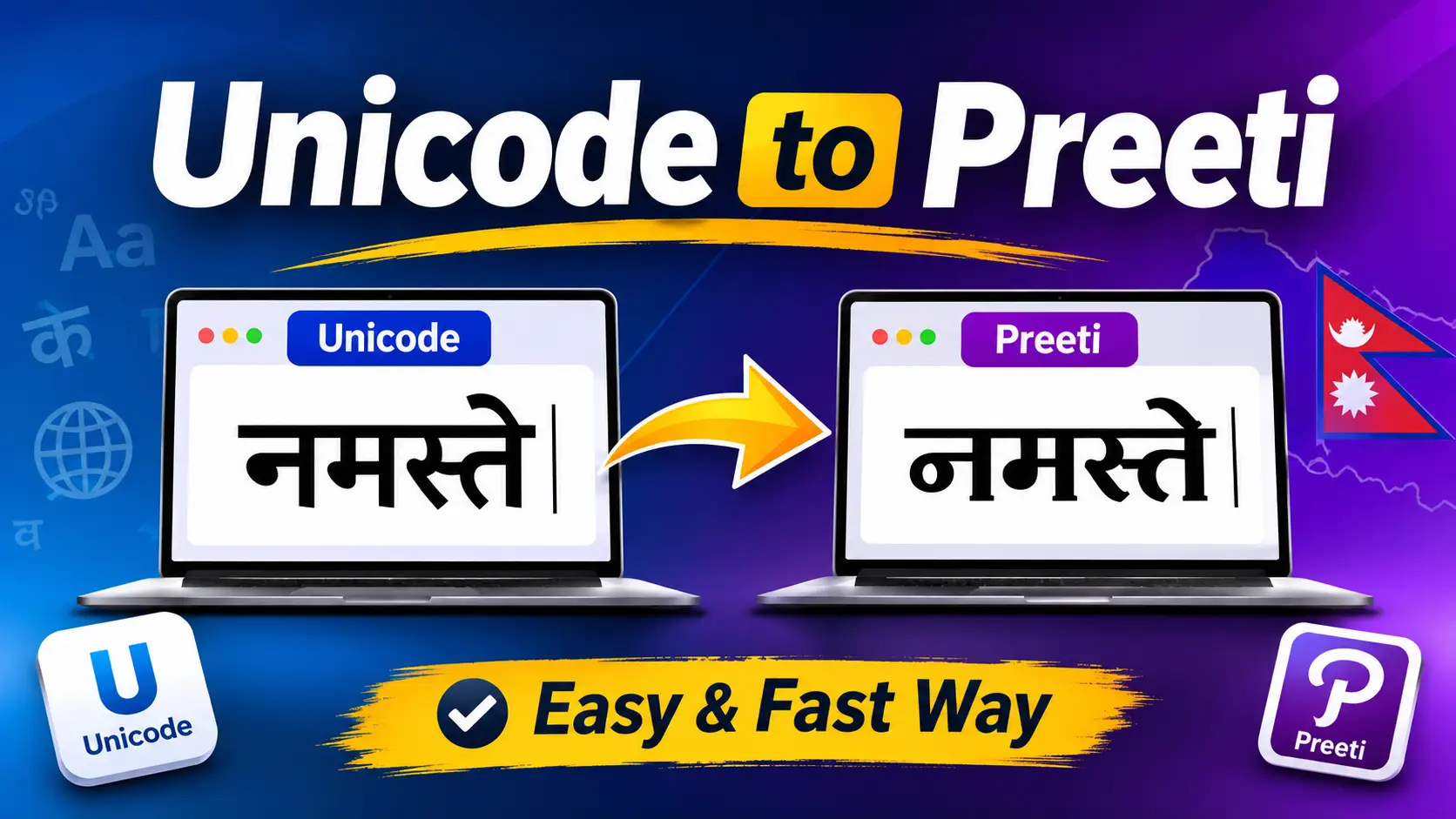
Unicode to Preeti Converter: Nepali Unicode to Preeti Font Online (Free)
This free Unicode to Preeti converter turns modern Nepali Unicode text (नेपाल) into Preeti font text (g]kfn). Paste your text in the Nepali Unicode box above and the Preeti version appears as you type. Copy it, paste it into Word, PageMaker, Photoshop or CorelDRAW, and set the font to Preeti.
You need this when someone still works in Preeti: a print shop, a newspaper layout, an old office template, or a designer whose files were built years ago. Everything online should stay in Unicode, but these print and design jobs often still expect Preeti.
Quick answer
- Paste Nepali Unicode text into the Nepali Unicode box.
- Press Copy Preeti.
- Paste it into your document or design file.
- Select the text and change the font to Preeti. It now reads as Nepali.
How to Convert Unicode to Preeti (Step by Step)
- Copy your Nepali Unicode text from a website, Facebook post, Google Docs, email or a Word file typed in Kalimati, Mangal or Nirmala UI.
- Paste it into the Nepali Unicode box above. The Preeti box fills in instantly. There is no Convert button to press.
- Press Copy Preeti.
- Paste it where you need it and apply the Preeti font. Until you do, it shows as English letters and symbols. That is normal.
You can also type straight into the Unicode box. Turn on Phonetic typing and type romanized Nepali (for example nepaal becomes नेपाल). The Preeti version is built as you type, so you can produce Preeti text without learning the Preeti keyboard.
How to Use the Preeti Text in Word, PageMaker, Photoshop and CorelDRAW
Microsoft Word
Paste with Ctrl + Shift + V (or Paste Special, Unformatted Text) so Word does not keep the old Unicode font. Select the pasted text, choose Preeti from the font list and set the size. For more on typing in Word, see how to type Nepali in MS Word using Preeti.
PageMaker and InDesign
Older PageMaker layouts usually cannot use Unicode Nepali, which is why this converter exists. Paste the Preeti text into a text frame, select it and set the font to Preeti. Check line breaks and justification, because Preeti text is often wider than the Unicode original.
Photoshop, Illustrator and CorelDRAW
Create a text layer, paste the Preeti text and pick the Preeti font for that layer. If the letters still look English, the font is not installed or the program has not loaded it yet. Restart the program after installing the font.
Convert a Unicode Word File, PDF or Image to Preeti
- Press Import file above, or drag the file onto the converter. It accepts .docx, .txt, .pdf and images (.png, .jpg, .webp).
- Nepali Unicode text is detected and placed in the Unicode box. The Preeti box updates at the same time.
- Press Copy Preeti, or open Download and save the Preeti text (.txt).
- Paste into your Word or design file and apply the Preeti font.
Images and scanned PDFs are read with OCR, which downloads Nepali language data the first time. OCR makes mistakes, so read the Unicode text before you copy the Preeti result. Headings, bold text and tables are not carried over into Preeti, so re-apply formatting in your final file.
Preeti text shows English letters? That is expected. Preeti text is stored as English characters and only looks Nepali when the Preeti font is installed and applied. Get it from our free Preeti font download with keyboard layout, install it, then select the text and choose Preeti.
Unicode vs Preeti: Which One Should You Use?
| Where the text is going | Use | Why |
|---|---|---|
| Websites, Facebook, WhatsApp, email | Unicode | Shows correctly on every phone and browser |
| Google Docs and online forms | Unicode | No font installation needed |
| Old PageMaker or print shop files | Preeti | The layout was built around the Preeti font |
| Designer templates made in Preeti | Preeti | Keeps the same look as the rest of the file |
| Archiving or sharing documents | Unicode | Text stays readable on any computer, years later |
If the file is going online, keep it in Unicode. Convert to Preeti only for the print or design step that needs it, and keep a Unicode copy of your text as the master.
What to Check After Converting Unicode to Preeti
- The ि (chhoti ee) sign: Unicode stores it after the consonant, Preeti types it before. Read names such as सबिन in the final layout.
- Conjuncts and half letters: क्ष, त्र, ज्ञ, द्ध and र्य should appear as one shape, not split letters. See how to type Nepali half letters.
- English words, emails and URLs: they get mapped to Preeti too. Leave them in a normal English font in your final file.
- Numbers: decide whether you want Nepali digits (०-९) or English digits, and check dates and amounts against the original.
- Rare characters: symbols such as ॐ and some punctuation may not have a Preeti key. Use the Special characters panel above, or insert them in a Unicode font.
Other Legacy Nepali Fonts
Preeti is the most common, but Kantipur, Sagarmatha, Kanchan and Ganesh are also non-Unicode fonts with their own key layouts. Text converted for Preeti will not display correctly in those fonts. Download them here: Kantipur, Sagarmatha, Kanchan and Ganesh. To go the other way, use the Kantipur to Unicode converter.
Frequently Asked Questions
What is a Unicode to Preeti converter?
It is a tool that maps standard Nepali (Devanagari) Unicode characters to the English keys used by the Preeti font. The result looks Nepali once you apply the Preeti font, so you can use it in software and templates that do not support Unicode.
Why does the converted Preeti text show English letters?
Preeti text is made of ordinary English characters. It only displays as Nepali when the Preeti font is installed on that computer and applied to the text. Install the font, select the text and choose Preeti.
Can I convert a Unicode Word file to Preeti?
Yes. Press Import file, choose the .docx, then copy the Preeti output or download it as Preeti text (.txt). Paste it into Word and set the font to Preeti. Formatting such as bold and tables needs to be re-applied.
Can I type Nepali and get Preeti directly?
Yes. Turn on Phonetic typing in the Nepali Unicode box and type romanized Nepali. The Preeti version appears as you type, ready to copy.
Is my text uploaded anywhere?
No. The conversion runs in your browser and the text is only auto-saved on your device. OCR for images and voice typing use outside services, as noted in the privacy line under the tool.
How do I convert Preeti back to Unicode?
Use the Swap sides button and paste Preeti text into the Preeti box, or open the full Preeti to Unicode converter guide for DOCX and PDF files.
Final Thoughts
Keep your text in Unicode and convert to Preeti only for the file that needs it. Paste, copy Preeti, apply the font, then read the conjuncts, names and numbers once before you send it to print.
Related tools and guides: Preeti to Unicode converter, English to Nepali Unicode type converter, Nepali keyboard layout charts, online Typeshala and more free online tools for Nepal.