
Preeti to Nepali Unicode Converter
Type or paste in either box. The other box updates instantly.
Why does the Preeti box look like English letters?Preeti is a font trick. Without the Preeti font installed, its text shows as ordinary letters. This is normal. The Nepali Unicode box shows the readable result.
Special characters
Click a character to copy it, then paste it anywhere.
Embed this converter on your website
Upload this converter to a page, then paste this iframe code where you want it to appear.
Custom mappings (advanced)
Fix a Preeti symbol that converts incorrectly. Type the symbol exactly as it appears in your Preeti text, then the Unicode text it should become. Saved in this browser only.
🔒 Privacy: your text stays in your browser and is only auto-saved on this device. OCR downloads language data from a CDN, and voice typing uses your browser's speech service.
Preeti to Unicode Converter: Free Text, DOCX & Unicode to Preeti
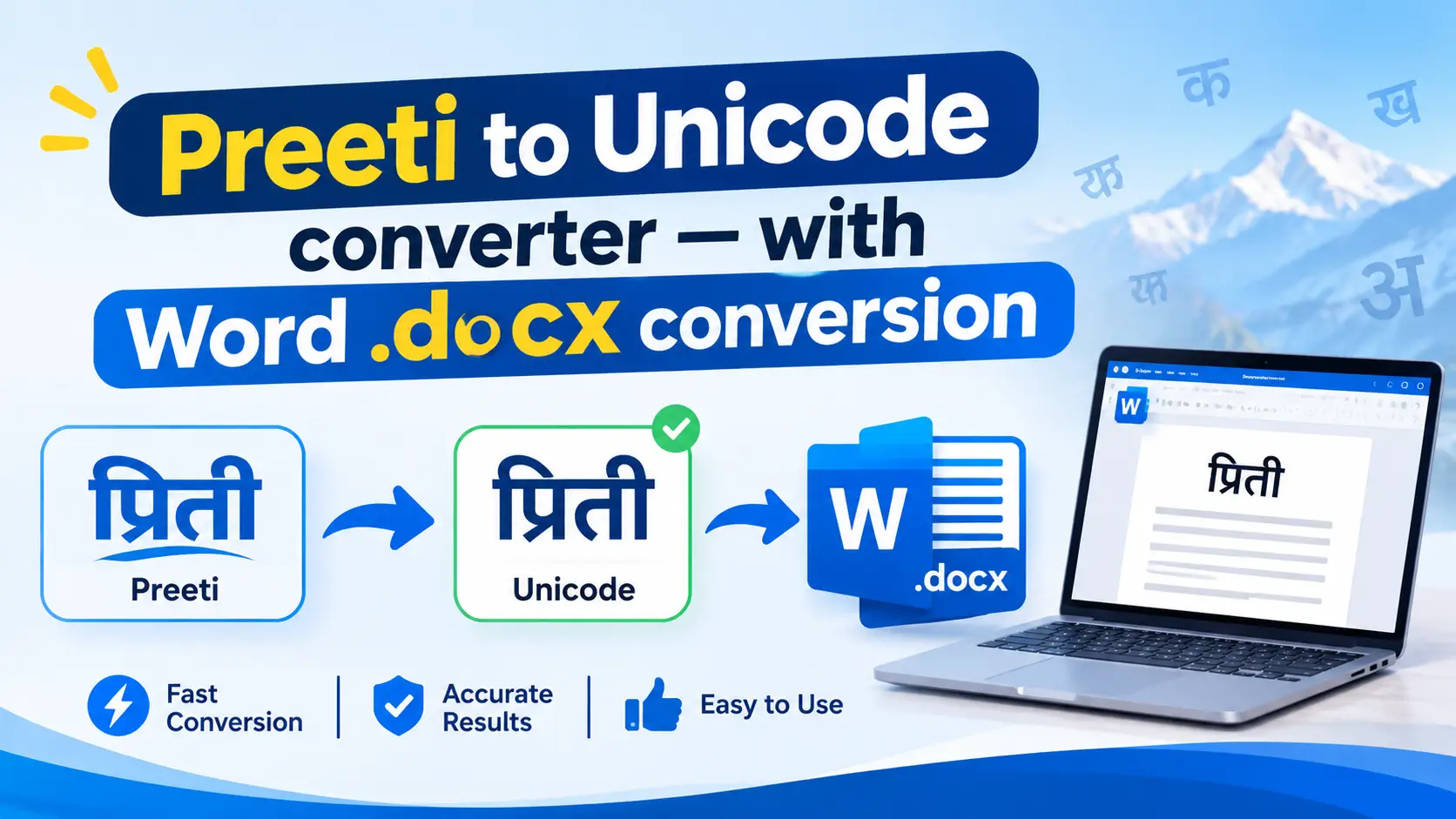
Open an old Nepali file on a computer without the Preeti font and you get something like g]kfn instead of नेपाल. The words are still there. They are stored as ordinary English characters, and only the Preeti font makes them look Nepali.
A Preeti to Unicode converter fixes that by turning the text into real Nepali (Devanagari) Unicode that works on websites, phones, email and Google Docs. This page covers three jobs: converting pasted text, converting a whole DOCX file, and going the other way with a Unicode to Preeti converter when a print shop still demands Preeti.
Quick answer
- Paste your Preeti text (or upload the DOCX) into the converter.
- Convert it to Unicode.
- Paste the result into your document and choose a Unicode font such as Kalimati, Mangal or Nirmala UI.
- Proofread names, numbers and words with conjuncts before you publish.
How to Convert Preeti to Unicode in 4 Steps
- Copy your Preeti text from Word, PageMaker or any old file. Keep the original file as a backup.
- Paste it into the converter and choose Preeti as the source font.
- Convert and copy the Unicode output.
- Paste it where you need it (WordPress, Google Docs, email, a mobile app) and proofread.
If the output still looks odd inside Word, the cause is usually the font applied to the pasted text, not the conversion. Select it and switch to a Unicode font. Not sure how to add one? See how to install a Nepali font on Windows 11.
How to Convert a Preeti DOCX File to Unicode
Most converter pages only handle a pasted paragraph. If you have a 40-page Word file, there are two sensible ways to do it.
Method 1: Upload the DOCX
- Open the DOCX tab of the converter above.
- Choose your file and set the source font to Preeti.
- Convert, download the new DOCX and open it in Word.
- Check that the converted text uses a Unicode font, then proofread.
Method 2: Copy, Convert, Paste Back (Manual)
- In Word press Ctrl + A, then Ctrl + C to copy the whole document.
- Paste into the text converter and convert.
- Open a new blank Word document and paste the Unicode result.
- Select all and apply a Unicode font such as Kalimati or Mangal.
- Re-apply headings, bold text and tables that the plain paste removed.
What to Check After Converting a DOCX
- Tables: converters differ in how they treat table cells, so open each table and read it.
- Text boxes, headers and footers: these are the places most likely to stay unconverted.
- English words, emails and URLs: anything that was formatted in the Preeti font can be mangled.
- Dates, phone numbers and amounts: compare them with the original line by line.
Unicode to Preeti Converter: When You Still Need Preeti
Unicode is the right choice for the web, but plenty of print shops, newspaper layouts and older design files still expect Preeti. If a designer sends you a template built in Photoshop, InDesign or PageMaker, you may need to convert your Unicode text back.
- Paste your Nepali Unicode text into the Unicode to Preeti tab.
- Copy the Preeti output.
- Paste it into your design or Word file and set the font to Preeti.
Important: Preeti output only looks Nepali if the Preeti font is installed on that computer. Without it you will see English letters and symbols. Get the file and install steps in our free Preeti font download with keyboard layout.
Why Preeti Text Breaks: Preeti vs Unicode
Unicode gives every Nepali character its own permanent code, in the Devanagari block (U+0900 to U+097F). Preeti does not. It reuses the English keyboard characters and relies on the font to draw Nepali shapes. This is how the conversion works:
Preeti text
English characters that look Nepali only with the font installed
Converter
Maps each key combination to the matching Devanagari character
Unicode text
Real Nepali that works on every phone, browser and app
Here are real examples of what the same word looks like in each system:
| Stored as Preeti | Nepali Unicode |
|---|---|
g]kfn | नेपाल |
gd:t] | नमस्ते |
sf7df08" | काठमाण्डू |
;lag cfrf/\o | सबिन आचार्य |
Sample pairs come from public converter documentation. Mappings can differ slightly between tools, so always read the output.
Common Conversion Mistakes to Check
No converter is perfect on every word. These are the patterns worth a second look. The last row of the table above shows the first one: in ;lag the l comes before a, yet in Unicode the ि sign is stored after the consonant.
| Pattern | Why it goes wrong | What to check |
|---|---|---|
| ि (chhoti ee matra) | Typed before the consonant in Preeti, stored after it in Unicode | Names like सबिन |
| Conjuncts क्ष, त्र, द्ध | Unicode stores them as consonant + halant + consonant | No stray halant mark or split letters |
| Half letters | Keyed differently in Preeti and Unicode | See how to type Nepali half letters |
| Mixed English text | Characters formatted in Preeti get mapped too | Emails, URLs, brand names |
| Numbers and punctuation | Digits and symbols share keys with letters | Dates, amounts, quotation marks |
Which Unicode Font Should You Use After Converting?
Once the text is Unicode, the font only changes how it looks, not what it is. Any of these will display the same converted text:
- Kalimati: a common choice for formal Nepali documents. Download Kalimati.
- Mangal: long-time Windows default for Devanagari.
- Nirmala UI: the Devanagari font built into current versions of Windows.
- Kokila: popular in formal documents. Kokila font download.
Kantipur, Sagarmatha, Kanchan & Ganesh Text
Preeti is not the only legacy Nepali font. Kantipur, Sagarmatha, Kanchan and Ganesh also store text as English characters, but each has its own key mapping. Run text through a converter that lists your exact font as the source. Using the wrong source font produces wrong letters even when nothing looks broken at first glance.
- Kantipur font download
- Sagarmatha font download
- Kanchan font download
- Ganesh font download and broken text fix
Can You Convert a Preeti PDF to Unicode?
It depends on the PDF.
- Selectable text: try copying a line and pasting it into a text editor. If you get Preeti-style characters, paste them into the converter. PDF copying can add extra damage, so compare the result with the page.
- Scanned images: there is no text to copy. Run OCR first, then convert whatever text comes out and proofread carefully.
Bulk-Convert Many DOCX Files with Python (Optional)
If you have dozens of old files, an open-source Python package called npttf2utf can map Preeti and similar fonts to Unicode in DOCX and TXT files. Its documentation lists support for body paragraphs, tables and shapes in DOCX, and it sets Kalimati as the default font for converted text. A command looks like this:
pip install npttf2utf
npttf2utf -m docx -if auto -of unicode -i "old-file.docx" -o "old-file-unicode.docx"
Test it on one copy of a file first and read the output before running a whole folder.
Frequently Asked Questions
What is a Preeti to Unicode converter?
It is a tool that maps text typed in the legacy Preeti font to standard Nepali (Devanagari) Unicode, so it displays correctly on websites, phones, email and Google Docs without installing any font.
How do I convert a Preeti Word (DOCX) file to Unicode?
Upload the file to a converter that supports DOCX, or copy the text, convert it, paste it into a new document and apply a Unicode font such as Kalimati or Mangal. Then proofread tables, headings and numbers.
Can I convert Unicode back to Preeti?
Yes. Paste Nepali Unicode into a Unicode to Preeti converter, copy the output and apply the Preeti font in Word, Photoshop or InDesign. The Preeti font must be installed or the text will show as English symbols.
Why does my Preeti text show English letters or symbols?
Preeti stores ordinary English characters and only looks Nepali when the Preeti font is installed and applied to the text. Install the font or convert the text to Unicode.
Which Unicode font should I use after converting?
Any Devanagari Unicode font works, including Kalimati, Mangal, Nirmala UI and Kokila. The underlying text is identical; only the appearance changes.
Does it work for Kantipur, Sagarmatha or Kanchan text?
Those are separate legacy fonts with their own mappings. Choose a converter that lists your exact font as the source instead of assuming Preeti settings will work.
Can I convert a Preeti PDF?
If the PDF text is selectable, copy it and convert it, then compare with the original because copying can damage characters. Scanned PDFs need OCR before conversion.
Why do some words look wrong after conversion?
The usual causes are the ि matra, conjunct letters, half letters, English words formatted in Preeti, and selecting the wrong source font. Check those patterns first.
Final Thoughts
Use Unicode for anything that goes online or on a phone, and keep Preeti only for print workflows that require it. Convert, apply a Unicode font, then spot-check the risky patterns above. That takes a few minutes and avoids most errors.
If you also type in Nepali, these guides help: how to type Nepali on a laptop, the English to Nepali Unicode type converter, online Typeshala for Preeti practice, and our collection of free Nepali fonts. More utilities are on the free online tools for Nepal page.