
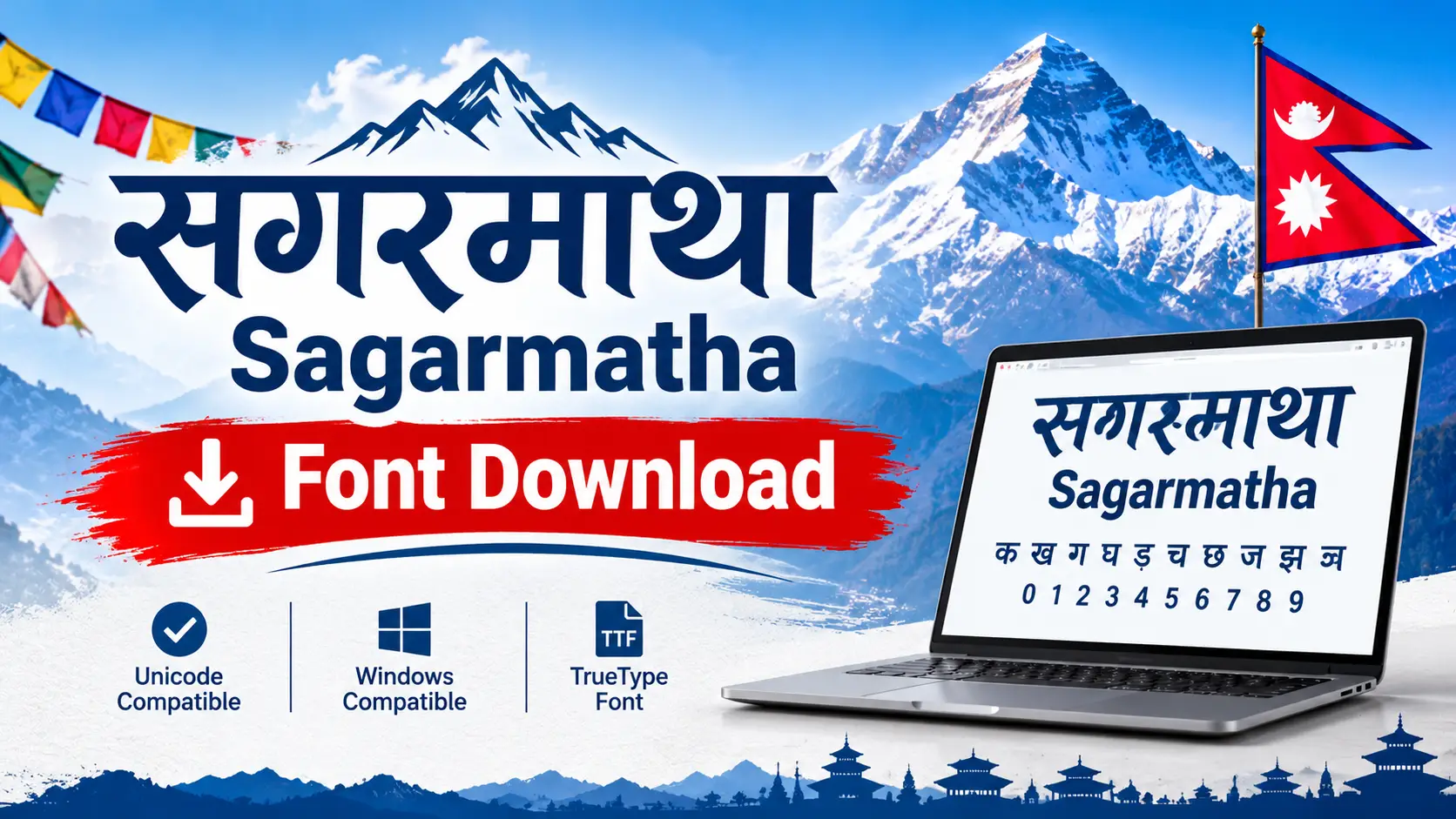
Sagarmatha Font Download (Free) for Windows, Mac & Linux
Your office, school or print shop asked for a file in the Sagarmatha font, and your computer shows English letters or boxes instead of Nepali. This page gives you the Sagarmatha Regular font file, the exact install steps, and the part most download pages skip: Sagarmatha is a legacy font, so you must know how to type it, share it safely and convert it to Unicode.
Sagarmatha Regular Font (ZIP)
Works on Windows, macOS and Linux after installing • Extract the ZIP before installing
Quick Facts About the Sagarmatha Font
| Font name | Sagarmatha (Regular style in this download) |
| Type | Legacy Nepali font (not Unicode) |
| Script | Devanagari (Nepali) |
| Name meaning | Sagarmatha is the modern Nepali name for Mount Everest |
| Platforms | Windows, macOS, Linux (font must be installed) |
| Good for | Old office files, print jobs and documents that must be in Sagarmatha |
| Not good for | Websites, email, social media and mobile apps |
What Is the Sagarmatha Font?
Sagarmatha belongs to the same traditional family as Preeti and Kantipur. These fonts were built before Unicode became the standard, so they work by redrawing English keyboard characters as Nepali letters. The file stores English characters. The font only displays them as Nepali.
That single fact explains almost every Sagarmatha problem people search for: the document looks perfect on one PC and turns into symbols on another, the text cannot be searched properly, and it breaks on phones and websites.
Legacy font vs Unicode: what actually happens
✓ Font installed
The stored English characters are drawn as Nepali letters. Example from the Preeti family: the characters g]kfn display as नेपाल. Sagarmatha follows the same principle with its own mapping.
✗ Font missing
The computer has nothing to redraw the characters with, so you see plain English letters or random symbols. The Nepali text was never really stored.
How to Install the Sagarmatha Font
Windows 10 and Windows 11
- Download the ZIP, right-click it and choose Extract All.
- Open the extracted folder and right-click the font file (.ttf or .otf).
- Click Install, or Install for all users if several people use the PC.
- Close and reopen Word or any design app, then pick Sagarmatha from the font list.
Hit an error? Follow the longer walkthrough in How to Install a Nepali Font on Windows 11.
macOS
- Double-click the ZIP to unzip it.
- Double-click the font file to open Font Book.
- Click Install Font, then restart your app.
Linux
Copy the font file into ~/.local/share/fonts/ and run fc-cache -f in the terminal.
Android and iPhone
Do not expect Sagarmatha to work well on a phone. Mobile apps expect Unicode text. For phone typing, switch on a Nepali Unicode keyboard instead, and see our Nepali typing guide for laptops for the desktop side.
How to Type in Sagarmatha
- Install the font and open Word, Notepad++ or your design software.
- Select Sagarmatha as the font before you type.
- Type on a normal English keyboard. Each key produces a Nepali shape through the font’s mapping.
- Check conjuncts and half letters on screen. Do not assume every key matches Preeti.
To build speed, practise with Online Typeshala and study key positions in the Typeshala lesson guide. Half letters have their own tricks, covered in How to Type Nepali Half Letters.
Sagarmatha vs Preeti vs Kantipur vs Unicode Fonts
| Font | Type | Needs font installed | Safe on web and phones |
|---|---|---|---|
| Sagarmatha | Legacy | ✓ Yes | ✗ No |
| Preeti | Legacy | ✓ Yes | ✗ No |
| Kantipur | Legacy | ✓ Yes | ✗ No |
| Kalimati | Unicode | Only for the look | ✓ Yes |
| Kokila | Unicode | Only for the look | ✓ Yes |
Which one should you use?
- An office or printer demands Sagarmatha: install it and type in it.
- Website, email, WhatsApp, social media: use Unicode Nepali.
- Sending a Sagarmatha file to someone else: export a PDF, or convert the text to Unicode first.
- Just want to type Nepali quickly: try our English to Nepali Unicode converter.
Fix Common Sagarmatha Font Problems
| Problem | Likely cause | Fix |
|---|---|---|
| Font not in the Word list | Installed from inside the ZIP, or Word still open | Extract first, reinstall, restart Word |
| English letters instead of Nepali | Font not applied to that text | Select the text and choose Sagarmatha |
| Looks fine for you, broken for others | Their PC lacks the font | Send a PDF or convert to Unicode |
| Text breaks when pasted into a website or app | Legacy characters are not real Nepali | Convert to Unicode, then paste |
| Half letters look wrong | Wrong key sequence for the mapping | Re-type using the half-letter method |
How to Convert Sagarmatha Text to Unicode
Converting is the permanent fix. Once the text is Unicode, it works everywhere and no font download is needed to read it.
Step 1
Open the file where the Nepali shows correctly and copy the text.
Step 2
Paste into a converter that lists Sagarmatha as a source font.
Step 3
Select Sagarmatha (or auto-detect) and run the conversion.
Step 4
Proofread half letters and conjuncts, then paste into your site, email or app.
Two free tools that list Sagarmatha among supported fonts are the Barala Preeti and Unicode converter and the open-source Nepali Fonts legacy converter. Coverage differs between tools, so test a short paragraph before converting a long document. Some converters also work in reverse (Unicode to legacy) when an office insists on the old font.
Is the Sagarmatha Font Free and Safe?
- Licence: Font directories list Sagarmatha with no clear licence. It is widely shared for personal and office use. For a logo, product packaging or paid print job, confirm usage rights with the original publisher.
- Safety: A font download should contain only font files such as .ttf or .otf. If a ZIP contains an .exe or installer, do not run it.
- Wrong font: Searching “Sagarmatha” also returns Mount Everest pages, and a Myanmar font called Sagar is unrelated. Make sure the font you install is the Nepali Sagarmatha.
- Styles: This ZIP is the Regular style. Some directories also list a Bold version.
Frequently Asked Questions
What is the Sagarmatha font?
It is a legacy Nepali font that maps English keyboard keys to Devanagari characters, in the same family as Preeti and Kantipur.
Is Sagarmatha a Unicode font?
No. Text typed in Sagarmatha is stored as ordinary English characters and only looks Nepali when the font is installed. Convert it to Unicode for websites, email and phones.
Is Sagarmatha the same as Preeti?
No. They are separate fonts with a similar legacy approach. Converters list them as different encodings, so choose the correct source font when converting.
How do I install the Sagarmatha font on Windows 11?
Extract the ZIP, right-click the font file, choose Install, then restart Word or your design app.
Why does my Sagarmatha text look like English letters or symbols?
The font is not installed on that device or is not applied to the text. Install it, or convert the text to Unicode.
Can I use Sagarmatha on my phone or website?
Not reliably. Phones and websites expect Unicode. Use a Unicode font such as Kalimati and type with a Nepali Unicode keyboard.
How do I convert Sagarmatha text to Unicode?
Copy the text, paste it into a converter that supports Sagarmatha, select it as the source font, convert, then proofread the result.
Final Thoughts
Download Sagarmatha when a document truly requires it, keep the ZIP for later, and convert anything important to Unicode so it never turns into symbols again. If you want more choices, compare options in our free Nepali fonts collection.