
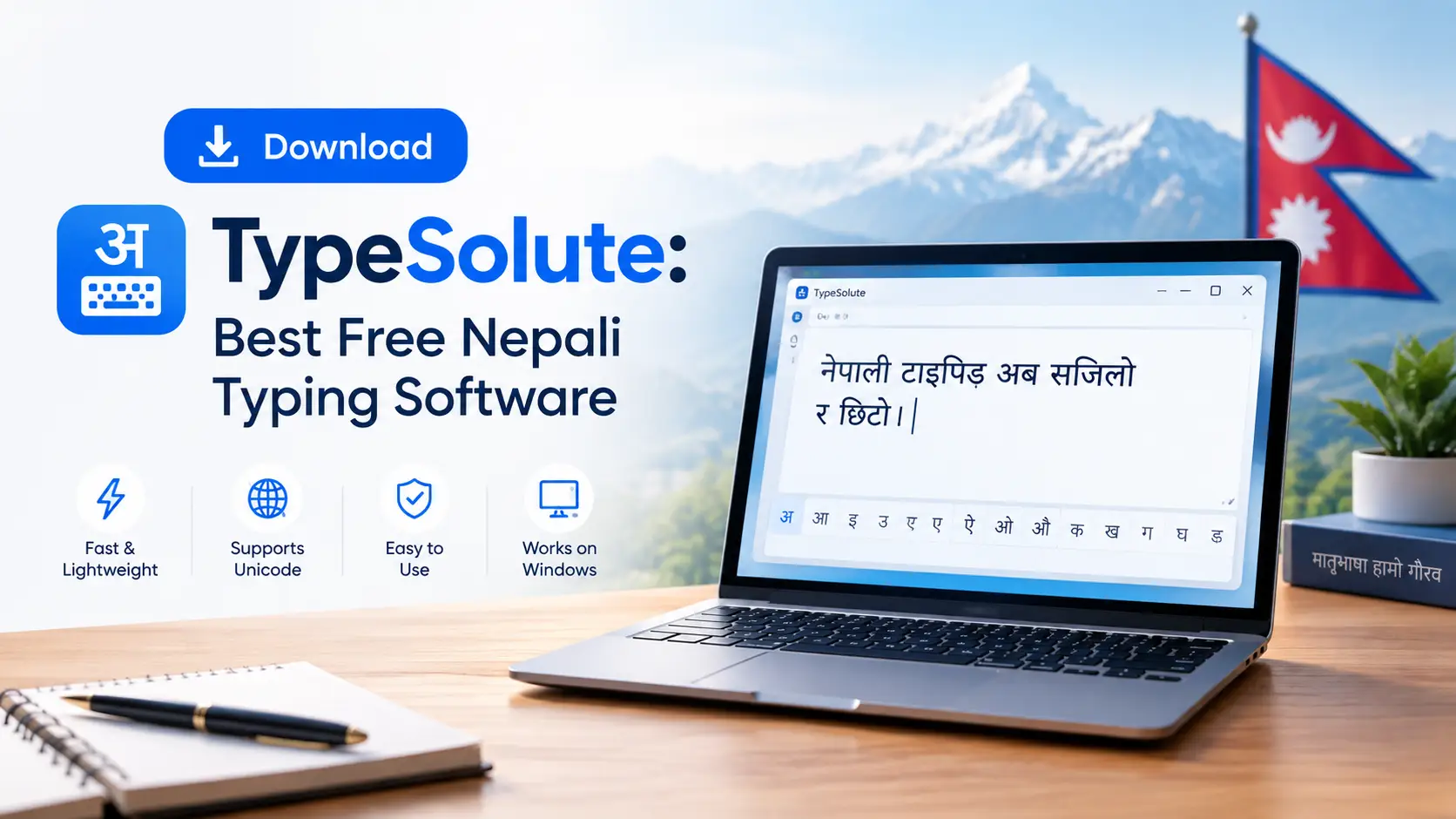
Download TypeSolute: Best Free Nepali Typing Software
Every year, thousands of students in Nepal sit down at a new laptop, search for the typing tutor they used in school, and discover it simply will not run. Typeshala — the software that taught an entire generation Devanagari typing — is a 16-bit program. Modern 64-bit Windows 10 and Windows 11 machines refuse to open it. TypeSolute is the answer to that problem: a free, offline Nepali and English typing tutor built by the same tradition, but compiled to run natively on today's Windows.
This guide gives you the verified download links, real file sizes, a step-by-step installation walkthrough, fixes for the errors most people hit, the full Preeti keyboard map, and a 30-day practice plan built for Lok Sewa typing candidates. No fluff, no fake feature lists — just what the software actually does.
TypeSolute at a Glance
- Software name: TypeSolute (Nepali Typing Tutor)
- Developer: Appsolute Innovation
- Latest version: 1.0.0 (released April 2020)
- License: 100% free — no registration, no trial period
- Platform: Windows 11, 10, 8, 7 — both 32-bit and 64-bit
- Installer size: approximately 52.9 MB
- Portable size: approximately 73.5 MB
- Internet required: No — fully offline after download
- Typing modes: Unicode Nepali, Preeti Nepali, English
- Speed test: 2-minute session reporting WPM and CPM
- Why TypeSolute replaced Typeshala on modern Windows
- Verified download links and which build to choose
- Full installation walkthrough for installer and portable versions
- Fixes for SmartScreen, antivirus and missing-font errors
- The complete Preeti keyboard layout map
- Preeti vs Unicode — which one your exam actually needs
- A 30-day practice schedule to reach 25 WPM
Why Typeshala Stopped Working — and Where TypeSolute Fits In
Typeshala was written for a much older Windows. It is a 16-bit application, and 64-bit editions of Windows dropped the NTVDM compatibility layer that 16-bit programs depend on. The result is predictable: on a 64-bit Windows 10 or Windows 11 laptop, Typeshala either throws an "unsupported" error or refuses to launch at all. It still works on 32-bit Windows 7 and Windows 8 machines, which is why some older school computer labs never noticed the problem.
TypeSolute was released by Appsolute Innovation in April 2020 as the modern successor. It keeps the structure Nepali learners already know — guided lessons, a Preeti board, a Unicode board, and a timed speed test — but ships as a normal 32/64-bit Windows application that installs and runs without workarounds.
If you specifically want the original software rather than the successor, there is still a route: you can run Typeshala on Windows 10 64-bit using the otvdm compatibility layer, or grab the classic build from our free Typeshala download page for Windows PC. For most people, though, TypeSolute is the far simpler path.
TypeSolute vs Typeshala — Honest Comparison
| Feature | Typeshala (Classic) | TypeSolute 1.0.0 |
|---|---|---|
| Windows 11 / 10 (64-bit) | Does not run without a compatibility layer | Runs natively |
| Windows 7 / 8 (32-bit) | Runs | Runs |
| Nepali Unicode typing | Not included | Included, works offline |
| Preeti font typing | Included | Included with on-screen guide |
| English typing practice | Included | Included |
| Speed test output | Basic | WPM and CPM after a 2-minute session |
| Typing games | Yes (Ramayan balloon game) | Not included |
| Interface style | DOS-era, keyboard-driven | Modern windowed layout |
| Portable version | Unofficial repacks only | Official portable build available |
| Price | Free | Free |
Worth knowing: Typeshala's Ramayan balloon game is the one thing genuinely missing from TypeSolute. If gamified practice is what kept you motivated, keep the old build on a 32-bit machine for fun and use TypeSolute for serious lesson work. See our Nepali typing practice guide using the Typeshala typing tutor for the game-based approach.
Download TypeSolute Free for Windows
TypeSolute is distributed as a ZIP archive. You extract it first, then either run the installer or launch the portable executable directly. Both builds contain the same program — the difference is only in how they sit on your system.
⬇ Download TypeSolute — Free Nepali Typing Software
Version 1.0.0 • Windows 11, 10, 8, 7 • 32-bit & 64-bit • Offline
Download TypeSolute Now Download Classic TypeshalaInstaller or Portable — Which Should You Pick?
| Consideration | Installer (~52.9 MB) | Portable (~73.5 MB) |
|---|---|---|
| Setup process | Runs a normal setup wizard | Extract and double-click — no install |
| Admin rights needed | Usually yes | No |
| Desktop shortcut | Created automatically | You create it manually |
| Runs from USB drive | No | Yes |
| Best for | Your own home or office PC | College labs, cyber cafés, shared computers |
| Removal | Through Windows "Apps & features" | Just delete the folder |
Practical advice: If you are a student practising in a college computer lab where you cannot install software, take the portable build on a pen drive. Your lesson progress travels with the folder, so you can practise on any machine without asking an administrator for permission.
How to Install TypeSolute — Step by Step
Method 1 — Installing the Setup Version
- Download the archive. Click the download button above and save the ZIP file to your Downloads folder. On a typical Nepali broadband connection this takes two to four minutes.
- Extract the ZIP. Right-click the downloaded file and choose Extract All. Pick a folder you will remember. Do not try to run the setup from inside the compressed archive — this is the single most common cause of installation failure.
- Run the setup file. Open the extracted folder and double-click the setup executable. If Windows asks for permission, choose Yes.
- Handle the SmartScreen prompt. If you see a blue "Windows protected your PC" box, click More info, then Run anyway. This appears because the installer is not code-signed, not because the file is harmful.
- Choose an installation folder. The default location works fine. Change it only if your C: drive is short on space.
- Complete the wizard. Click through the prompts and finish. A shortcut is placed on your desktop.
- Launch and pick your mode. Open TypeSolute and choose Unicode Nepali, Preeti Nepali, or English to begin your first lesson.
Method 2 — Running the Portable Version
- Extract the portable ZIP to a folder on your desktop, or directly onto a USB drive if you plan to carry it around.
- Open the extracted folder and locate the main TypeSolute executable file.
- Double-click to launch. Nothing is written to Program Files and no registry entries are created.
- Optional — pin it. Right-click the executable and choose Pin to Start or Create shortcut so you can reach it quickly tomorrow.
Important: Do not delete or move individual files out of the extracted folder. TypeSolute keeps its lesson data, fonts and configuration alongside the executable. Moving the .exe on its own will cause it to open with missing content.
Fixing the Errors Most Download Pages Never Mention
This is where almost every other TypeSolute page stops — they give you a link and leave you alone with the error messages. Here are the five problems people actually run into, and how to clear each one.
1. "Windows protected your PC" blue screen
This is Microsoft Defender SmartScreen reacting to an installer without a purchased code-signing certificate. Small Nepali software publishers rarely buy one. Click More info and then Run anyway. If your organisation has SmartScreen locked down, right-click the file, open Properties, tick Unblock at the bottom, and apply.
2. Antivirus quarantines the file during download
Some antivirus engines flag unsigned installers and any program that reads keystrokes — which a typing tutor obviously does — as suspicious. This is a heuristic guess, not a detection of actual malware. Add the extracted folder to your antivirus exclusion list, or pause real-time protection for the two minutes it takes to install, then turn it straight back on. Never leave protection disabled afterwards.
3. Nepali text appears as boxes or question marks
If Devanagari characters render as empty rectangles, your Windows installation is missing the Nepali language pack. Open Settings → Time & Language → Language & Region, click Add a language, and install Nepali (Nepal). Restart the computer. This fixes the display across Word, browsers and TypeSolute at the same time.
4. Preeti text looks wrong when pasted into Word
Preeti is a font-based system, not a character encoding. Text typed in Preeti only looks like Nepali when the Preeti font is applied to it. Install the Preeti font into C:\Windows\Fonts, then select your pasted text in Word and set the font to Preeti. If you need that same text to work in email or on a website, you must convert it to Unicode — Preeti will not display on devices that lack the font.
5. Extraction fails or the archive appears corrupted
Windows' built-in extractor sometimes chokes on larger archives, particularly if the download was interrupted. Install 7-Zip, right-click the ZIP, and choose 7-Zip → Extract Here. If it still fails, delete the file and download again — a partial download is the usual culprit on unstable connections.
Preeti vs Unicode — Choose Before You Start Practising
This decision matters more than which software you use, and it is the question most beginners get wrong. Picking the wrong system means weeks of muscle memory pointed in the wrong direction.
| Aspect | Preeti (Traditional) | Unicode (Romanized / InScript) |
|---|---|---|
| How it works | Maps each English key to a Devanagari glyph | Encodes actual Devanagari characters |
| Displays without the font installed | No — shows garbled Roman letters | Yes — works on every device |
| Learning curve | Steeper — you memorise a full key map | Gentler, especially the Romanized layout |
| Top speed potential | Higher — one keystroke, one glyph | Slightly lower for conjunct characters |
| Where it is used | Government offices, print, DTP, older archives | Websites, email, social media, modern systems |
| Searchable text | No | Yes |
| Still required by exams? | Often, for computer operator posts | Increasingly the standard |
Rule of thumb: Check your exam notice or your office's requirement first. If neither specifies, learn Unicode — it is easier and universally compatible. Learn Preeti only when a job, exam or DTP workflow explicitly demands it. TypeSolute lets you practise both, so you are not locked in.
The Preeti Keyboard Map — Learn It Row by Row
Preeti's power comes from direct key-to-glyph mapping, but that means memorisation. TypeSolute shows the guide on screen while you type; this reference is useful for offline revision. Learn the home row first — it carries the highest-frequency characters.
| Row | Key mapping | Practice priority |
|---|---|---|
| Home row | a=ब s=क d=म f=ा g=न h=ज j=व k=प l=ि | Learn first — covers the most common letters |
| Top row | q=त्र w=ध e=भ r=च t=त y=थ u=ग i=ष o=य p=उ | Learn second |
| Bottom row | z=श x=ह c=अ v=ख b=द n=ल m=ं | Learn third |
| Shift layer | Holding Shift produces aspirated consonants, conjuncts and additional vowel signs | Learn only after the base layer is automatic |
Do not skip ahead. Master the home row until you can type it without looking, then add one row at a time. Learners who try to memorise all three rows in the first week almost always plateau around 12 WPM and stay there.
What You Actually Get Inside TypeSolute
A note on accuracy before the feature list: some listings online describe a different product entirely under the same name — a text-expansion and snippet tool for office workers. That software is unrelated to the Nepali typing tutor, has no Nepali lessons, and no working download. If you arrived here after finding a page offering "TypeSolute" with clipboard history, team snippet libraries and encrypted sync, you were looking at the wrong program. The features below are what the Nepali typing tutor genuinely contains.
✓ What TypeSolute does
- Offline Unicode Nepali typing practice
- Preeti Nepali typing with an on-screen guide
- English typing lessons and drills
- Timed 2-minute test reporting WPM and CPM
- Clean, uncluttered windowed interface
- Portable build for shared computers
- Runs fully without an internet connection
✗ What it does not do
- No macOS or Linux version — Windows only
- No predictive text or autocomplete
- No Nepali spell-checker
- No plugin for Word or Google Docs
- No typing games
- No cloud sync or progress backup
- No updates since version 1.0.0 in 2020
Being clear about the limitations matters. TypeSolute is a typing tutor — a training tool. It is not an input method editor, so you do not type inside TypeSolute to produce documents. You practise in TypeSolute to build speed, then use Windows' own Nepali keyboard layout or a converter tool when you actually write.
Personal Experience: What Two Weeks of Practice Actually Looks Like
Notes from teaching Nepali typing to beginners
Having set this software up on more than a dozen machines for students preparing for computer operator posts, a few patterns repeat every single time.
Week one is discouraging, and that is normal. Almost everyone lands between 8 and 12 WPM in Devanagari during the first few sessions. People get demoralised and conclude the software is the problem. It is not — Devanagari words are longer in characters than English ones, so a Nepali WPM figure is naturally lower than the same person's English score. Compare your Nepali speed to your own Nepali history, never to your English number.
Accuracy is the thing that fails candidates, not speed. The most common mistake is racing. Learners push for 25 WPM with 80% accuracy and then wonder why they fail the practical test — because errors are deducted from the score. Hold 95% accuracy comfortably before you chase speed. Speed arrives on its own once the finger positions are automatic.
Twenty minutes daily beats two hours on Saturday. Muscle memory consolidates through frequency, not duration. Students doing three short sessions a day progressed noticeably faster than those doing one long weekend marathon.
Do not look at the keyboard. This sounds obvious and almost nobody follows it. Cover your hands with a thin cloth for the first two weeks. It feels dramatically slower initially and then pays for itself permanently.
A Realistic 30-Day Plan to Reach Exam Speed
| Period | Focus | Daily time | Realistic target |
|---|---|---|---|
| Days 1–7 | Home row only, eyes off the keyboard | 20 minutes | 8–12 WPM, 90% accuracy |
| Days 8–14 | Add the top row; short word drills | 25 minutes | 12–16 WPM, 92% accuracy |
| Days 15–21 | Add the bottom row; full sentences | 30 minutes | 16–20 WPM, 94% accuracy |
| Days 22–30 | Shift layer, conjuncts, timed tests | 30 minutes | 22–26 WPM, 95%+ accuracy |
Why 25 WPM is the number to aim for: Nepal's Public Service Commission typing assessments for computer operator and assistant-level posts commonly sit in the 20–30 WPM range for Devanagari, with English requirements higher. Exact thresholds vary by post and by notification cycle, so always confirm against the specific Lok Sewa Aayog notice for the position you are applying to rather than relying on a blog figure.
System Requirements
| Component | Minimum | Recommended |
|---|---|---|
| Operating system | Windows 7 (32-bit) | Windows 10 or 11 (64-bit) |
| Processor | 1 GHz dual-core | Any modern processor |
| RAM | 1 GB | 4 GB or more |
| Free disk space | 150 MB | 300 MB (includes extraction space) |
| Display | 1024 × 768 | 1366 × 768 or higher |
| Internet | Only for the initial download | Not needed afterwards |
| Language pack | Nepali (Nepal) for correct Devanagari display | Same, plus the Preeti font installed |
Safe Downloading — How to Avoid the Fake Mirror Sites
Search results for Nepali software downloads are heavily polluted with mirror sites that wrap a legitimate file in an ad-laden downloader, or serve something else entirely. A few habits keep you safe:
- Check the file size before opening it. The installer should land near 52.9 MB and the portable build near 73.5 MB. A 2 MB "TypeSolute.exe" is a download manager or something worse.
- Be suspicious of multiple download buttons. Legitimate pages have one. Mirror sites surround the real link with decoy ad buttons.
- Never install a "download accelerator" you were not looking for. If a site insists you install its own client first, leave.
- Ignore pages promising a Mac version. There isn't one. Any site offering "TypeSolute for macOS" is generating content automatically and has not verified anything.
- Scan before running. Right-click the extracted file and use your antivirus scan option, or upload it to VirusTotal if you want a second opinion.
Alternatives Worth Knowing About
| Tool | Best for | Cost | Works offline |
|---|---|---|---|
| TypeSolute | Structured lessons on modern Windows | Free | Yes |
| Typeshala (classic) | Game-based practice on older or 32-bit PCs | Free | Yes |
| Browser-based typing tutors | Quick practice on any device, no install | Free | No |
| Windows Nepali keyboard layout | Real document writing, not training | Built in | Yes |
| Preeti ↔ Unicode converters | Converting existing documents between systems | Usually free | Varies |
Many learners end up using two of these together: TypeSolute for daily drills, and Windows' built-in Nepali layout for actual work. If you want a deeper walkthrough of the download and setup process specifically for Windows 10 and 11, see our companion guide on the TypeSolute download for Windows 10 and 11.
TypeSolute Pros & Cons
A quick, honest breakdown before you download
| ✅ Pros | ⚠️ Cons |
|---|---|
| Free to download and use, no license fee | Interface feels a bit dated compared to modern apps |
| Supports both Preeti and Unicode Nepali fonts | No official version for macOS or Linux |
| Works fully offline after installation | Occasional setup errors on newer Windows 11 builds |
| Tracks typing speed (WPM) and accuracy in real time | No cloud sync — progress stays on one device |
| Beginner-friendly with structured lessons | Limited advanced/custom lesson options |
| Includes a typing game (Ramayana) for engaging practice | Not actively updated as frequently as newer typing apps |
Frequently Asked Questions
Is TypeSolute really free to download?
Yes. TypeSolute is distributed free of charge by Appsolute Innovation. There is no trial period, no registration requirement and no paid upgrade. If a site asks you to pay for it or to submit personal details before downloading, you are on the wrong page.
Does TypeSolute work on Windows 11?
Yes. TypeSolute runs on Windows 11, Windows 10, Windows 8 and Windows 7, on both 32-bit and 64-bit systems. This is precisely why it was created — the older Typeshala software cannot run on 64-bit Windows because it is a 16-bit application.
Can I use TypeSolute on a Mac?
No. TypeSolute is a Windows-only application and no macOS build exists. Websites claiming to offer a Mac version are not reliable. Mac users should either run Windows through virtualisation software, or use a browser-based Nepali typing tutor instead.
Does TypeSolute need an internet connection?
Only for the initial download. Once installed or extracted, the software runs completely offline — including the Unicode Nepali typing mode. This makes it practical in areas with unreliable connectivity and in exam-preparation settings where internet access is restricted.
What is the difference between the installer and the portable version?
The installer (~52.9 MB) runs a setup wizard, creates a desktop shortcut and registers the program with Windows. The portable version (~73.5 MB) requires no installation at all — extract it and run it, including from a USB drive. Use the portable build on computers where you lack administrator rights.
Does TypeSolute support Preeti font typing?
Yes. TypeSolute includes a dedicated Preeti typing board with the key guide shown on the same screen, alongside separate Unicode Nepali and English modes. For Preeti text to display correctly outside TypeSolute, you will also need the Preeti font installed in your Windows Fonts folder.
Why does my antivirus flag TypeSolute?
Typing tutors read keyboard input by design, and TypeSolute's installer is not code-signed. Together these trigger heuristic warnings in some antivirus engines. This is a precautionary flag rather than a malware detection. Download only from a trusted source, verify the file size, and add the folder to your antivirus exclusions if needed.
How long does it take to reach 25 words per minute in Nepali?
With around 20 to 30 minutes of daily practice, most beginners reach roughly 20 to 26 WPM within a month. The limiting factor is almost always accuracy rather than raw speed — build to 95% accuracy first, and speed follows. Progress is slower if you practise irregularly or keep looking at the keyboard.
Is TypeSolute the same as the text-expansion tool with the same name?
No. A separate, unrelated product shares the name TypeSolute and is described as a snippet and text-automation tool for office workflows. It has nothing to do with Nepali typing. The software covered in this guide is the Nepali and English typing tutor by Appsolute Innovation, version 1.0.0.
Is there a newer version than 1.0.0?
No. Version 1.0.0, released in April 2020, remains the current and only release. The software is feature-complete for its purpose, so the lack of updates does not affect how it functions on current versions of Windows.
Final Verdict
TypeSolute is not flashy, and it has not been updated since 2020 — but it solves the exact problem Nepali learners face today. It installs on modern Windows without compatibility tricks, it teaches Preeti and Unicode and English side by side, it runs offline, and it costs nothing. For a student preparing for a Lok Sewa typing test, an office worker who needs Preeti for government correspondence, or anyone who simply wants to write in their own language at a reasonable speed, it is the most practical free option available for Windows.
Download it, commit to twenty minutes a day for a month, and protect your accuracy before you chase speed. That single habit separates the people who pass the practical test from the people who retake it.
Ready to Start?
Free • Offline • Windows 11, 10, 8, 7 • Preeti, Unicode & English
Download TypeSolute Free