
Nagarik App Nepal Guide 2026: Register, Login, Link Documents & All Services
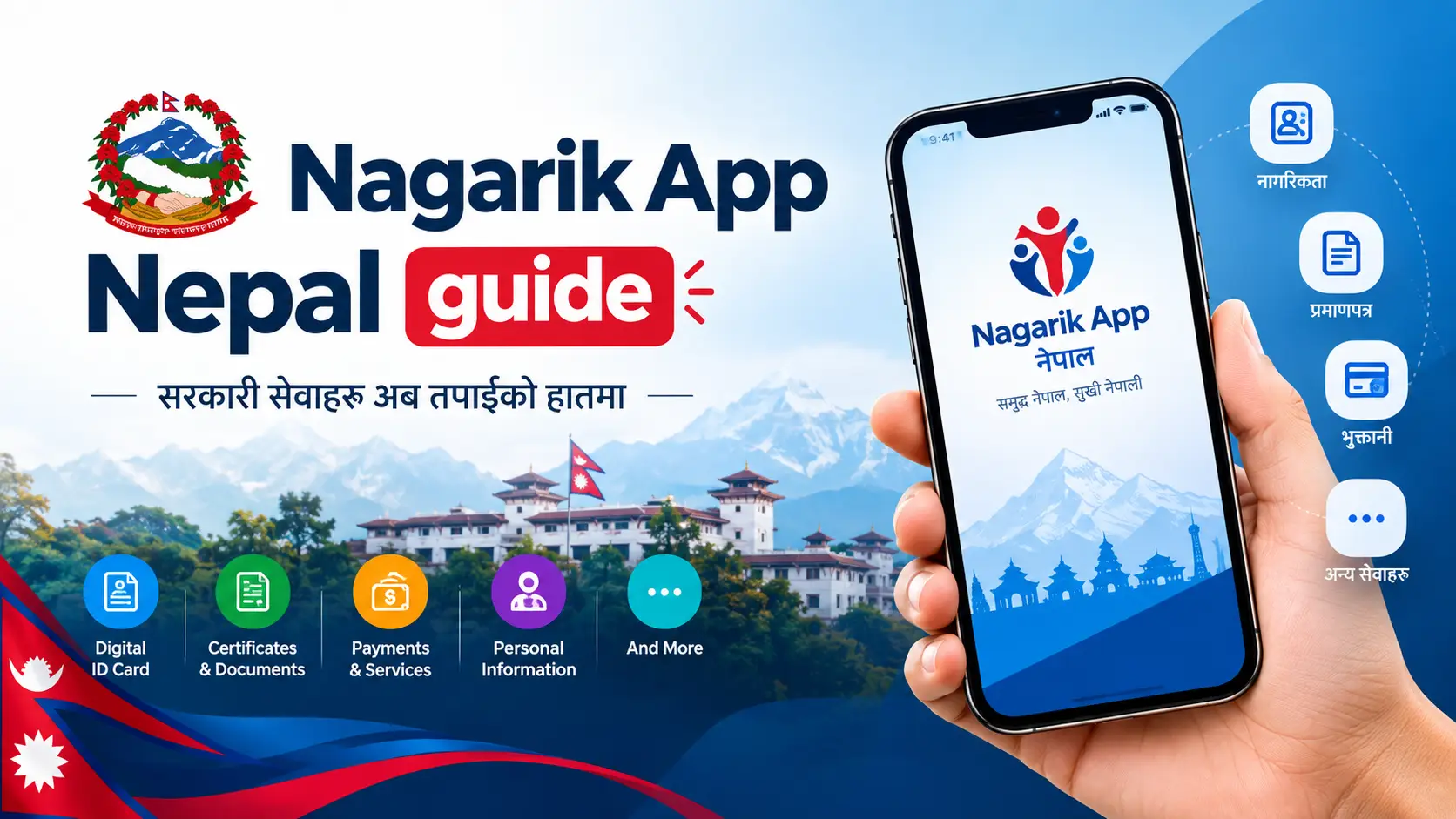
Most people install Nagarik App, get stuck on the OTP or the “details do not match” screen, and give up. This Nagarik App Nepal guide takes you from download to actually using it: what you need before you start, how to register and log in, how to link your National ID, PAN and licence, which services work in 2026, how to open a bank account with the Nagarik App QR, and how to fix the errors that stop people.
The 20-second answer
Download Nagarik App from the Play Store or App Store (developer: Government of Nepal). Register with a Nepali SIM in your own name and your citizenship details typed exactly as on the certificate, then set a PIN. Link your National ID, PAN and licence, and you can use services like PAN registration, police reports, e-Chalan fines, CIT/EPF/SSF statements and bank account opening.
Stuck? The two causes behind most failed registrations are a SIM registered to someone else and a date or district that doesn’t match your citizenship record. Both are fixed in the problems section.
| Nagarik App at a glance | |
|---|---|
| What it is | Official Government of Nepal app for citizen services |
| Cost | Free to download, register and link documents; some services carry their own official fee |
| Platforms | Android, iPhone and web (web.nagarikapp.gov.np) |
| You need | Nepali SIM in your own name + citizenship (or other accepted ID) details |
| Languages | Nepali and English |
| Helpline | 1101 (toll-free) |
In this guide
- What is Nagarik App?
- What you need before you register
- How to download Nagarik App
- How to register, step by step
- Login and “New Device Detected”
- How to link your documents
- All services in 2026 (status table)
- Most-used services explained
- Open a bank account with the Nagarik App QR
- Common problems and fixes
- Using Nagarik App from abroad
- Safety and document acceptance
- Help and support
- FAQs
What is Nagarik App?
Nagarik App (“Citizen App”) is the Government of Nepal’s single app for services that used to mean separate offices and separate queues: citizenship and National ID details, PAN, driving licence, police reports, provident fund and social security records, exam results and more. It works round the clock, including public holidays.
It was built under the Digital Nepal Framework by the Prime Minister’s Office, the Ministry of Communication and Information Technology (MoCIT) and the National Information Technology Centre. The beta went public on 15 January 2021 and the full version launched on 2 May 2021, National ICT Day. New services arrive with most updates — which is why guides written even a year ago are already out of date.
What you need before you register
Almost every failed registration traces back to one of these. Tick them off first:
- A Nepali mobile number registered in your own name. The app checks the SIM owner with the operator. A SIM in your father’s, mother’s or employer’s name will not work.
- An accepted identity document — usually your citizenship certificate. Depending on the current verification flow, passport, voter ID or National ID details may also be accepted.
- Details that match the government record exactly: citizenship number, issue date, issuing district and date of birth.
- The latest app version and a stable internet connection.
- A phone that can receive SMS on that number for the one-time password (OTP).
Not sure whose name your SIM is in?
Visit your operator’s service centre with your citizenship and transfer the SIM to your own name before you start. It saves you a round of failed attempts and a temporary OTP lock.
How to download Nagarik App
Android
- Open the Google Play Store.
- Search “Nagarik App”.
- Check the developer is the Government of Nepal.
- Tap Install.
iPhone
- Open the App Store.
- Search “Nagarik App”.
- Confirm the publisher is the Government of Nepal.
- Tap Get and confirm.
PC or laptop
There is no Windows or Mac app. Use the official web version at web.nagarikapp.gov.np in any browser — you still need your registered number for the OTP.
Warning: install only from the official stores. “Nagarik App” APK files on random websites can be fakes built to collect your citizenship details.
How to register on Nagarik App, step by step
Registration takes about five minutes if your details are ready.
Choose a language
Open the app and pick Nepali or English. You can change it later in settings.
Enter your mobile number
Use the number registered in your own name and tap Proceed.
Type the OTP
Enter the one-time password sent to you by SMS.
Choose your identity document
Usually citizenship.
Enter your details exactly
Citizenship number, date of birth, issue date and issuing district, as printed on the certificate. Use the date format the screen asks for (BS for Nepali documents).
Verify
Tap verify and correct anything the app flags.
Set your PIN
This PIN guards your account. Don’t use your birth year, and never share it.
Login and “New Device Detected”
To log in, open the app, enter your registered mobile number and the PIN you created.
If you switch phones, reinstall the app or clear its data, you will usually see “New Device Detected”. It is a security check, not an error. Complete the verification it asks for — normally an OTP to your registered number plus a confirmation of your identity details — and the account opens on the new device.
Lost your old number? You won’t pass this check until the same number is working again. Get a replacement SIM for that number in your own name from your operator, then log in.
How to link your documents
Linking your documents lets the app show them and reuse them for services, so you type less later.
National ID (NIN)
Select National ID and enter your National Identity Number. Bank account opening and passport-related steps rely on it. No NIN yet? Check your NID status online or download your eNID.
PAN
Link an existing PAN to see its details, or apply for a new personal PAN in the app. To confirm your number first, check your PAN number online.
Driving licence and passport
Link your smart licence and passport details. Waiting for a new card? Use our driving licence print status checker, or apply for a licence online.
Voter ID and education
Link voter details and view SEE and Class 12 results. Since July 2026 you can also link transcripts from participating Nepali universities.
All Nagarik App services in 2026
Status as reported up to September 2026. Services often reach Android before iPhone, so update the app and check inside it before you rely on one.
| Service | Category | Status |
|---|---|---|
| Citizenship details | Identity | Live |
| National ID (NIN) details | Identity | Live |
| Passport and voter ID details | Identity | Live |
| PAN registration and PAN details | Tax | Live |
| Police report / police clearance | Police | Live |
| Consular verification of police clearance | Police | New · Jul 2026 |
| e-Chalan traffic fines | Transport | Live |
| Driving licence details | Transport | Live |
| Driving licence print status | Transport | Live · Android first |
| CIT, EPF and SSF statements | Savings | Live |
| Pension Management Office services | Savings | New · Jul 2026 |
| SEE and Class 12 results | Education | Live |
| University transcripts (participating universities) | Education | New · Jul 2026 |
| Nepal Engineering Council certificate | Professional | Live |
| Blood Information Portal | Health | New · Jul 2026 |
| Bank account opening and KYC via QR | Banking | Live · participating banks |
| Passport and driving licence applications | Identity / Transport | Announced Apr 2026 |
Live = available in the app. New = added in the July 2026 update. Announced = approved by the government, not yet confirmed as available to everyone.
Most-used services, explained
Police report / police clearance
This is the service job seekers and people going abroad use most. Apply through the app instead of queuing for the application stage, pay any fee shown and track progress in the app. A newer service lets foreign missions verify a police clearance certificate issued this way.
PAN registration
Personal PAN registration was one of the first services and is still one of the most useful. Your identity details come from your linked citizenship, so you mostly confirm rather than type.
e-Chalan traffic fines
Traffic fines can be checked and paid digitally, so you no longer hand over your licence and collect it later. For vehicle tax, see how to check vehicle tax and bluebook renewal online.
CIT, EPF, SSF and pension
Salaried workers can view contribution statements for the Citizen Investment Trust, Employees Provident Fund and Social Security Fund; pension services joined in July 2026. More on SSF in our Social Security Fund guide.
Results, transcripts and NOC for students
View SEE and Class 12 results and link university transcripts. The app has also been used for No Objection Certificate (NOC) steps for study abroad — check the current process in the app before you plan around it.
Open a bank account with the Nagarik App QR
Participating banks show a Nagarik App QR code on their website or at the branch. You scan it in the app, approve sharing your details, and the bank receives your verified identity information directly — no paper form.
Link your National ID
You need a linked NID and must be 18 or older.
Find the bank’s QR code
Open your bank’s online account-opening page and look for the Nagarik App option.
Scan it in Nagarik App
Use the app’s QR scanner, then review and approve the details the bank requests.
Finish on the bank’s page
Choose account type, branch and nominee.
Complete verification
Do the video KYC or a short branch visit if the bank asks, before the account is fully active.
Which banks?
In July 2026 Global IME Bank launched full online savings account opening through Nagarik App for NID holders aged 18+, with its QR at nagarik.gibl.com.np. Earlier, Nepal Bank, Siddhartha Bank and Standard Chartered offered QR-based KYC through the app. The list keeps changing, so check your own bank’s website.
Common Nagarik App problems and fixes
| Problem | Likely cause | Fix |
|---|---|---|
| OTP not received | Weak signal, full inbox, SMS blocker, too many requests | Check signal and inbox, update the app, wait a few minutes, then request once more |
| “Details do not match” | Typo, BS/AD mix-up, wrong district | Copy the number exactly (slashes included), use the date format shown, pick the district that issued the certificate |
| SIM not accepted | SIM registered to someone else | Transfer the SIM to your name at the operator, or use a SIM already in your name |
| “New Device Detected” | New phone, reinstall or cleared data | Complete the OTP and identity check on the new device |
| Blank screens or crashes | Old version, dark mode, cache | Update, turn off dark mode, clear cache or reinstall |
| Service slow or not loading | Heavy traffic on result days and deadlines | Try again early morning or late evening |
| Wrong details in your record | Error on the certificate itself | The app can’t fix it — correct the record at the District Administration Office |
Don’t hammer the OTP button
Requesting the OTP many times in a row can lock you out for a while. Fix the cause first, then try once. To find your own number quickly, see our list of NTC USSD codes.
Can you use Nagarik App from abroad?
Only partly. Registration and login depend on an active Nepali mobile number in your own name that can receive SMS. If you registered in Nepal and keep that SIM active, you may be able to keep using the app abroad as long as the OTPs reach you. If you never had a SIM in your own name, you can’t register from abroad. For services aimed at Nepalis overseas, see our guide to the NRN card.
Is Nagarik App safe, and will offices accept it?
Keep your account safe
- Never share your PIN or OTP — not even with someone claiming to be from a bank or office.
- Only approve QR data-sharing requests you started yourself.
- Log out on shared phones and keep your screen lock on.
Carry originals when it matters
A document shown in the app is an official record, but not every counter accepts it yet. Reports in 2026 found some offices still asking for originals or photocopies. For elections and formal verification, bring the physical document.
Help and support
Toll-free helpline
1101
Since Chaitra 2082
In the app
My Complain
Log and track issues
helpdesk@nagarikapp.gov.np
Official site
Frequently asked questions
Is Nagarik App free?
Yes. Downloading, registering and linking documents are free. Some services accessed through it, such as certain applications or traffic fines, carry their own official fees.
What documents do I need to register?
A Nepali SIM in your own name and your citizenship certificate details: number, date of birth, issue date and issuing district. Other IDs may be accepted depending on the current verification flow.
Can I register if my SIM is in my parent’s name?
No. The number must be registered in your own name. Transfer it at your operator’s service centre first.
Why is my OTP not coming?
Usually weak signal, a full SMS inbox, an SMS blocker or too many requests in a row. Fix those, update the app, wait a few minutes and request once more.
Can I use Nagarik App on a computer?
Yes, through the web version at web.nagarikapp.gov.np. There is no separate Windows or Mac app.
How do I change my registered mobile number?
The option depends on the app version. If you can’t find it in settings, call 1101 or use My Complain for the current process.
Can I open a bank account with Nagarik App?
Yes, with participating banks. Scan the bank’s Nagarik App QR code, approve sharing your details and complete any video KYC or branch verification the bank asks for.
Can I apply for a passport through Nagarik App?
The government announced passport and licence applications through the app in April 2026. Check the latest app version to see whether it is available to you before you rely on it.
Is a document in Nagarik App valid at government offices?
It is an official government record, but acceptance at every counter is not yet universal. Carry the original when you’re unsure.
The short version
Register with a SIM in your own name and citizenship details that match exactly. Link your National ID, PAN and licence. Then use the services marked Live above, and treat “Announced” features as coming soon until you see them in your own app. Bookmark this page — the status table is updated as new services arrive.
Related Nepal government guides
Sources
- Nagarik App — official website: nagarikapp.gov.np
- Nagarik App — Google Play listing: play.google.com
- Nagarik App official Facebook page — 1101 helpline notice: facebook.com/nagarikapp
- Onlinekhabar English — National ID integrated with Nagarik App: english.onlinekhabar.com
- ICTFrame — passport and licence applications announced, April 2026: ictframe.com
- Techpana — licence print status check added: techpana.com
- Spotlight Nepal — Global IME Bank account opening through Nagarik App: spotlightnepal.com
Last reviewed September 2026. Wilson.com.np is an independent guide, not affiliated with the Government of Nepal. Services and procedures change — confirm anything time-sensitive in the app or with the relevant office.