
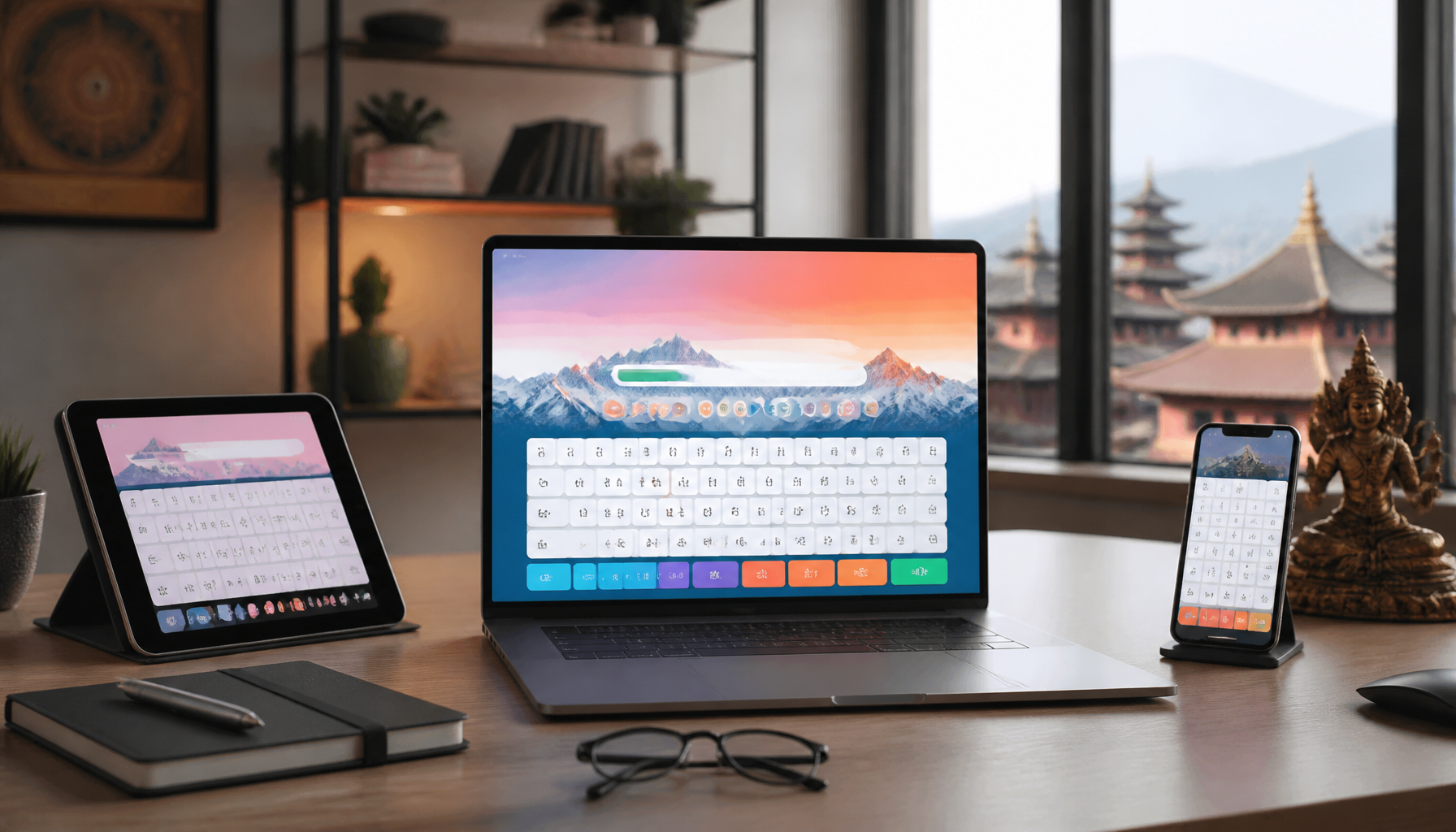
In the digital age, proficiency in typing is a valuable skill, especially for languages like Nepali. Traditional tools like Typeshala have long been a staple for learners, but as technology progresses, new and more effective Nepali typing practice alternatives have emerged. These modern tools offer engaging and efficient ways to enhance your typing skills, catering to both beginners and advanced users.
Why Look for Nepali Typing Practice Alternatives?
Limitations of Traditional Tools
Typeshala has been a reliable resource for many, but it comes with limitations. For instance, its interface has remained unchanged for years, lacking the dynamic features that modern software offers. Moreover, Typeshala’s exercises can become monotonous, making it difficult to maintain engagement over time. As a result, learners often find their progress stalling.
Benefits of Modern Typing Software
Modern Nepali typing software provides a variety of features that address these shortcomings. These tools often include interactive lessons, real-time feedback, and engaging interfaces that keep users motivated. Additionally, they accommodate different skill levels, from novice to proficient typists. By incorporating the latest technology, these platforms offer a more personalized learning experience.
Top Nepali Typing Software and Tools
Software for Beginners
For those new to Nepali typing, starting with user-friendly software is crucial. Nepali Unicode typing tool is an excellent option for beginners. It supports Unicode, which is essential for typing in Nepali across various platforms. Understanding [Unicode’s role in typing software](https://www.unicode.org/standard/WhatIsUnicode.html) can greatly enhance your typing experience.
Another beginner-friendly tool is Easy Nepali Typing, which offers a simple interface and step-by-step tutorials. It helps users familiarize themselves with the Nepali keyboard layout and basic typing techniques.
Advanced Typing Tools
For advanced users seeking to refine their skills, tools like Nepali Typing Master provide comprehensive lessons that cover advanced typing techniques. These platforms offer detailed analytics to track progress and identify areas that need improvement. They also introduce challenging exercises aimed at increasing typing speed and accuracy.
| Feature | Beginner Tools | Advanced Tools |
|---|---|---|
| Interface | Simple and intuitive | Feature-rich and dynamic |
| Typing Exercises | Basic finger placement | Advanced speed drills |
| Progress Tracking | Basic feedback | Detailed analytics |
| Real-time Feedback | Minimal | Comprehensive |
Engaging Online Typing Courses
Interactive Courses
Online typing courses have revolutionized how we learn to type. Platforms like TypingClub offer interactive lessons that adapt to the learner’s pace. These courses incorporate multimedia elements such as videos and games to make the learning process more engaging. [TypingClub](https://www.typingclub.com/) is renowned for its structured curriculum that gradually increases in difficulty.
Free vs Paid Options
While many online courses offer free trials, they also provide premium versions with additional features. Free versions usually include basic lessons and limited progress tracking. In contrast, paid options offer extensive resources, personalized lessons, and comprehensive analytics. Depending on your commitment and budget, choosing between free and paid resources can significantly impact your learning journey.
Gamified Typing Practice Platforms
Typing Games for Skill Improvement
Gamification is a powerful tool in education, making learning enjoyable and effective. Typing games transform mundane practice into an exciting challenge. Platforms like Keybr integrate games that focus on speed and accuracy, making it easier to improve these skills through regular practice.
Platforms with Leaderboards
Competitive elements, such as leaderboards, can further motivate learners. Platforms like 10FastFingers allow users to compete against others worldwide, adding a competitive edge to the practice. This not only enhances motivation but also provides a benchmark to measure progress. By striving to climb the leaderboard, users naturally improve their typing speed and accuracy.
Tips for Effective Nepali Typing Practice
Setting Realistic Goals
Effective typing practice begins with setting achievable goals. Start by determining your current speed and set incremental targets. This approach ensures consistent progress without feeling overwhelmed.
Consistent Practice Strategies
Consistency is key to mastering any skill. Dedicate a specific time each day for typing practice. Utilize a mix of platforms to keep your sessions varied and engaging. Combining structured lessons with gamified exercises can yield the best results.
💡 Pro Tips:
- Start each session with a warm-up exercise to get your fingers moving.
- Use online timers to track typing sessions and ensure focused practice.
- Regularly review your progress and adjust goals accordingly.
⚠️ Important Note: While practice is essential, ensure you maintain proper hand positioning to prevent strain. Taking regular breaks is crucial to avoid fatigue and potential injury.
In conclusion, embracing modern Nepali typing practice alternatives can significantly enhance your typing skills. Whether you are a beginner or an advanced user, these tools offer tailored solutions to meet your learning needs. By leveraging interactive courses, gamified platforms, and consistent practice strategies, you can achieve proficiency in Nepali typing more efficiently and enjoyably.
Frequently Asked Questions
What are the best alternatives to Typeshala?
Several modern tools offer enhanced features, such as online courses and interactive platforms.
Can typing games really improve my Nepali typing speed?
Yes, gamified platforms can make learning fun and improve speed through practice.
Are there free resources available for Nepali typing practice?
Many platforms offer free trials or limited access to their typing courses and tools.