
TypeSolute Download — FREE Typeshala for Windows 10/11
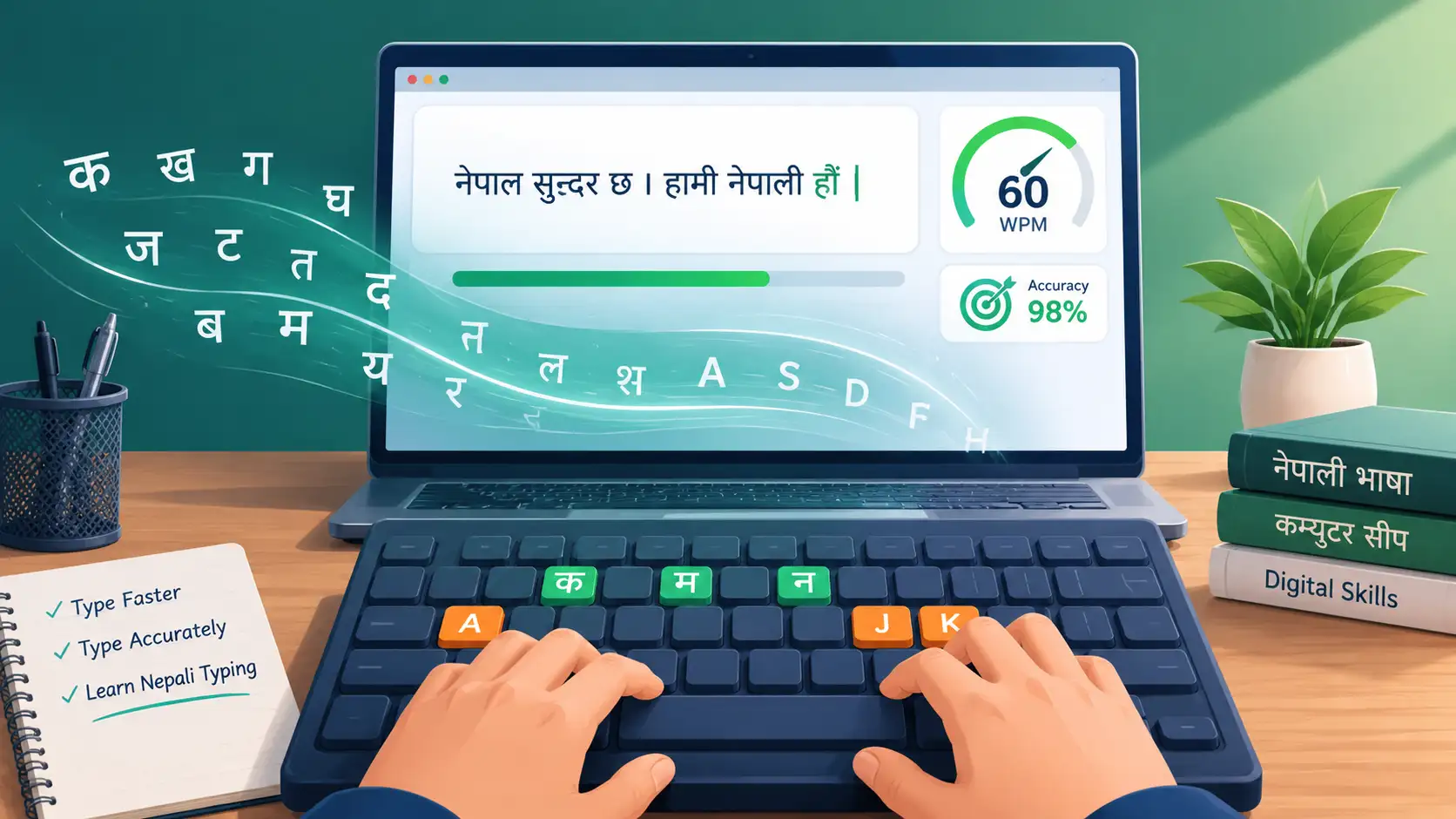
TypeSolute is a free Nepali and English Typing tutor software for Windows. Formerly known and developed as Typeshala. It was rebranded and relaunched as TypeSolute Nepali Typing in 2020 by AppSolute Innovation, with updated compatibility for newer Windows version devices.
It helps users to learn and practice typing in Nepali (Devanagari Script) and English as well.
It works with Preeti and Unicode Nepali fonts, plus a Romanized Nepali layout. Its Core features are structured lessons and exercises, free-hand typing practice, WPM (Words per Minute) speed tracking, accuracy percentage tracking, etc.
Its bonus feature includes a built-in “Ramayana” typing game to make practice more engaging.
The users who can use it are Students, government job applicants, office workers, bloggers, graphic designers, and anyone who needs fast, accurate Nepali/English typing.
Get TypeSolute for Windows
Nepali & English Typing Tutor — Fast, Accurate, Offline
Safe & virus-free · No signup required · Direct download link
How to Install
Get up and running in under 2 minutes
-
1Download the file Get the .exe/.zip package from the link above
-
2Extract if zipped Right-click and select "Extract All"
-
3Run as Administrator Right-click the .exe for smooth installation
-
4Follow the setup Complete the wizard and launch the app
What You'll Get
Everything you need to master Nepali typing
- Nepali typing practice & test mode
- Font support (Preeti, Unicode & more)
- Typing speed & accuracy tracker
- Full offline usage capability
- Free lifetime use, no hidden cost
Pros & Cons of TypeSolute
A quick, honest breakdown before you download
| ✅ Pros | ⚠️ Cons |
|---|---|
| Free to download and use, no license fee | Interface feels a bit dated compared to modern apps |
| Supports both Preeti and Unicode Nepali fonts | No official version for macOS or Linux |
| Works fully offline after installation | Occasional setup errors on newer Windows 11 builds |
| Tracks typing speed (WPM) and accuracy in real time | No cloud sync — progress stays on one device |
| Beginner-friendly with structured lessons | Limited advanced/custom lesson options |
| Includes a typing game (Ramayana) for engaging practice | Not actively updated as frequently as newer typing apps |
Frequently Asked Questions
Everything you need to know about TypeSolute / Typeshala
Is TypeSolute free to download?
Yes, TypeSolute is completely free to download and use. There's no license fee, subscription, or hidden cost involved.
Does TypeSolute work on Windows 11 64-bit?
Yes, TypeSolute runs smoothly on Windows 11 (64-bit) as well as Windows 10 (64-bit). If you face any setup errors, try running the installer as Administrator.
What is the difference between TypeSolute and Typeshala?
TypeSolute is the rebranded and updated version of the original Typeshala software, released in 2020 with improved compatibility for newer Windows versions. The core typing features remain the same.
Which Nepali fonts does it support?
TypeSolute supports both Preeti and Unicode Nepali fonts, along with a Romanized Nepali typing layout for beginners.
Do I need an internet connection to use it?
No. Once installed, TypeSolute works fully offline — you don't need an internet connection to practice typing.
How do I fix installation errors on Windows 10/11?
Most installation issues are resolved by right-clicking the .exe file and selecting "Run as Administrator." Make sure your antivirus isn't blocking the installer, and restart your PC after installation if needed.
Can I track my typing speed and accuracy?
Yes, after each lesson TypeSolute automatically shows your typing speed in WPM (words per minute) along with your accuracy percentage, so you can track your progress over time.