Imagine typing on a keyboard that feels tailor-made for your fingers, providing just the right amount of feedback and comfort. This is the promise of the perfect mechanical keyboard, a device that not only enhances your typing speed and accuracy but also transforms your overall typing experience. In this guide, we’ll explore how you can choose the perfect mechanical keyboard for your needs, focusing on key features, switch types, and maintenance tips.
📌 Key Takeaways
Learn how to choose the perfect mechanical keyboard for typing.
Understand the different types of keyboard switches and their impact on typing.
Discover key features that enhance typing comfort and efficiency.
Mechanical keyboards are a staple among typists, gamers, and tech enthusiasts alike. But what exactly makes them so special?
What Makes a Mechanical Keyboard?
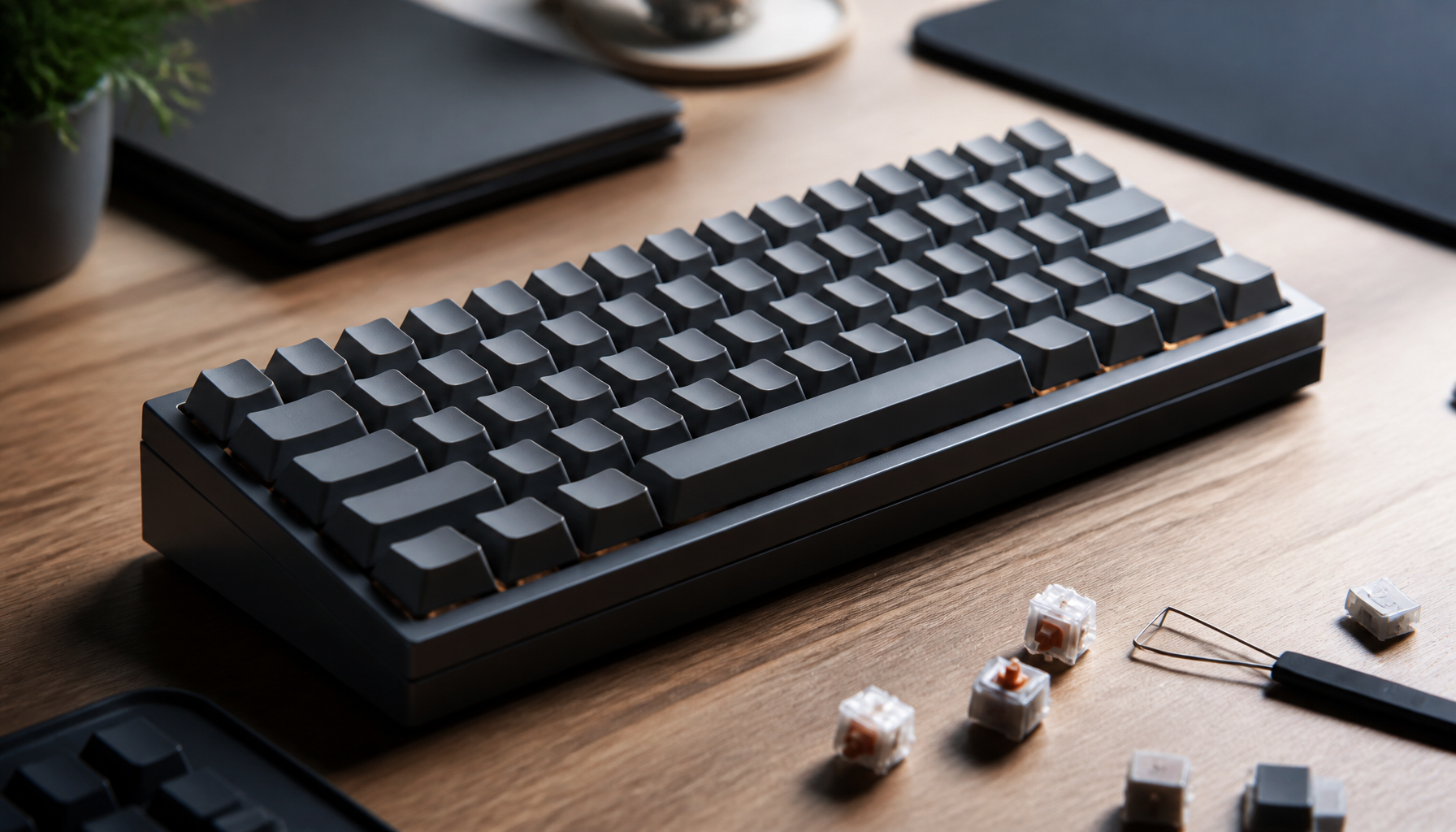
At the heart of every mechanical keyboard is the switch. Unlike membrane keyboards that use rubber domes, mechanical keyboards have individual switches under each key. This design allows for more precise and tactile feedback, which many users find more satisfying and responsive.
Benefits of Mechanical Keyboards
Mechanical keyboards offer several advantages:
Durability: Mechanical switches are built to last, often rated for tens of millions of keystrokes.
Typing Feedback: The tactile response you get from each keystroke can improve typing speed and accuracy.
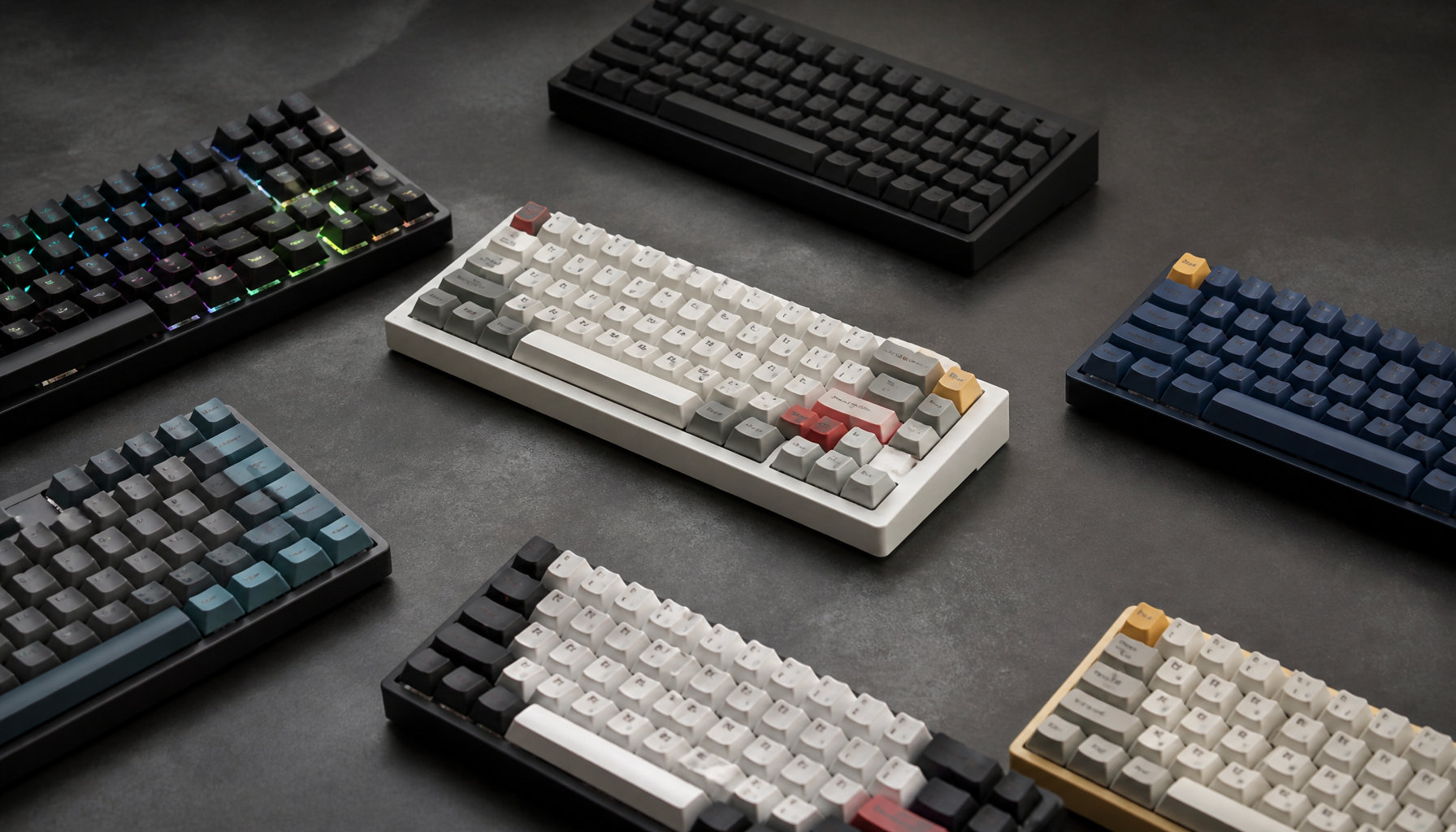
Customization: With a variety of switch types and keycap options, you can tailor your keyboard to suit your preferences.
For a deeper dive into the benefits and variety of mechanical keyboards, check out this Mechanical Keyboard Guide.
Choosing the Right Switch for Typing
The switch is arguably the most important component of a mechanical keyboard, directly influencing your typing experience.
Types of Switches
There are three main types of mechanical switches:
Linear Switches: These offer a smooth keystroke without any tactile bump or audible click. Linear switches are ideal for fast typists and gamers who require quick key presses.
Tactile Switches: Tactile switches provide a noticeable bump at the actuation point, giving you feedback that the keypress has been registered. This can enhance typing precision.
Clicky Switches: Similar to tactile switches, clicky switches include an audible click, making them perfect for those who love the sound of their typing.
For more details on each switch type, visit this comprehensive Keyboard Switch Types guide.
Switches and Typing Experience
The choice between linear, tactile, and clicky switches depends on your personal preference and typing style. For instance:
Linear Switches: Best for those who prefer a quieter and smoother typing experience.
Tactile Switches: Suitable for typists who appreciate feedback without the noise.
Clicky Switches: Perfect for those who enjoy the classic typewriter sound.
Key Features to Look for in a Typing Keyboard
Key Features to Look for in a Typing Keyboard
When selecting a mechanical keyboard, several features can significantly impact your typing comfort and efficiency.
Ergonomics and Comfort
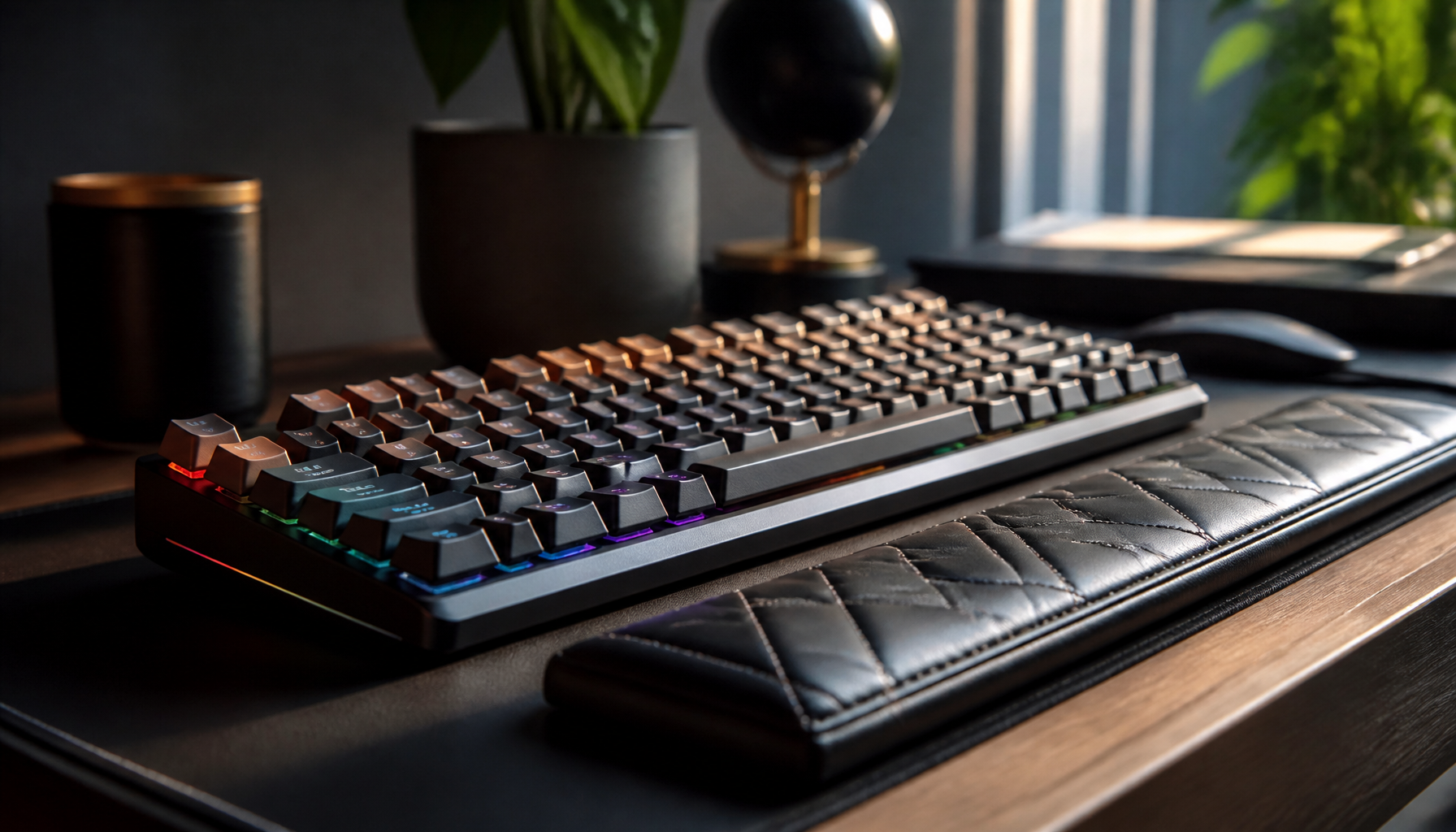
Ergonomic design is crucial for long typing sessions. Look for keyboards with a slight curve or split design to reduce wrist strain. Some models offer adjustable feet to change the keyboard angle, which can further enhance comfort.
⚠️ Important Note: Ergonomic keyboards can help reduce typing fatigue and prevent repetitive strain injuries. For more information on ergonomic options, explore this Ergonomic Keyboards guide.
Customization Options
Customization allows you to personalize your typing experience. Consider keyboards that support:
Key Remapping: Customize key functions to suit your workflow.
Programmable Macros: Automate complex key sequences for efficiency.
RGB Lighting: While mostly aesthetic, it can enhance visibility in low-light environments.
Comparing Popular Mechanical Keyboards
Comparing Popular Mechanical Keyboards
To simplify your decision, let’s compare some of the top mechanical keyboards currently available.
Model
Switch Types Available
Key Features
Pros
Cons
Das Keyboard 4
Cherry MX Brown, Blue
USB hub, volume knob
Durable, high build quality
Higher price point
Keychron K2
Gateron Red, Brown, Blue
Wireless, RGB lighting
Versatile, compact design
Limited switch options
Logitech G Pro
GX Blue
Detachable cable, compact form factor
Excellent for gaming and typing
No wrist rest included
Each of these models offers unique features and benefits. The Das Keyboard 4, for example, is praised for its robust build and tactile feedback, while the Keychron K2 is favored for its wireless capabilities and compact size.
Tips for Maintaining Your Mechanical Keyboard
To ensure your mechanical keyboard remains in top condition, regular maintenance is essential.
Cleaning and Maintenance
Regularly Dust: Use a soft brush or compressed air to remove dust and debris from between the keys.
Deep Clean: Occasionally remove the keycaps for a more thorough cleaning. Soak them in warm, soapy water, then dry them completely before reattaching.
Prolonging Keyboard Lifespan
Avoid Eating Over Your Keyboard: Food particles can cause damage over time.
Use a Keyboard Cover: This can help protect against spills and dust.
💡 Pro Tip: Investing in a keycap puller can make removing keycaps for cleaning much easier and safer.
By understanding the different aspects of mechanical keyboards, from the types of switches to ergonomic features and maintenance, you can confidently choose the perfect mechanical keyboard that matches your typing needs and preferences. Whether you’re a writer, gamer, or simply someone who values a superior typing experience, the right keyboard can make all the difference.
Frequently Asked Questions
What is the best mechanical keyboard for typing?
The best keyboard depends on personal preference, but models like the Das Keyboard 4 and Keychron K2 are popular among typists.
How do I choose the right switch for typing?
Consider the typing experience you prefer: linear for smooth keystrokes, tactile for feedback, or clicky for audible clicks.
Are ergonomic keyboards better for typing?
Yes, ergonomic keyboards can reduce strain and improve comfort, especially for long typing sessions.