
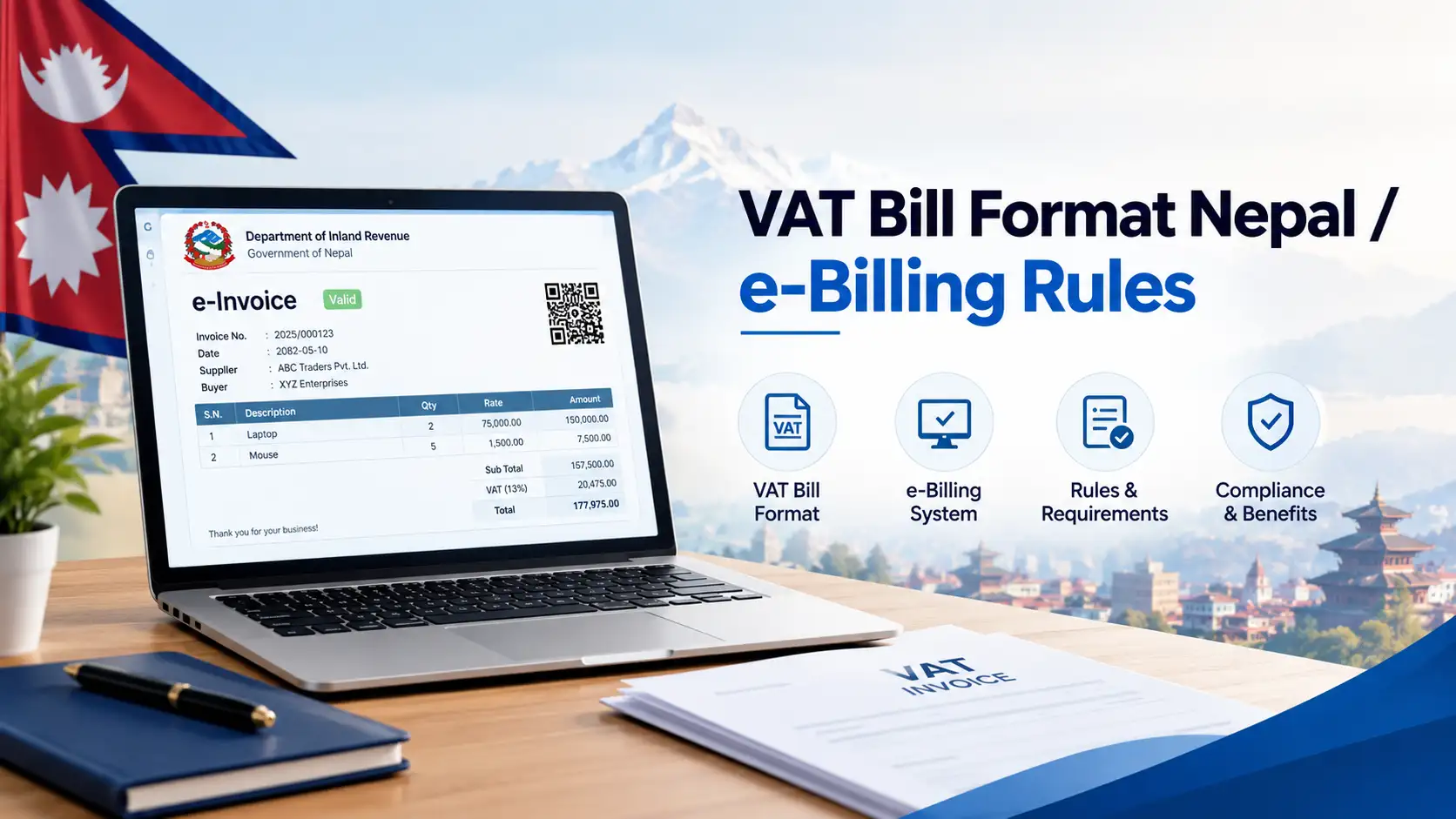
Nepal VAT E-Billing Guide 2026: CBMS Rules, Thresholds, Software & Penalties Explained
Updated 19 October 2026 • Covers FY 2083/84 • Based on IRD notices, the VAT Rules 2053, the Electronic Invoice Procedure 2074 and the Finance Act 2083
If you run a VAT-registered business in Nepal, the way you issue bills is changing fast. In April 2026 the Inland Revenue Department (IRD) pulled the compulsory e-billing line down to Rs 20 crore. A month later the FY 2083/84 budget announced an even lower Rs 10 crore line. Then the Finance Act 2083 rewrote the e-billing section of the VAT Act and raised the fines. Most guides online still quote Rs 25 crore, Rs 10 crore or even older numbers as if nothing happened.
This Nepal VAT e-billing guide puts everything in one place: who must e-bill today, what the two competing numbers really mean, what a valid VAT e-bill must show, what IRD expects from your software, how to connect to CBMS step by step, what the new penalties are, and a monthly calendar you can actually follow.
Quick answer
- Compulsory today: businesses with annual turnover above Rs 20 crore that bill customers directly must issue every bill through IRD-listed software connected to CBMS at the moment of issue (IRD notice, 4 Baishakh 2083 / 17 April 2026).
- Sector lines still apply: hotels, restaurants, canteens and ISPs above Rs 5 crore; department stores, marts, flooring and furnishing businesses above Rs 10 crore; cinema halls; listed liquor and tobacco producers.
- Coming next: the FY 2083/84 budget announced a Rs 10 crore line for businesses that issue e-bills. Treat it as the direction of travel and prepare now.
- Below the line: paper bill books are still allowed, but if you print bills from a computer, the software must be IRD-listed and your tax office must have given permission. Excel and Word bills do not qualify.
- Biggest fine: Rs 5 lakh for using billing software that can delete or alter bills.
In this guide
- What VAT e-billing in Nepal means
- The laws behind it
- Who must use e-billing in 2026
- 60-second "do I need CBMS?" check
- How an e-bill travels to IRD
- What a valid VAT e-bill must show
- IRD rules for billing software
- How to start e-billing, step by step
- Penalties under the Finance Act 2083
- What changed in FY 2083/84
- Monthly VAT e-billing calendar
- Common mistakes when switching
- FAQs
What is VAT e-billing in Nepal?
VAT e-billing (also called electronic billing, e-invoicing or computerised billing) means issuing your tax invoices from billing software that IRD has listed, instead of writing them by hand in a numbered bill book. People often mix up three different things, so it helps to separate them:
- Paper billing: a pre-numbered bill book, filled in by hand. Still legal for businesses that are not on a compulsory list.
- Permitted e-billing: bills printed from IRD-listed software after your tax office gives permission. The data stays in your system and you upload sales and purchase details with returns.
- CBMS e-billing: the same listed software, but every bill is sent in real time to IRD’s Central Billing Monitoring System (CBMS) the moment it is issued. This is what the turnover thresholds make compulsory.
What is CBMS?
CBMS is IRD’s central server for invoices. It started as a pilot in November 2017 under the Electronic Invoice Procedure 2074. When a connected business issues a bill, the software pushes the bill details (seller PAN, buyer PAN if any, date, amounts and VAT) to IRD through a web API. Sales returns and credit notes go through a separate API. IRD can then match what sellers report against what buyers claim as input tax, which is why CBMS is IRD’s main tool against fake and missing bills.
The laws behind VAT e-billing
You do not need to read every act, but knowing which document says what will save you time when a tax officer or software vendor quotes a rule at you.
| Document | What it controls |
|---|---|
| VAT Act 2052, Section 14Ka (replaced by Finance Act 2083) | Lets IRD set e-billing standards, require named taxpayers to e-bill and connect to CBMS, and offer its own billing system |
| VAT Rules 2053, Rule 17 | The fields every tax invoice must show (Schedule-5 format) |
| Rule 18 | Abbreviated tax invoices for retail sales up to Rs 10,000 |
| Rule 20 | Credit notes and debit notes |
| Rule 23 | Records to keep, including purchase and sales books, for six years |
| Electronic Invoice Procedure 2074 (4th amendment) | Technical rules for billing software, cloud hosting, and how to apply for permission |
| IRD CBMS notices | Who must connect to CBMS (turnover and sector lines) |
Who must use VAT e-billing in 2026?
The general rule comes from IRD’s decision of 27 Chaitra 2082, published as a notice on 4 Baishakh 2083 (17 April 2026): every taxpayer with annual turnover above Rs 20 crore must issue bills electronically and connect them to CBMS at the time of issue. Businesses that do not bill consumers directly by the nature of their work, such as banks and financial institutions, are left out. Older sector notices that IRD has not withdrawn still sit on top of that general line.
| Business type | Must use CBMS e-billing if | Source |
|---|---|---|
| Any business billing customers directly | Turnover above Rs 20 crore | IRD notice, 4 Baishakh 2083 |
| Hotels, restaurants, canteens, internet service providers | Turnover above Rs 5 crore | Earlier IRD sector notice |
| Department stores, marts, flooring and furnishing businesses | Turnover above Rs 10 crore | Earlier IRD sector notice |
| Cinema halls on the box-office system | All | Earlier IRD sector notice |
| Liquor, beer, wine, spirits producers; listed cigarette and tobacco industries | As named in the notice | IRD notice, 2079 |
| Banks and financial institutions that do not bill consumers directly | Excluded from the Rs 20 crore rule | IRD notice, 4 Baishakh 2083 |
Rs 20 crore or Rs 10 crore? Clearing up the confusion
This is the question most competitor articles get wrong, so here is the honest version:
- Rs 20 crore is the binding Department-level rule. It is in a published IRD notice and applies to every business that bills customers directly.
- Rs 10 crore is an announced policy. Point 70(kha) of the FY 2083/84 budget speech (29 May 2026) said businesses above Rs 10 crore that issue electronic invoices must link to CBMS. Some Inland Revenue Offices began sending local notices from around mid-June 2026, but a nationwide IRD notice carrying the Rs 10 crore figure had not been widely reported when we checked.
- What to do: if your turnover is between Rs 10 crore and Rs 20 crore, buy CBMS-ready software now and confirm with your own tax office. If your office has already written to you, follow that letter.
How the compulsory e-billing line has fallen
General turnover line for CBMS e-billing, in crore rupees (bar length to scale)
If you are below every line
Every VAT-registered business must still issue a tax invoice for every sale. You can choose between a numbered paper bill book and IRD-listed software. If you pick software, you need your tax office’s permission before you print the first bill, and bills printed from Excel, Word or an unlisted program do not count as valid e-bills. Below the line, CBMS connection is optional, but choosing CBMS-ready software today means the switch later is a setting, not a new system.
A side note many guides miss: VAT registration and VAT e-billing are different thresholds. Registration is required once turnover over the past 12 months crosses Rs 50 lakh for goods or Rs 30 lakh for services and mixed businesses (the Rs 20 lakh services figure you still see online is outdated).
60-second check: do you need CBMS e-billing?
Answer the questions in order. Stop at the first green or red box that matches you.
Q1. Are you a hotel, restaurant, canteen or ISP with turnover above Rs 5 crore? Or a mart, department store, flooring or furnishing business above Rs 10 crore? Or a cinema hall, or a listed liquor or tobacco producer?
Q2. Is your annual turnover above Rs 20 crore, and do you bill customers directly?
Q3. Is your turnover between Rs 10 crore and Rs 20 crore, or has your tax office written to you about CBMS?
This is a guide, not a ruling. Your Inland Revenue Office decides how the rules apply to your business.
How a VAT e-bill travels from your counter to IRD
Understanding the flow makes most compliance rules feel obvious. Here is what happens every time you press "print" on a CBMS-connected system:
The practical lesson: once CBMS has a bill, your VAT return, sales book and accounts must agree with it. Retyping figures by hand is where mismatches start. For a hospitality-focused walkthrough of this flow, see our CBMS integration guide for restaurant billing in Nepal.
What a valid VAT e-bill must show (Rule 17)
E-billing does not change what a tax invoice must contain; it changes how it is produced. Under Rule 17 of the VAT Rules 2053 and the Schedule-5 format, check that your software prints all of these:
| Field | What to check |
|---|---|
| "Tax Invoice" heading | Clearly printed on the face of the bill |
| Invoice number | Generated by the system in order, no manual numbering |
| Transaction date and issue date | Two separate fields; Bikram Sambat date support is expected |
| Seller name, address, PAN | Exactly as registered with IRD |
| Buyer name, address, PAN | Buyer PAN matters for their input tax claim |
| Payment method | Cash, cheque, credit or other (now important for the digital-payment VAT discount) |
| Item lines | Description, quantity, unit price, total; HS code (first four digits at least for imported goods) |
| Discount, taxable value | Discount shown separately; taxable value after discount |
| VAT rate and amount, grand total | 13% (or 5% for the two new categories), amount in figures |
Abbreviated invoices, credit notes, reprints and cancellations
- Abbreviated invoice (Rule 18): allowed for retail sales up to Rs 10,000 with your tax office’s permission. The buyer cannot claim input VAT on it, and you must issue a full invoice if the buyer asks.
- Credit and debit notes (Rule 20): must refer to the original bill number and date, give a reason, and show the VAT adjusted. On CBMS, a credit note is sent through the bill-return API.
- Reprints: the first print is the original. Every reprint must say "Copy of Original" and how many times it has been printed.
- Cancellation: a cancelled bill stays in the system with a reason. Nothing is ever deleted.
IRD rules for billing software (Electronic Invoice Procedure 2074)
Your software vendor carries most of this burden, but you carry the fine if they get it wrong. Use this as a buyer’s checklist:
Data integrity
- ✓ Runs on a real database that can be queried with SQL
- ✓ No editing or deleting of saved bills
- ✓ Full audit trail: date, time and user on every action
- ✓ Bills numbered in chronological order
Reporting and connection
- ✓ Real-time sync with CBMS (bills and returns)
- ✓ Sales book, purchase book, credit and debit note books
- ✓ Export to Excel, XML or PDF; backup and restore
- ✓ User manual in Nepali or English
Cloud software? Check where the server is
If your bills are stored on a central or cloud server, the procedure requires that server to be located in Nepal and reachable by IRD. If the server is rented, the operator must be registered in Nepal and you, the vendor and the operator should sign a data-storage agreement. Ask your vendor for this in writing before you pay.
IRD lists approved products by name and version. A customised or updated build that is not on the list is not covered. Before buying, cross-check the exact product against our IRD-approved billing software list in Nepal, and budget realistically with our breakdown of restaurant billing software prices in Nepal (the hidden-fee advice applies to retail and services too).
How to start VAT e-billing in Nepal: step by step
Confirm your obligation
Check your last 12 months of turnover and your sector against the table above. Keep a copy of any letter from your Inland Revenue Office.
Choose IRD-listed, CBMS-ready software
Ask the vendor for proof the exact version is listed and for an acceptance letter. Make sure it handles your real workflow: branches, stock, abbreviated invoices, credit notes.
Test on the CBMS test server
Issue test bills, a credit note, a cancelled bill and a reprint. IRD publishes test credentials for its CBMS API so vendors can do this before going live.
Apply for permission
Apply to your tax office through the Taxpayer Portal’s electronic billing user permission menu, listing every branch. Typical attachments: PAN and registration certificates, sample bills, reprint and cancelled-bill samples, sales report, audit trail report, CBMS test report and server details. Our guide on how to get IRD approval for billing software in Nepal covers the documents in detail.
Go live with your own CBMS credentials
For live sync, the software uses the same user ID and password you use on the IRD Taxpayer Portal. Enter them once in the software settings, never share them on WhatsApp or email.
Bill everything through the system
Once permitted, every sale goes through the software. If it fails and you must bill another way, get your tax office’s approval first and record what happened.
Reconcile every month
Before filing your VAT return, compare your software’s sales book with what CBMS shows in the Taxpayer Portal. Fix sync failures before the 25th, not after.
Paper billing vs permitted e-billing vs CBMS e-billing
| Point | Paper bill book | Permitted e-billing | CBMS e-billing |
|---|---|---|---|
| Who can use it | Businesses not on a compulsory list | Anyone, with tax office permission | Required above the lines; optional below |
| Software | None | IRD-listed | IRD-listed, CBMS-ready |
| IRD sees bills | Only on inspection | With returns and on inspection | Instantly |
| Error risk | High (manual totals) | Low | Lowest, but sync must be watched |
| Cost | Printing only | Software fee | Software fee plus stable internet |
| Future-proof | ✗ Lines keep falling | Partly | ✓ Yes |
Penalties for VAT e-billing breaches (FY 2083/84)
The Finance Act 2083 raised several VAT fines and added new ones aimed at e-billing taxpayers. The ones that matter most:
| Breach | Penalty |
|---|---|
| Using e-billing software that can delete or alter data | Rs 5,00,000 |
| Other breaches of the e-billing section by an e-billing taxpayer (new) | Rs 1,00,000 |
| Not issuing an invoice | Rs 10,000 each time |
| Buyer not taking an invoice | Rs 1,000 each time |
| Moving goods worth over Rs 10,000 without the tax invoice | Rs 10,000 each time |
| Late or non-filing of a VAT return | 0.05% of tax per day or Rs 1,000 per period, whichever is higher |
| Any other breach of the VAT Act or Rules | Rs 10,000 each time (up from Rs 1,000) |
| Issuing a bill without supplying goods or services (fake billing) | 50% of bill value, or up to 6 months’ jail, or both |
On top of fines, late payment carries a 10% yearly additional fee and 15% yearly interest. Repeated offences can lead to suspended registration and a temporary shop closure.
What changed for VAT e-billing in FY 2083/84
Competitor guides published before mid-2026 miss most of this. The changes, in plain words:
- Section 14Ka rewritten: the old approval-based rule was replaced. IRD can now set e-billing standards by notice, require named taxpayers to connect to CBMS, and offer its own billing system as an alternative to private software. A free state tool for small businesses has been reported as planned; check IRD notices before relying on it.
- New and higher fines: a new Rs 1 lakh penalty for e-billing breaches, and the general penalty raised to Rs 10,000.
- Rs 10 crore CBMS line announced in the budget for businesses that issue e-bills.
- Digital-payment VAT discount: buyers who pay through QR, cards, wallets or mobile banking get a discount equal to 10% of the VAT on the bill, applied at billing. Your software needs to record the payment method correctly for this to work.
- Bill lottery: the budget announced a lottery programme for billed transactions to encourage customers to ask for bills.
- Seven-day correction window: a VAT return filed on time can now be amended within seven days of filing.
- New 5% VAT rate for ride-sharing fares and household electricity above 50 units a month. If you bill these, your software must support a second VAT rate.
Example: the digital-payment VAT discount on one bill
| Taxable value | Rs 10,000 |
| VAT at 13% | Rs 1,300 |
| Discount if paid by QR or card (10% of VAT) | − Rs 130 |
| Customer pays | Rs 11,170 |
Illustration only. How the discount is shown on the bill and claimed back depends on IRD’s implementing procedure and your software.
Monthly VAT e-billing compliance calendar
Nepal’s VAT runs on Bikram Sambat months, and the fiscal year starts on Shrawan 1. Pin this somewhere your accountant and cashier can both see it.
| When | Task |
|---|---|
| Every day | Check the software’s sync status; clear any bills stuck in the queue; take a backup |
| Last week of the month | Issue pending credit notes; review cancelled bills and reasons |
| 1st to 20th of next month | Match software sales book with CBMS data and with purchase bills received |
| By the 25th | File the VAT return and pay; file a nil return even with no sales |
| Within 7 days of filing | Amend the return if you spot an error (new FY 2083/84 facility) |
| Shrawan 1 (new fiscal year) | Confirm the bill-number series rolls over correctly; archive last year’s database and logs |
| For 6 years | Keep invoices, credit and debit notes, sales and purchase books, and backups |
Common mistakes when switching to VAT e-billing
These are the problems that come up again and again when Nepali shops, restaurants and service firms move from bill books to e-billing. Avoiding them is worth more than any software feature.
Going live on test settings
Weeks of bills "sync" to the CBMS test server instead of live. Check the first live bills appear in your Taxpayer Portal on day one.
Running bill book and software together
Once permitted, hand-written bills on the side break both the rules and your reconciliation. Retire the old books formally.
Skipping buyer PAN
Business customers lose their input VAT and come back angry. Make PAN a required field for credit sales.
Fixing mistakes by cancelling
Too many cancellations invite questions. Use credit notes for returns and price changes; cancel only genuine errors, with a clear reason.
Unlisted branch or version
A new outlet or a vendor "update" not covered by your permission puts every bill from it at risk. Tell your tax office first.
No plan for internet outages
Ask the vendor how bills queue and resend when the line drops, and keep a backup connection such as a mobile hotspot.
E-billing by business type
Restaurants, hotels and cafes
Hospitality has the lowest line (Rs 5 crore), so many mid-sized restaurants are already in. Service charge, KOT-to-bill flow and split bills all need to sync correctly. Our restaurant CBMS integration guide covers the details.
Retail shops, marts and kirana stores
Marts and department stores face a Rs 10 crore line. Small kirana shops are usually below every line but benefit from listed POS software for stock and VAT books. See our POS billing software guide for kirana shops.
Service businesses and agencies
Consultancies, IT firms and agencies mostly fall under the general Rs 20 crore line. Even below it, e-billing helps with clients who demand clean VAT bills for input credit, and with foreign-currency invoices, which must show the Nepali rupee value at the Nepal Rastra Bank rate.
Nepal VAT e-billing FAQs
Is e-billing mandatory for all VAT-registered businesses in Nepal?
No. CBMS e-billing is compulsory for businesses above Rs 20 crore turnover that bill customers directly and for sectors on IRD’s lists, such as hotels and restaurants above Rs 5 crore. Others may use a numbered paper bill book or IRD-listed software with their tax office’s permission.
Is the e-billing threshold Rs 10 crore or Rs 20 crore?
Rs 20 crore is the line in IRD’s published notice of 17 April 2026. Rs 10 crore was announced in the FY 2083/84 budget for businesses that issue e-bills and is being rolled out through local tax office notices. If you are between the two, prepare now and follow any letter from your office.
Can I print VAT bills from Excel or Word?
No. Excel and Word are not IRD-listed billing software. Use a numbered paper bill book or listed software with permission.
What is CBMS in Nepal?
CBMS (Central Billing Monitoring System) is IRD’s central server that receives bill data from connected billing software in real time, so IRD can match sellers’ sales with buyers’ VAT claims.
Can I edit or delete an e-bill after issuing it?
No. A bill can be cancelled with a reason, but it stays in the system. Returns and price changes are handled with credit or debit notes that refer to the original bill. Software that allows deleting or altering bills attracts a Rs 5 lakh fine.
What happens if the internet goes down?
Many CBMS-ready programs save the bill and resend it when the connection returns, so check this with your vendor. If you cannot bill through the system at all, get your tax office’s approval before switching to another method.
How long must I keep e-billing records?
Six years. That includes invoices, credit and debit notes, purchase and sales books, and backups of your billing database and logs.
Does e-billing change my VAT return deadline?
No. VAT returns are still due within 25 days after the end of each Bikram Sambat month, even if you had no sales. From FY 2083/84 you can amend an on-time return within seven days of filing.
Will IRD provide free billing software?
The Finance Act 2083 allows IRD to offer its own billing system, and a free government tool for small businesses has been reported as planned. Until IRD announces it officially, use IRD-listed private software.
Final word
Nepal’s VAT e-billing rules are moving in one direction: lower thresholds, more businesses on CBMS, and higher fines for software shortcuts. If you are above Rs 20 crore or in a listed sector, you should already be connected. If you are between Rs 10 crore and Rs 20 crore, the smart move is to switch now, on your own timeline, rather than in a rush after a tax office letter. And if you are smaller, a listed, CBMS-ready system still pays for itself in cleaner VAT returns and fewer disputes with customers.
Next steps: shortlist software from our IRD-approved billing software list, then follow our IRD approval guide. More guides are on our web, SEO and business software hub.
Sources
- IRD – CBMS notice of 4 Baishakh 2083 (Rs 20 crore)
- IRD – Electronic Invoice Procedure 2074 (4th amendment)
- IRD – Finance Act 2083
- IRD – Value Added Tax Rules 2053
- IRD – CBMS user guide (PDF)
- Clickmandu – Budget 2083/84 lowers CBMS line to Rs 10 crore
This guide is general information based on IRD notices and laws as checked on 19 October 2026. IRD can change thresholds by notice at any time, and your Inland Revenue Office decides how the rules apply to you. It is not tax or legal advice; consult a registered tax professional for your case.