
Download eNID Nepal: How to Get Your National ID PDF Online (2026 Guide)
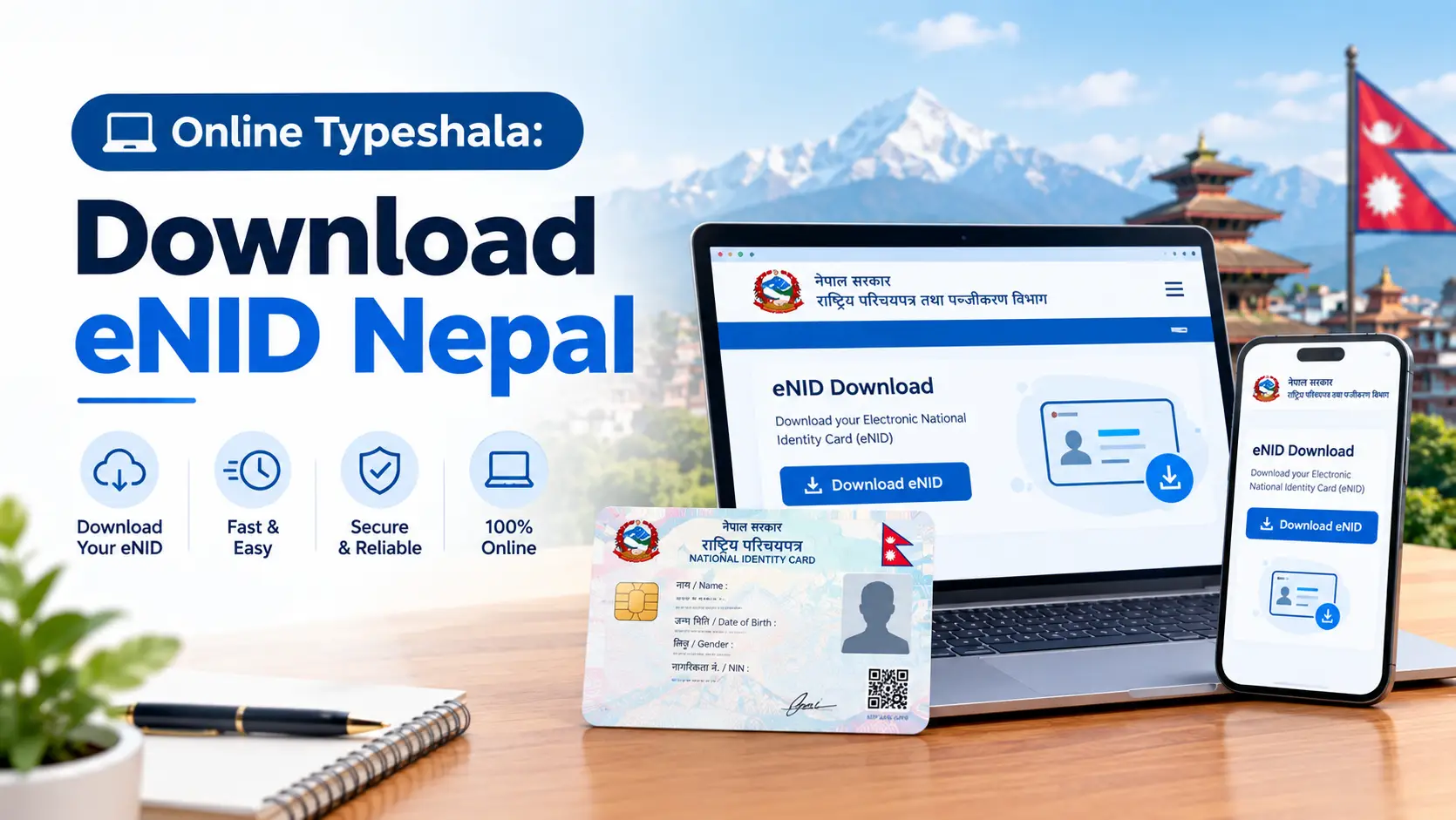
Finished your National ID biometrics months ago but still waiting for the card? You are in the majority. The good news is that you can download your eNID in Nepal straight from the government’s Citizen Portal, as a password-protected PDF with your photo, National Identity Number (NIN) and a QR code, without visiting any office.
This guide gives you the exact steps, the PDF password rule, a quick eligibility check, and one thing most eNID guides skip: why you should do this before the end of Ashwin 2083, when banks and digital wallets must have your National ID details on file.
Quick answer
Open the DONIDCR Citizen Portal and choose Download Your eNID. Enter your full name in Nepali and English, date of birth (BS) and citizenship issue date, solve the CAPTCHA and click Search. Enter the 6-digit OTP sent to your NID-registered mobile, check your details, then click Download Card. Open the PDF with the first four letters of your name in CAPITALS plus your birth year in BS, for example RAME2042.
Where
citizenportal.donidcr.gov.np
Official DONIDCR site only
You need
Citizenship details + OTP
OTP goes to your NID-registered mobile
You get
Password-protected PDF
Photo, NIN and a verification QR code
Deadline to act
End of Ashwin 2083
Bank and wallet NID updates (about 17 Oct 2026)
In this guide
- What is eNID?
- Why download it now: the Ashwin 2083 deadline
- Why so many people need the eNID
- Can you download eNID yet? 30-second check
- What you need before you start
- How to download eNID in Nepal: step by step
- eNID PDF password explained
- What to do after downloading
- eNID vs Nagarik App vs physical card
- Quick fixes when the download fails
- Stay safe: eNID scams to avoid
- FAQs
What Is eNID (Provisional National ID)?
The eNID is an electronic copy of your National Identity Card (राष्ट्रिय परिचयपत्र) that the Department of National ID and Civil Registration (DONIDCR) generates from your enrollment record. DONIDCR calls it a Provisional NID: it proves your identity and NIN while the chip-based smart card is still being printed or distributed.
The download service opened on the Citizen Portal in Asar 2083 (June 2026). Each eNID PDF includes:
- Your photograph and personal details from the NID record
- Your National Identity Number (NIN), the permanent number most services now ask for
- A QR code that offices can scan to verify the document
Keep in mind
The eNID does not replace the smart card in law, and each office decides whether to accept a printout for a specific service. What banks, wallets and most forms really need is your NIN, and the eNID is the easiest official proof of it.
Why Download Your eNID Now: The Ashwin 2083 KYC Deadline
Most eNID guides were written in June and July 2026, before the deadline that makes this urgent. Nepal Rastra Bank (NRB) has now tied both bank accounts and digital wallets to the National ID:
- Banks: NRB’s revised Unified Directive (July 2026) requires banks and financial institutions to update their customers’ National ID details by the end of Ashwin 2083. Banks such as Nepal Investment Mega Bank have already issued notices asking account holders to update.
- Digital wallets: the 15th amendment to NRB’s Integrated Payment Systems Directive, 2082 requires wallet providers to verify new users against electronic NID records, collect a declaration from every user on whether they hold a National ID, and record the NIN of users who have one, all by the end of Ashwin 2083 (around 17 October 2026).
- No NID yet? Wallet providers must send you monthly reminders to update once you get it. Reporting so far does not say existing wallets will be shut the day after the deadline, so there is no need to panic, but there is every reason to have your NIN ready.
eNID and National ID KYC: 2026 timeline
Asar 2083 (June 2026)
eNID download goes live on the DONIDCR Citizen Portal.
20 June 2026
A media investigation shows cards could be downloaded with just a name, birth date and citizenship issue date. The service is paused.
Late June 2026
Service restored with mandatory SMS OTP to the NID-registered mobile number.
July 2026
NRB directs banks and wallet providers to collect customers’ National ID details.
End of Ashwin 2083 (about 17 Oct 2026)
Deadline for bank NID updates and wallet NID declarations.
Sources: Techpana, Eurasia Review, ICTFrame and Khabarhub reporting (links at the end).
Why So Many Nepalis Need the eNID
The gap between enrolling and actually holding a card is huge. According to the government’s Economic Survey 2082/83, biometric details of about 2 crore (20.01 million) citizens had been collected by Falgun 2082, but only about 40.3 lakh cards had been distributed. In other words, roughly 4 out of 5 enrolled citizens were still without a physical card.
National ID: enrolled vs printed vs distributed
Source: Economic Survey 2082/83, as reported by Technology Khabar and Ekantipur (Jestha 2083). Figures up to Falgun 2082.
The same survey notes that the National ID system is now linked with 12 government systems, including the Department of Passports, Inland Revenue, the Election Commission, the Social Security Fund and the Credit Information Bureau. That is why your NIN keeps appearing on forms, and why the eNID is the practical bridge until your card arrives.
Can You Download eNID Yet? A 30-Second Check
The portal only returns a record that has been fully processed. Walk through these three questions before you open it:
Q1. Have you completed biometric enrollment (photo, fingerprints) at a DAO or National ID office?
If no → Complete enrollment first. The eNID is generated only from a processed record.
Yes ↓
Q2. Has your NIN been generated?
If no → Wait, and check your NID card status online using your request number, or send an SMS (see FAQs) to retrieve your NIN.
Yes ↓
Q3. Do you still have the mobile SIM you registered during enrollment?
If no → The OTP cannot reach you. Visit a National ID office or District Administration Office to update the number, then try again.
Yes ↓
✓ You’re ready. Download your eNID now.
What You Need Before You Start
Most failed downloads come from a mismatch between what you type and what is in your record. Keep these ready:
- Your citizenship certificate in hand. You need the exact spelling and the issue date printed on it.
- Full name in Nepali, typed in Unicode Devanagari exactly as on the certificate.
- Full name in English, spelled exactly as in your record.
- Date of birth in Bikram Sambat (BS), not AD.
- Citizenship issue date (BS).
- The phone with your NID-registered SIM, switched on with signal, to receive the OTP.
Pro tip: type your Nepali name in Unicode
If you normally type Nepali with the Preeti font, switch to a Unicode Nepali keyboard (for example Gboard’s Nepali layout on your phone) for the name field. Preeti text looks right on screen in some apps, but it is stored as English letters and will not match your record. Also watch for look-alike letters such as श / स / ष in surnames like श्रेष्ठ.
How to Download eNID in Nepal: Step by Step
Here is the full flow at a glance, followed by details for each step.
Open the Citizen Portal
Go to citizenportal.donidcr.gov.np and select Download Your eNID.
↓
Enter your citizenship details
Name in Nepali and English, date of birth (BS), citizenship issue date.
↓
Solve the CAPTCHA and click Search
The portal looks for a matching National ID record.
↓
Enter the 6-digit OTP
Sent by SMS to the mobile number linked to your NID record.
↓
Check your details and photo
Then click Download Card and confirm Download in the pop-up showing your NIN.
↓
Open the PDF with your password
First 4 letters of your name in CAPITALS + birth year (BS).
Step 1: Open the official Citizen Portal
Visit citizenportal.donidcr.gov.np and select Download Your eNID (the page is available in English and Nepali). Type the address yourself or use a bookmark. Check that the domain ends in .gov.np before you enter anything.
Step 2: Enter your citizenship details
Fill in the four fields exactly as they appear on your citizenship certificate:
- Full name in Nepali (Unicode)
- Full name in English
- Date of birth (BS)
- Citizenship issue date (BS)
Step 3: Solve the CAPTCHA and click Search
Enter the characters shown and press Search. If the details match a processed record, the portal moves to OTP verification. If you see a “not found” message, jump to the quick fixes section.
Step 4: Verify with the OTP
A 6-digit one-time password is sent by SMS to the mobile number stored in your National ID record, not to a number you type now. Enter it to continue. This OTP step was added in late June 2026 after a security report, so any guide that skips it is out of date.
Step 5: Check your details, then download the card
Your details and photograph appear on screen. Check the spelling and dates carefully, then click Download Card. A pop-up shows your National ID number; select Download. Button labels can change slightly as the portal is updated, and DONIDCR also publishes a user manual for the eNID download on the portal.
Step 6: Find and open the PDF
On Android, the file usually lands in Files → Downloads; on iPhone, check Files → Downloads or Safari’s download list; on a computer, your browser’s Downloads folder. Open it with the password explained below.
eNID PDF Password Explained (With Examples)
The eNID PDF is encrypted with an 8-character password: the first four letters of your name in uppercase, followed by your four-digit birth year in Bikram Sambat.
First 4 letters, CAPITALS
RAME
Birth year (BS)
2042
PDF password
RAME2042
| Name in record | Birth year (BS) | Password |
|---|---|---|
| RAMESH … | 2042 | RAME2042 |
| SABIN … | 2058 | SABI2058 |
| ANJALI … | 2060 | ANJA2060 |
Examples for illustration. Use your own name and BS birth year.
Common password mistakes:
- Typing lowercase letters (rame2042 will not work).
- Using the AD year (for example 1985) instead of the BS year.
- Using a nickname or shortened spelling instead of the name in your record.
- Adding the full date of birth instead of only the four-digit year.
If your first name has fewer than four letters, read the password notice the portal shows at download time, since the public guidance only covers the standard format.
What to Do After Downloading Your eNID
Downloading is only half the job. Use it for the updates that actually matter this season:
- Update your bank KYC: follow your bank’s instructions (app, website or branch) to add your NIN before the end of Ashwin 2083.
- Update each digital wallet: open the KYC or profile section of every wallet you use and add your National ID details.
- Passport and government forms: keep your NIN handy, since the National ID is linked with the Department of Passports and other agencies.
- SIM cards: a National ID has been required to buy a new SIM since Magh 1, 2081, so keep a copy ready if you plan to buy one.
- Store it safely: keep the encrypted original, and avoid saving an unlocked copy in shared folders or chat apps.
Pro tip
Whenever you hand over a printout, write the purpose across it, for example “For KYC at XYZ Bank only, 2083-06-15”. A marked copy is much harder to misuse anywhere else.
eNID vs Nagarik App vs Physical Card: Which One Do You Need?
Nepal’s National ID now shows up in several places. Here is how they differ:
| eNID (Citizen Portal) | Nagarik App | Physical NID card | |
|---|---|---|---|
| What you get | PDF with photo, NIN and QR code | Your NID details inside the government app | Chip-based smart card |
| What you need | Citizenship details + OTP on registered mobile | Verified Nagarik App account + your NIN | Card printed and collected from your office |
| Best for | Uploading or printing proof of your NIN | Showing your ID on your phone | Permanent, legally issued ID |
| Works before card arrives? | Yes | Yes, once NIN is generated | No |
If all you need is the number itself, you do not need the eNID at all. Use the NIN retrieval options in the FAQs below.
Quick Fixes When the eNID Download Fails
| Problem | Likely cause | What to do |
|---|---|---|
| “Record / data not found” | A typo, Preeti instead of Unicode, AD date, or record not processed yet | Re-enter every field from the certificate. If it still fails, check your NID status first. |
| OTP not received | Old, wrong or family member’s number stored during enrollment | Wait a couple of minutes and retry once. If the number is wrong, update it at a National ID office or DAO. |
| Living abroad | OTP goes only to the Nepali number in your record | If a trusted family member holds that SIM, they can pass you the OTP. DONIDCR does not email the PDF. |
| PDF will not open | Password case or year format | CAPITAL letters + BS birth year, no spaces. |
| Wrong details on the eNID | Error carried over from enrollment | Do not use it for KYC. Request a correction at your enrollment office first. |
For more error cases, the story behind the OTP requirement and extra privacy tips, see our detailed eNID download and troubleshooting guide.
Stay Safe: eNID Scams to Avoid
The eNID contains exactly what fraudsters want: your photo, NIN and personal details in one file. The June 2026 pause happened precisely because downloads were possible with basic personal details. Protect yourself:
- Never share your OTP with anyone who calls or messages you, even if they claim to be from a government office or bank.
- Use only the .gov.np portal. Ignore links in Facebook posts, Viber groups or ads that promise a faster download.
- Do not pay agents. The official portal has no payment step, and handing an agent your citizenship details is a real risk.
- Never post your eNID or NIN publicly, including in comment sections asking for help.
Frequently Asked Questions
Is downloading eNID in Nepal free?
Yes. The official DONIDCR Citizen Portal has no payment step. You only need your citizenship details and access to your NID-registered mobile for the OTP.
What details do I need to download my eNID?
Your full name in Nepali (Unicode) and English, date of birth in BS, citizenship issue date in BS, the CAPTCHA, and the OTP sent to the mobile number registered with your National ID.
What is the eNID PDF password?
The first four letters of your name in uppercase followed by your birth year in Bikram Sambat. For example, Ramesh born in 2042 BS uses RAME2042.
Why am I not getting the eNID OTP?
The OTP only goes to the number stored in your National ID record. If that number is old, wrong or belongs to a relative, you need to update it at a National ID office or District Administration Office.
Is the eNID valid instead of the physical National ID card?
DONIDCR describes the eNID as a Provisional NID. It is widely useful as proof of your NIN, but each office decides whether to accept it for a specific service, so confirm before relying on it alone.
Can I download my eNID from abroad?
Yes, if you can receive the OTP sent to your registered Nepali number. A trusted family member holding that SIM can pass the code to you. DONIDCR does not send the PDF by email.
Do I need the eNID for the Ashwin 2083 bank and wallet update?
Banks and wallets need your National ID details, mainly your NIN, by the end of Ashwin 2083. The eNID is the quickest official way to get and prove that number if your card has not arrived.
How can I find my NIN if I do not know it?
Check your status on the DONIDCR Citizen Portal with your enrollment request number, or send an SMS in the format N, a space, then your application number, to 30001.
Final Thoughts
If your details match your citizenship certificate and you still have your registered SIM, you can download your eNID in Nepal in a few minutes. Do it now, add your NIN to your bank and wallet before the end of Ashwin 2083, and keep the PDF encrypted. If the portal cannot find your record, start with a quick NID status check rather than retrying the download again and again.
Sources
- DONIDCR Citizen Portal: Download Your eNID
- Techpana: National ID download restored with OTP verification
- Eurasia Review: Nepal restores National ID download with OTP
- Technology Khabar: Economic Survey 2082/83 National ID figures
- Khabarhub: NRB makes National ID mandatory for digital wallets
- ICTFrame: NRB mandates National ID update for bank customers
- OnlineKhabar: National ID integrated with Nagarik App
Last updated: 29 September 2026 (13 Ashwin 2083). Government procedures and deadlines change through official notices; always confirm on DONIDCR and with your bank or wallet provider.
Written by Wilson Shrestha, a Kathmandu-based web developer who writes practical guides to Nepal’s online government services. This is an independent guide, not an official government publication.