
Download Your eNID in Nepal: Complete 2026 Step-by-Step Guide
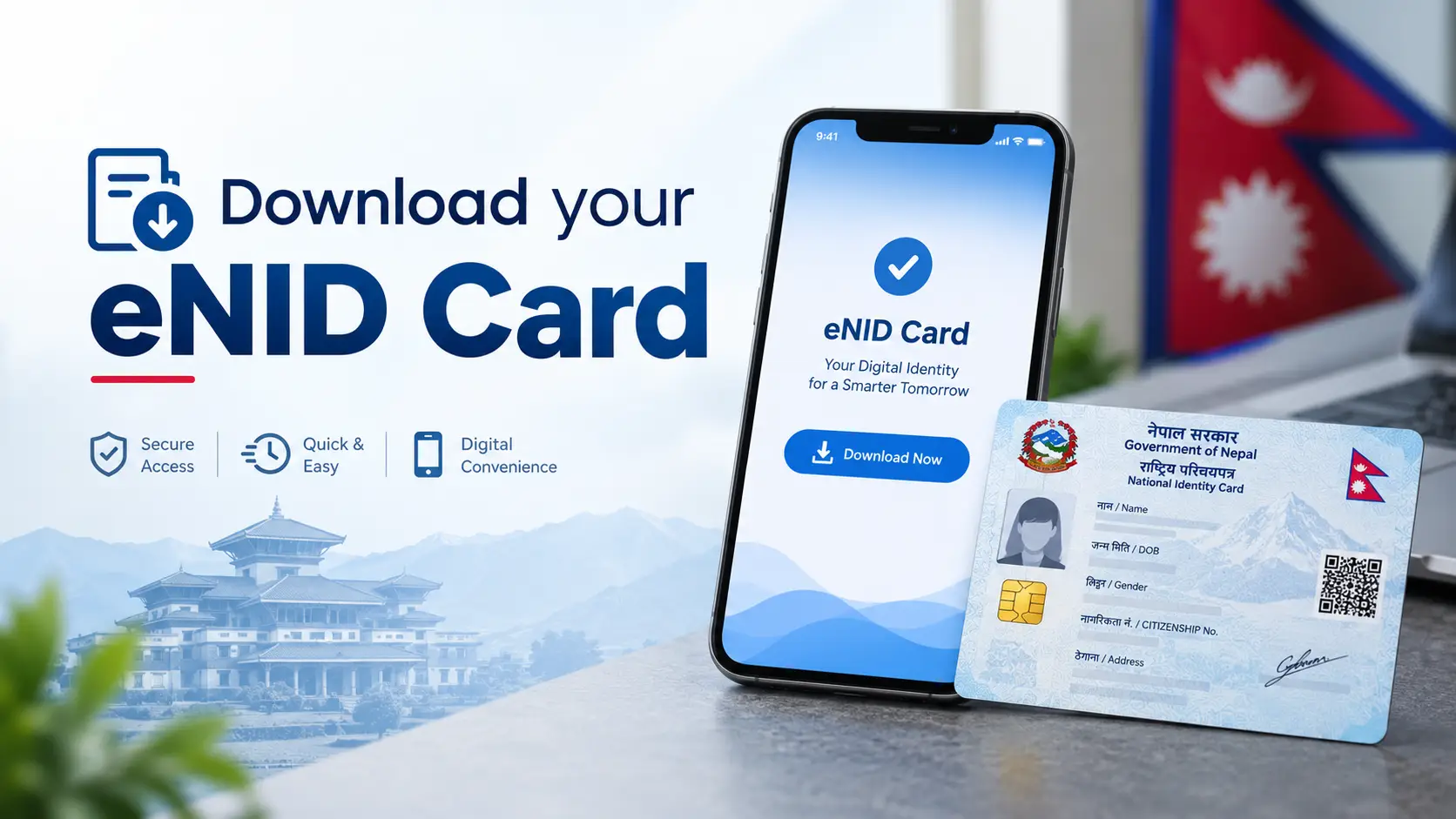
Go to the DONIDCR Citizen Portal and open Download Your eNID. Enter your full name in Nepali and English, date of birth in Bikram Sambat, and your citizenship issuing date, then solve the captcha and press Search. A six-digit OTP arrives on the mobile number stored in your National ID record. After verification, click Download Card to get a password-protected PDF. The password is the first four letters of your name in CAPITALS + your birth year in BS — for example, RAME2042.
If you finished your biometric enrollment months ago and the smart card still has not arrived, you are not stuck. Since mid-2026 the Department of National ID and Civil Registration (DONIDCR) lets you download an official digital copy of your National Identity Card, called the eNID or Provisional NID, straight from the Citizen Portal — no queue, no office visit, no agent fee.
There is a catch that most guides published in June 2026 have never updated: the download process changed within days of launch. If you are following an article that only mentions name, date of birth and citizenship date, you are reading an outdated process. This guide covers the current OTP-based flow, the exact PDF password rule, what to do when the OTP never arrives, and — just as important — where an eNID is actually accepted and where it is not.
Find Your National ID Card Nepal
Before you download anything, it helps to know which document you are actually chasing. Nepal's identity system now produces four different things from a single enrollment, and people routinely confuse them at bank counters and passport desks.
| What it is | What you get | When you get it |
|---|---|---|
| NIN (National Identification Number) | Your permanent 10-digit identity number | Generated after biometric enrollment is processed |
| eNID (Provisional NID) | A password-protected PDF with your photo, NIN and a verification QR code | Downloadable from the Citizen Portal once your record is ready |
| Physical National ID card | A biometric smart card with an embedded chip and security features | After printing and delivery to your collection office |
| Nagarik App record | Your National ID shown inside the government super-app | After your NIN is generated and linked in the app |
The eNID is a bridge document. It exists because card printing and distribution takes far longer than issuing the number, and most services can proceed with a verifiable digital identity in the meantime. It is not a legal replacement for the smart card, and the department itself labels it "Provisional NID" for that reason.
If you are not sure whether your record has even reached the stage where an eNID exists, check that first — our guide to NID card check in Nepal walks through looking up your application status and NIN before you attempt a download.
Before You Start: What You Need
Nearly every failed download comes down to one of these four things being missing or mismatched. Gather them before you open the portal.
- Your citizenship certificate (नागरिकता), in hand. Not a photo in your gallery — you need the back side too, because the citizenship issuing date lives there.
- Your name in Devanagari exactly as printed. Not the spelling you use on Facebook. If your certificate says श्रेष्ठ and you type स्रेष्ठ, the search fails silently.
- Your date of birth in Bikram Sambat. The portal expects BS, not AD. Converting 1995 to 2052 in your head at the form is how mistakes happen.
- The SIM card registered with your National ID. This is now mandatory. The OTP goes to the number recorded during enrollment — not to any number you type in today.
- Completed biometric enrollment with a processed record. A token slip from pre-enrollment is not enough; your data must have been processed and a NIN allocated.
Check this before anything else: do you still have access to the phone number you gave during enrollment? During early enrollment rounds a personal mobile number was not strictly enforced. Many records carry a family member's number, an old number, or a typo. If that number is dead, the download will fail at the OTP stage no matter how perfectly you fill the form — and the fix is an office visit, not a retry.
What Is the Process to Download eNID?
In plain terms: the portal matches the details you type against your National ID record, confirms it is really you by texting a code to your registered phone, then generates a PDF that only you can open.
Why there is an OTP now (and why old guides are wrong)
This is the detail that separates a current guide from a stale one. DONIDCR launched the eNID download service in mid-June 2026 under a notice dated 4 Asar 2083. In the original version, the portal handed over a National ID document after only a name, a date of birth and a citizenship issuing date — no second verification of any kind.
An investigative report published on 20 June 2026 demonstrated that anyone who knew those three details about another person could pull up and download that person's National Identity Card. The report spread quickly, and within roughly a day the download page went dark — visitors got a 404 error and the option vanished from the Citizen Portal. When the service came back on 22 June 2026, mandatory OTP verification had been added, sent to the mobile number tied to the National ID record.
So if a guide tells you the process ends at "complete the captcha and click search," it was written before that fix and is describing a flow that no longer exists. The current process has five stages:
- Identity match — your typed details are checked against the NID database.
- OTP verification — a six-digit code is sent to your registered mobile number.
- Record preview — your details and photograph appear on screen for you to verify.
- Generation — the system builds the eNID document for your NIN.
- Encrypted download — you receive a password-protected PDF.
Simple Steps to Download Your eNID Online
-
Open the official Citizen Portal
Visit citizenportal.donidcr.gov.np and select Download Your eNID. Type the address yourself or use a bookmark. Do not reach this page through a Facebook link, a Telegram group, or a paid ad — cloned portals harvesting citizenship details are the predictable next step after any government digital launch.
-
Fill in your citizenship details
The form asks for four things: full name in Nepali, full name in English, date of birth in Bikram Sambat (year, month, day), and the citizenship issuing date from the back of your certificate. Copy each one character by character from the certificate itself. Then complete the captcha and click Search.
-
Verify the OTP
A six-digit one-time password is sent by SMS to the mobile number registered in your National ID record. Enter it to continue. If nothing arrives in two or three minutes, do not keep hammering Search — see the troubleshooting section below.
-
Check the record on screen
Your personal details and photograph appear. Read every field: name spelling in both scripts, date of birth, and the other details carried over from enrollment. Spotting an error here saves you a correction request later — and an eNID with a wrong name will be rejected at a bank counter.
-
Click Download Card
A pop-up appears showing your National ID number. Select Download and the eNID is saved to your device as a PDF containing your photograph, your NIN, and a QR code that lets an office verify the document.
-
Open the PDF with the right password
The file is encrypted. The password is the first four letters of your name in uppercase, followed by your birth year in Bikram Sambat. Someone named Ramesh born in 2042 BS enters
RAME2042. If your first name is shorter than four letters, or the password is rejected, try the first four letters of the full name string exactly as it appears in your record — including the surname if the given name is short.
We ran this process for four family members in Kathmandu on the same afternoon. Three worked on the first attempt in under five minutes. The fourth — an uncle who enrolled during an early ward-level camp in 2079 — never received the OTP, because the number in his record belonged to a relative who had since changed SIMs. No amount of retrying helped. The only fix was a trip to the District Administration Office to update the contact number on the NID record, after which the download went through normally. The lesson: if the OTP does not arrive twice, stop retrying and treat it as a data problem, not a network problem.
Where Can eNID Be Used?
The National ID is being wired into more services every few months, and having the number available early genuinely unblocks things. Common uses include:
- Passport applications — the eNID can be uploaded to the Department of Passports registration portal, and the NIN is used during e-passport processing.
- Bank account opening and KYC — National ID details are now part of customer verification for savings, current and fixed deposit accounts, and banks accept supporting documents such as the eNID alongside the NID number.
- SIM card registration and ownership updates — telecom operators tie SIM ownership to verified National ID information.
- Social security, relief and grant applications handled through government offices.
- Digital wallets and online KYC, where NID linkage has progressively been made mandatory.
- General government service applications that ask for a NIN on the form.
Where it may not be enough
This is the honest part that most guides skip. The eNID is described by DONIDCR as a Provisional NID, while the law provides for the permanent National Identity Card as a biometric smart card with an electronic chip and security features. Neither the Act nor the Regulation obliges every office to accept an eNID printout for every service.
In practice that means: a printout of your eNID is a courtesy, not a legal equivalent. Some offices will take it happily; others will ask for the smart card or the original citizenship certificate. Before you travel to any office on the strength of a PDF, call ahead and ask whether they accept the eNID for that specific service. When your physical card is ready, you can confirm it through the official Check National ID Card Status service, and if your card is lost or damaged, the National ID Card Replacement Payment page handles reprint requests.
Common Issues While Downloading eNID
| Problem | Why it happens | What to do |
|---|---|---|
| OTP never arrives | The mobile number in your NID record is missing, wrong, or belongs to someone else — a legacy of early enrollment rounds where a personal number was not enforced | Visit the National ID office or your District Administration Office to update the registered number. The department will not email the PDF to you as a workaround, for privacy reasons |
| "Details not found" / no record | A spelling or date mismatch, or your record is still being processed | Re-check every field against the citizenship certificate, especially the Devanagari spelling and the citizenship issuing date. If it still fails, your record may not be ready — check your NID status before retrying |
| Captcha will not load | Portal load or a browser caching issue, common during peak hours | Refresh, clear the cache, switch browsers, or try outside 10am–5pm when portal traffic is heaviest |
| PDF password rejected | Wrong case, AD year instead of BS, or a name-order assumption | Use CAPITAL letters and the BS birth year. Try the first four letters of the name exactly as recorded, not a nickname or a shortened form |
| You are abroad | The OTP goes only to the Nepali number in your record | If the SIM is still active with family in Nepal, have them forward you the code. If not, the number must be updated at a National ID office or DAO — which usually means an authorised representative or a visit on your next trip home |
| Details on the eNID are wrong | Data entry error carried over from enrollment | Do not use the document. Apply for a correction through your enrollment office first — an eNID with a mismatched name creates bigger problems at banks than not having one |
If none of this resolves it, DONIDCR maintains a support line. The toll-free number is 1147, and the National ID section can be reached at nid@donidcr.gov.np, with complaints going to gunaso@donidcr.gov.np. Repeatedly resubmitting a failing form does nothing except add load to the portal.
Privacy: Keep Your eNID Safe
The June 2026 incident is worth remembering for what it says about the value of this document. Your eNID carries your photograph, your permanent identity number and a verification QR code in a single file. Treat it the way you would treat a passport scan.
- Never post it publicly. No Facebook groups, no Viber groups, no screenshots of your NIN or status page in comment threads. Identity numbers shared casually are exactly what fraud operations collect.
- Keep the PDF password on. Resist the urge to save a decrypted copy "for convenience." Store the encrypted original in a locked folder or a password manager's file vault.
- Watermark copies you hand over. If a private company needs a copy, write the purpose across it — for example, "For account opening at [Bank] only." A marked copy is far harder to reuse elsewhere.
- Never share your OTP. No government office will ever call and ask for it. A caller who says they need your OTP to "activate" or "update" your National ID is running a scam, full stop.
- Use only the official .gov.np portal. Agents offering to download your eNID for a fee are collecting your citizenship details, which is precisely the data set the security concern was about.
- Be careful when printing. If you laminate a printout, heat can degrade the QR code — and a QR that will not scan defeats the point of the document.
Frequently Asked Questions
Is the eNID the same as the physical National ID card?
No. DONIDCR describes the eNID as a Provisional NID, while the permanent National Identity Card is a biometric smart card with a chip and security features. The eNID carries the same core information and is widely used, but individual offices decide whether to accept it for a given service.
Can I download my eNID without an OTP?
Not anymore. OTP verification was made mandatory on 22 June 2026 after a security report showed the original process allowed anyone to download a card using only a name, date of birth and citizenship issuing date. Any guide describing a download without OTP is out of date.
What is the password for the eNID PDF?
The first four letters of your name in uppercase followed by your birth year in Bikram Sambat. For a person named Ramesh born in 2042 BS, the password is RAME2042.
I live abroad. Can I still download my eNID?
Only if you can receive the OTP sent to the Nepali number registered in your NID record. If a family member still holds that active SIM, they can forward the code to you. If the number is dead or wrong, it must be updated in person at a National ID office or District Administration Office — the department will not send the PDF by email instead.
Does having an eNID mean my physical card has been printed?
No. Availability of the eNID and printing of the smart card are separate stages. Use the Citizen Portal's NID card status service to see where your physical card stands.
Can I download an eNID for a family member?
Only with their knowledge and access to their registered phone, since the OTP goes to their number. Downloading another person's identity document without consent is exactly the misuse the OTP requirement was introduced to prevent.
Is there a fee to download the eNID?
No. The download through the official Citizen Portal is free. Anyone charging you for it is charging for something the government provides at no cost — and collecting your citizenship data in the process.
The Bottom Line
Downloading your eNID takes about five minutes when your record is clean and your registered phone number still works. When it fails, it almost always fails for one of two reasons: a detail that does not exactly match your citizenship certificate, or a stale mobile number in the NID database. The first you fix at your keyboard; the second you fix at a DAO counter.
Get the PDF, store it encrypted, and use it as the bridge document it is — while keeping an eye on your physical card status, because for some services only the smart card will do.
This guide is an independent explainer, not a government publication. Government procedures, portal interfaces and mandatory-use requirements in Nepal change through official notices. Verify current requirements with DONIDCR or the relevant service provider before acting. Last reviewed: September 2026.