
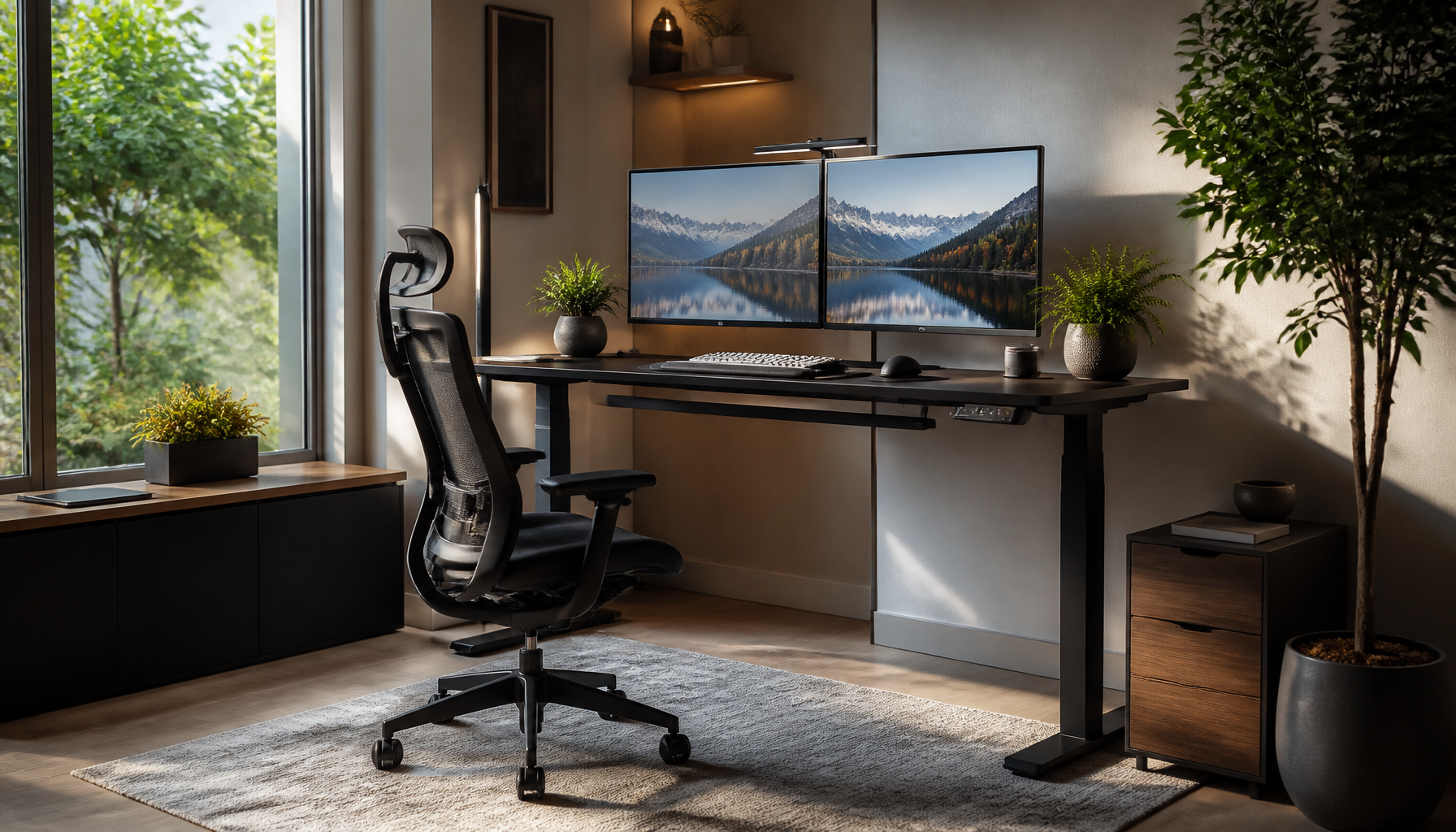
Creating a practical ergonomic workspace setup can significantly enhance your comfort and productivity, whether you’re working from home or at the office. With the right adjustments and tools, you can minimize discomfort, prevent fatigue, and maintain focus throughout your workday. This comprehensive guide will walk you through the essential steps and considerations for establishing an ergonomic workspace that prioritizes your well-being and efficiency.
📌 Key Takeaways
- Discover essential steps for an ergonomic workspace setup.
- Learn how to choose the right ergonomic furniture for comfort.
- Explore tips to enhance productivity and reduce discomfort.
📋 Table of Contents
16 Sections
Understanding Ergonomic Workspace Setup
Importance of Ergonomics
Ergonomics is the science of designing workspaces that fit the user’s needs, reducing strain and enhancing comfort. An ergonomic workspace setup is crucial because it helps prevent common issues like back pain, neck strain, and repetitive stress injuries. According to the [Occupational Safety and Health Administration (OSHA)](https://www.osha.gov/ergonomics), poor ergonomics can lead to musculoskeletal disorders, which are a leading cause of workplace injuries.
Common Ergonomic Issues
Many people experience discomfort due to poorly arranged workspaces. Common ergonomic issues include improper chair height, incorrect monitor positioning, and inadequate lighting. These can lead to eye strain, headaches, and chronic pain. Addressing these issues through proper ergonomic setup is essential for long-term health and productivity.
Essential Ergonomic Furniture and Tools
Ergonomic Chairs
An ergonomic chair is a cornerstone of any ergonomic office design. Look for chairs with adjustable seat height, lumbar support, and armrests. These features help maintain the natural curve of your spine and reduce pressure on your lower back. For instance, the Herman Miller Aeron chair is renowned for its ergonomic design and support.
Standing Desks
Standing desks offer flexibility to alternate between sitting and standing throughout the day, which can reduce the risks associated with prolonged sitting. A sit-stand desk should be easily adjustable, allowing you to change positions without disrupting your workflow. The VariDesk is a popular choice known for its convenience and ergonomic benefits.
Monitor Stands
Monitor stands play a crucial role in preventing neck and eye strain. Your monitor should be at eye level, about an arm’s length away. Adjustable monitor stands or arms can help achieve the ideal position. This setup ensures that your screen is at the correct height and distance, reducing the need to hunch over or strain your eyes.
Setting Up Your Workspace for Optimal Comfort
Desk Arrangement
- Choose a suitable desk: Ensure your desk has enough space for your computer, keyboard, and other essentials. A clutter-free desk promotes better posture and focus.
- Position your chair: Adjust your chair so that your feet are flat on the floor and your knees are at a 90-degree angle.
- Align your keyboard and mouse: Place them at a comfortable height so your elbows are close to your body and form an L-shape.
- Set your monitor: Use a monitor stand to position your screen at eye level. This reduces the need to bend your neck.
Lighting Considerations
Proper lighting is vital to minimize eye strain and improve concentration. Natural light is ideal, so position your desk near a window if possible. Avoid placing screens directly in front of bright windows to prevent glare. Use adjustable desk lamps to provide focused lighting without causing reflections on your monitor.
Tips for Maintaining an Ergonomic Environment
Regular Breaks
Taking regular breaks is essential for maintaining an ergonomic environment. Aim to stand, stretch, or walk every 30 to 60 minutes. This helps alleviate muscle tension and improves circulation.
Posture Checks
Regular posture checks ensure you’re sitting correctly. Keep your back straight, shoulders relaxed, and feet flat on the ground. Consider using a posture-correcting app or wearable device to remind you of your posture throughout the day.
💡 Pro Tip: Incorporate short exercises or stretches into your breaks to enhance flexibility and relieve muscle tension.
Choosing the Best Ergonomic Products
Product Comparisons
When selecting ergonomic products, compare features, reviews, and warranties. For instance, ergonomic chairs like the Steelcase Leap offer customizable support and durability. Monitor arms from brands like Ergotron provide versatile positioning options for multiple screens.
Budget-Friendly Options
Creating an ergonomic workspace doesn’t have to break the bank. Look for budget-friendly options that still offer essential ergonomic features. For example, IKEA’s Markus chair provides good lumbar support at an affordable price. Additionally, DIY solutions like using books to elevate your monitor can be effective cost-saving measures.
⚠️ Important Note: While budget options can be effective, prioritize quality and adjustability to ensure long-term comfort and support.
Incorporating these ergonomic principles into your workspace will help you create a more comfortable and productive environment. By investing in the right furniture and tools, and maintaining healthy work habits, you can enhance your well-being and efficiency. For more detailed ergonomic practices, refer to the [Mayo Clinic’s ergonomic tips](https://www.mayoclinic.org/healthy-lifestyle/adult-health/in-depth/office-ergonomics/art-20046169), which offer additional insights into optimizing your workspace.
Ultimately, a well-designed ergonomic workspace setup is an investment in your health and productivity, reducing the risk of discomfort and enhancing your work experience.
Frequently Asked Questions
What is the best way to set up an ergonomic workspace?
Focus on adjustable furniture and proper posture alignment.
How can I make my home office more ergonomic?
Use ergonomic chairs and monitor stands to reduce strain.
Why is ergonomic workspace important?
It helps prevent discomfort and enhances productivity.