
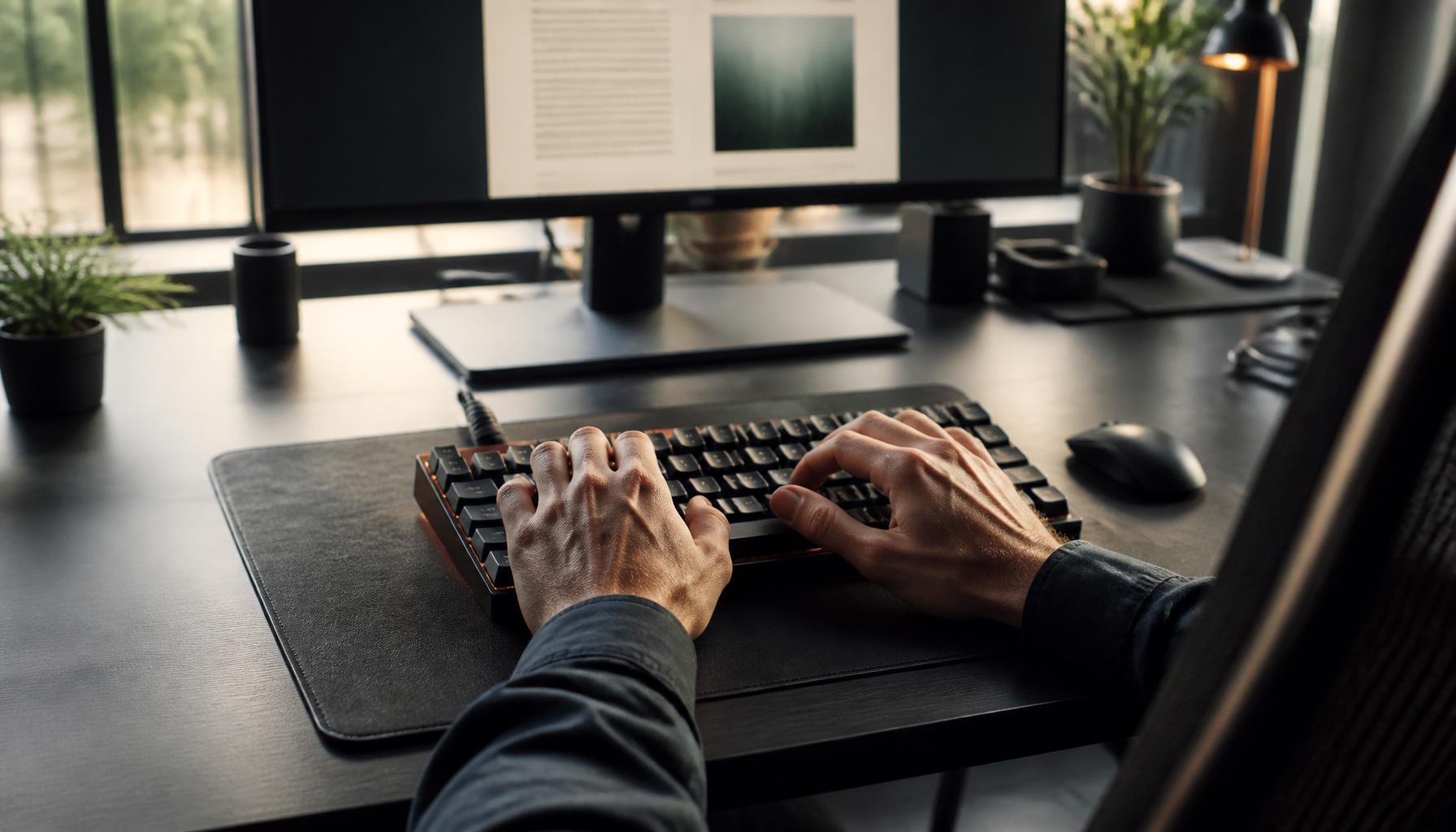
Mastering the art of touch typing can significantly enhance your typing speed and accuracy. Whether you’re a student, professional, or simply someone who spends a lot of time at a keyboard, understanding essential touch typing techniques can transform your digital interactions. In this guide, we’ll explore the fundamentals of touch typing, discuss the importance of ergonomics, and provide practical routines to help beginners develop proficient typing skills.
📌 Key Takeaways
- Learn essential touch typing techniques to boost speed and accuracy.
- Understand the importance of finger placement and posture.
- Discover effective typing practice routines for beginners.
📋 Table of Contents
15 Sections
Understanding Touch Typing Techniques
What is Touch Typing?
Touch typing is a method of typing without looking at the keyboard. Instead of relying on sight, touch typists use muscle memory to find keys, which allows for faster and more accurate typing. This technique is a crucial skill in the modern world, where many tasks require efficient keyboard use. For a comprehensive introduction, visit [Touch Typing Explained](https://www.typing.com).
Benefits of Touch Typing
The advantages of mastering touch typing are numerous:
- Increased Speed: By eliminating the need to look at the keyboard, you can type much faster.
- Reduced Errors: With consistent finger placement, the likelihood of making typing errors decreases.
- Improved Focus: Not needing to shift your gaze between the screen and keyboard allows for better concentration on the task at hand.
Setting Up for Success: Ergonomics and Equipment
Optimal Typing Posture
Maintaining a healthy typing posture is essential for long-term comfort and efficiency. Proper posture reduces the risk of repetitive strain injuries. Key elements include:
- Chair Height: Ensure your feet are flat on the ground and your knees are at a 90-degree angle.
- Desk Height: Your forearms should be parallel to the ground when typing.
- Monitor Position: The top of your screen should be at eye level to prevent neck strain.
Explore more on ergonomic typing postures at [Harvard Health](https://www.health.harvard.edu).
Choosing the Right Keyboard
Selecting a suitable keyboard can make a significant difference:
- Key Layout: Choose a keyboard that matches your typing style, whether it’s a full-sized keyboard or a compact model.
- Tactile Feedback: Consider mechanical keyboards for better tactile feedback, which can enhance typing speed and comfort.
- Ergonomic Design: Ergonomic keyboards can help minimize strain and improve overall typing experience.
Mastering Finger Placement and Keyboard Layout
Home Row Keys
The home row is the foundation of touch typing. It consists of the middle row of letters on the keyboard: A, S, D, F for the left hand and J, K, L, ; for the right hand. These keys serve as the base position for your fingers.
Finger Placement Techniques
Correct finger placement is crucial for effective touch typing:
- Index Fingers: Rest on F and J keys, which usually have small raised bumps for easy identification.
- Middle Fingers: Positioned on D and K.
- Ring Fingers: Located on S and L.
- Pinky Fingers: Rest on A and ; keys.
💡 Pro Tip: Always return your fingers to the home row after typing each word.
Effective Typing Practice Routines
Daily Typing Exercises
Regular practice is key to mastering touch typing techniques. Here are some exercises:
- Home Row Drills: Focus on typing sequences using only the home row keys to build muscle memory.
- Word Repetition: Type common words repeatedly to improve speed and accuracy.
- Timed Tests: Challenge yourself with timed typing tests to track progress and set goals.
Using Typing Software
Typing software can provide structured practice and track your improvement over time. Programs like TypingClub and Keybr offer interactive lessons and real-time feedback.
- Customizable Lessons: Tailor exercises to focus on areas of weakness.
- Progress Tracking: Monitor your speed and accuracy improvements.
- Engaging Formats: Enjoy games and challenges that make practice enjoyable.
Building Speed and Accuracy Over Time
Tracking Progress
To effectively build speed and accuracy, it’s important to track your progress:
- WPM (Words Per Minute): Regularly measure your typing speed to identify improvement areas.
- Accuracy Rate: Aim for an accuracy rate above 95% to ensure precision.
Advanced Typing Tips
Once you’ve mastered the basics, consider these advanced tips:
- Keyboard Shortcuts: Learn common keyboard shortcuts to reduce reliance on the mouse.
- Consistent Practice: Dedicate a set amount of time daily to practice typing.
- Focus on Accuracy: Speed will naturally improve as accuracy becomes second nature.
⚠️ Important Note: Avoid rushing. Prioritize accuracy over speed initially to build a strong foundation.
Touch typing is a skill that offers lifelong benefits. By incorporating these touch typing techniques into your routine, you can enhance your typing skills, boost productivity, and reduce the physical strain of typing. Remember, consistency is key. With regular practice, you’ll soon find yourself typing with ease and confidence.
Frequently Asked Questions
What are the basic touch typing techniques?
Basic techniques include proper finger placement and consistent practice.
How can I improve my typing speed?
Regular practice and using typing software can enhance speed.
Why is finger placement important in typing?
Correct finger placement reduces strain and increases typing accuracy.