
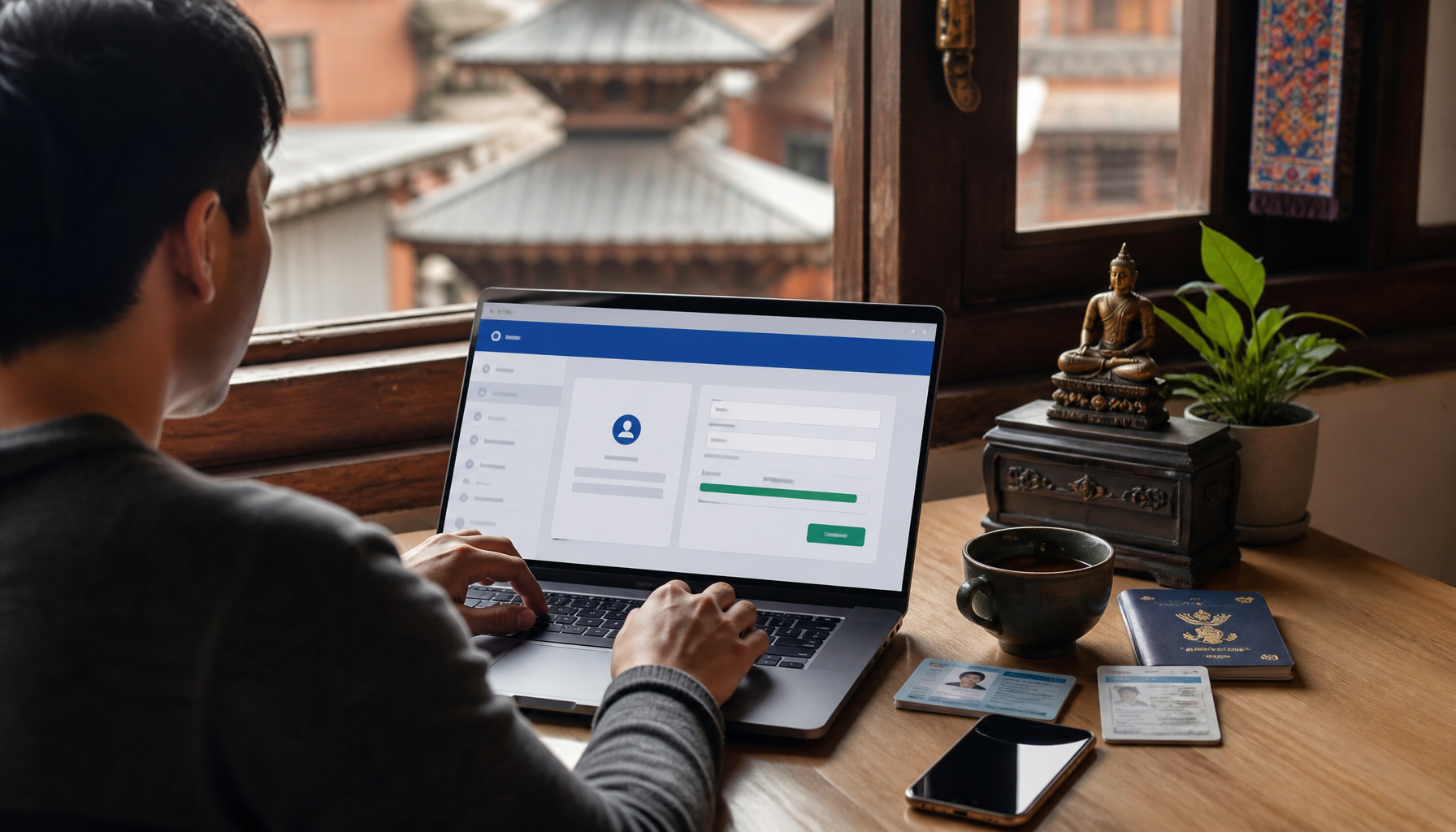
Renew Your Driving Licence Online in Nepal: Step-by-Step Guide
Last verified: October 2026 · Fees, validity periods, and portal addresses are set by Nepal's Department of Transport Management (DOTM) and your provincial government, and they are revised periodically — always confirm current figures on the official portal before you pay.
Nepal's driving licence renewal has moved online, but "online" doesn't mean every applicant can finish the process without ever stepping into an office. This guide covers what you can actually do from home, which portal applies to you, what documents and fees to expect, and what happens if your licence has already expired — so you know exactly what you're walking into before you start.
Is Driving Licence Renewal Fully Online in Nepal?
Partly. You can start your application, enter your details, and in many cases pay your renewal fee entirely online. What you usually cannot skip is an in-person step at some point in the process — most commonly a biometric update (photo and fingerprints) or a medical/vision check, and sometimes document verification. Whether you need to visit an office at all depends on how early you're renewing:
- Renewing before your licence expires: usually the lightest process — online application, with a biometric update that may still require a short office visit depending on your province.
- Renewing within about a year after expiry: typically requires an online application plus a medical test and a visit to your provincial transport office.
- Renewing more than a year or more after expiry: in many provinces this is treated as a fresh application — written test and practical trial included.
Bottom line: online renewal does cut down on form-filling and queueing for paperwork, but set aside the possibility of one office visit rather than expecting a fully remote process.
Which Portal Should You Use?
This is the part most guides get wrong: Nepal does not run driving licence services through one single national website. Since the federal transition, licence renewal is handled by the Department of Transport Management (DOTM) alongside province-specific e-licence portals. Start at the national site, then use your province's portal if you're redirected there:
| Province | Portal |
|---|---|
| National application portal | applydl.dotm.gov.np |
| Koshi Province | edlvrs.koshi.gov.np |
| Madhesh Province | edlvrs.madhesh.gov.np |
| Bagmati Province | edlvrs.bagamati.gov.np |
| Gandaki Province | edlvrs.gandaki.gov.np |
| Lumbini Province | edlvrs.lumbini.gov.np |
| Karnali Province | edlvrs.karnali.gov.np |
| Sudurpashchim Province | edlvrs.sudurpashchim.gov.np |
⚠️ Important Note: DOTM's online system has gone through server upgrades and outages in 2026, and portal addresses can change during these transitions. If a link above doesn't load, go to dotm.gov.np first — it will always point to whichever system is currently active.
Documents You Need Before You Start
Have these ready and scanned (or photographed clearly) before you open the portal:
- Your current or expired driving licence — the physical card, plus a clear scan or photo of both sides.
- Citizenship certificate or national ID — the same identity document you used for your original citizenship registration, or your National ID card if you have one (it can auto-fill parts of the form).
- A recent passport-sized photo — digital, meeting the portal's size and background specifications.
- A medical/vision certificate — not always required for early renewal, but routinely asked for if you're renewing after expiry or for certain licence categories.
- Your registered mobile number — recent system updates require a mobile number linked to the application for OTP verification and status updates.
💡 Pro Tip: Scan documents at 300 DPI or higher and keep each file under the portal's upload size limit (usually 1–2 MB) in JPEG or PDF format. Blurry or oversized files are the most common reason applications get rejected or delayed.
Step-by-Step: How to Renew Your Driving Licence Online
Step 1: Go to the Right Portal
Use the table above to find your province's e-licence portal, or start at dotm.gov.np if you're unsure which one applies to you.
Step 2: Register or Log In
First-time users register with a mobile number and email; returning users log in directly. Some provincial portals let you auto-fill your details using your National ID or the Nagarik App QR code.
Step 3: Fill Out the Renewal Form
- Personal details: name, address, and contact information, exactly as they appear on your citizenship document.
- Licence details: current licence number, category (A, B, K, etc.), and expiry date.
- Upload documents: attach the scans from the checklist above.
⚠️ Important Note: A mismatch between your form entries and your citizenship or licence document — even a spelling difference — is one of the most common reasons renewal applications get rejected. Triple-check names, dates, and licence numbers before submitting.
Step 4: Pay the Renewal Fee
The portal calculates your fee based on licence category, province, and how long past expiry you are (see the fee section below), and accepts payment via online banking, mobile wallets (eSewa, Khalti), or card.
Step 5: Complete Any Required Office Visit
If your renewal requires a biometric update, medical test, or document verification, the portal will give you a date and location. Bring the original documents you uploaded — not just copies.
Step 6: Track and Collect Your Licence
You'll get a confirmation message with a reference number you can use to track status on the portal. Once approved, you'll be notified when your renewed smart card is ready for collection or dispatch.
Renewal Fees: What to Expect
Fees are set per province and have changed in several provinces in 2026 (Bagmati, for example, raised its licence fees), so treat the figures below as a general range rather than a fixed price — the portal will always show your exact fee before payment:
- Renewing before expiry: roughly NPR 500–1,000 for most categories.
- Renewing within about a year after expiry: roughly NPR 1,500–2,500, plus the medical test fee.
- Renewing well beyond that window: priced as a new licence application, which costs significantly more and includes exam fees.
💡 Pro Tip: Save or screenshot your payment receipt and reference number immediately — you'll need the reference number to track your application, and the receipt if there's any dispute over payment.
What If Your Licence Has Already Expired?
Don't panic, but don't wait either — Nepal's motor vehicle regulations apply increasing penalties the longer a licence stays unrenewed:
- Within about 90 days of expiry: you can typically renew without a late fine.
- After that, up to around 5 years past expiry: you can still renew, but a late fine applies — commonly reported as an extra 100% to 500% on top of the standard renewal fee, depending on how long it's been.
- Beyond roughly 5 years past expiry: the licence is generally treated as cancelled, meaning you'll need to re-register as a new applicant and retake the written and practical exams.
⚠️ Important Note: These windows and fine percentages come from current motor vehicle regulations as reported in 2026, but enforcement and exact amounts can vary by province and change with policy updates — confirm your specific fine, if any, on your provincial portal or at your local transport office before assuming the best case.
Common Mistakes to Avoid
Using the Wrong Portal
Starting an application on the wrong provincial portal, or on an outdated URL, is the single most common source of frustration. Always confirm your province's current portal via dotm.gov.np first.
Incomplete Applications
Missing a document or leaving a field blank is the fastest way to stall your application. Fill out every section and upload every required file before submitting.
Mismatched Information
Names, dates, or licence numbers that don't exactly match your citizenship document or existing licence frequently trigger rejections. Double-check everything against your physical documents before you submit.
Assuming No Office Visit Is Needed
Applicants who assume the entire process is remote are sometimes caught off guard by a required biometric or medical appointment. Check your application status for any scheduled visit as soon as you submit.
After Submission: Tracking and Receiving Your Licence
After you submit, you'll receive a confirmation message with a reference number — use it to check your status on the portal at any time. If anything in your application needs clarification, the transport office will contact you through the mobile number or email you registered, so check both regularly during processing.
⚠️ Important Note: Processing times have varied significantly in 2026 due to system upgrades at DOTM, from under two weeks to well over a month in some provinces. The portal's tracking page, not a fixed timeline, is the most reliable way to know where your application stands.
For the latest official guidance, fee schedules, and any service disruption notices, always cross-check with the Department of Transport Management directly before you apply or pay.
Frequently Asked Questions
Is renewing a driving licence in Nepal fully online?
Mostly, but not entirely. You can usually complete the application and payment online, but a biometric update, medical test, or document check may still require a short visit to your provincial transport office, especially if you're renewing after expiry.
Which website do I use to renew my driving licence?
There's no single national renewal website — each province runs its own e-licence portal. Start at dotm.gov.np to confirm your province's current portal, since addresses can change during system upgrades.
What documents are needed to renew my driving licence online in Nepal?
Your current or expired driving licence, citizenship certificate or National ID, a recent passport-sized photo, and — in many cases — a medical or vision certificate, plus a registered mobile number for OTP verification.
How much does it cost to renew a driving licence in Nepal?
It depends on your province, licence category, and how long after expiry you're renewing — roughly NPR 500–1,000 if you renew before expiry, and more if you renew late. The exact fee is always shown on the portal before you pay.
What happens if my driving licence has already expired?
You can usually still renew within about 90 days with no fine, and within about 5 years with a late fine. Beyond that, the licence is typically treated as cancelled and you'll need to reapply as a new applicant, including retaking the exams.
How long does it take to receive the renewed driving licence?
It varies by province and current system load — sometimes under two weeks, sometimes longer during system upgrades. Track your exact status using the reference number from your application rather than relying on a fixed estimate.